Prompt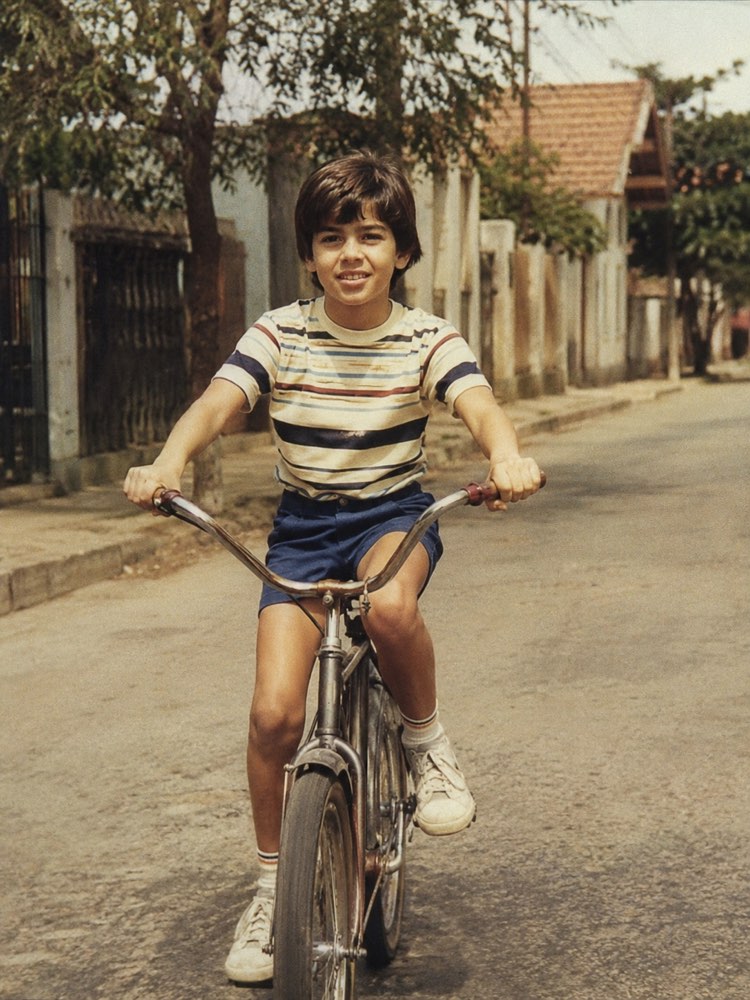
Sharpen a Blurry Photo in Seconds
Prompt
{
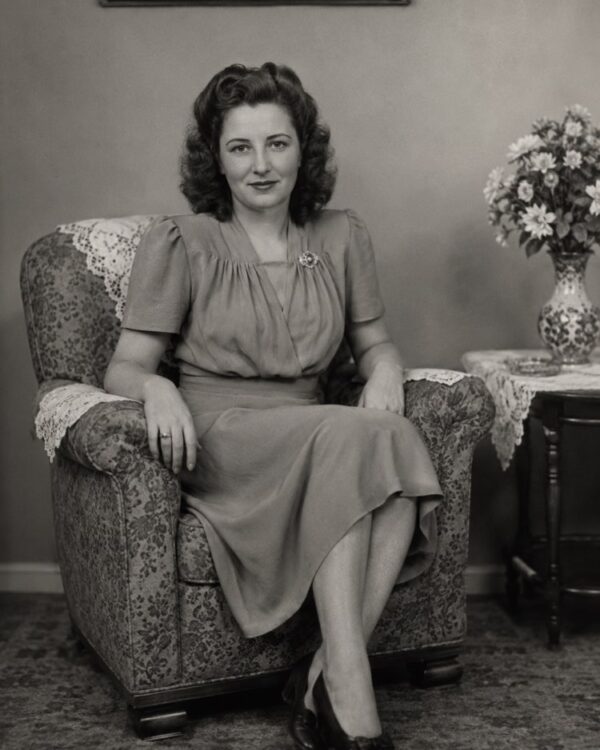
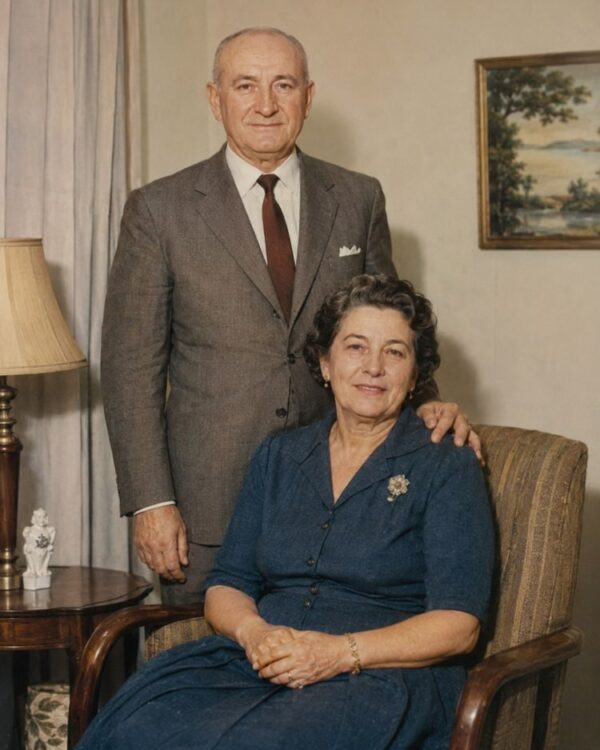
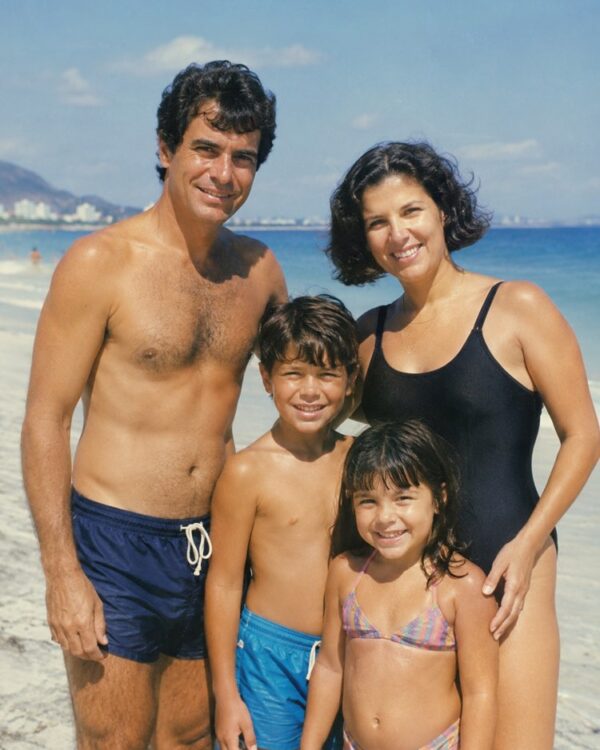
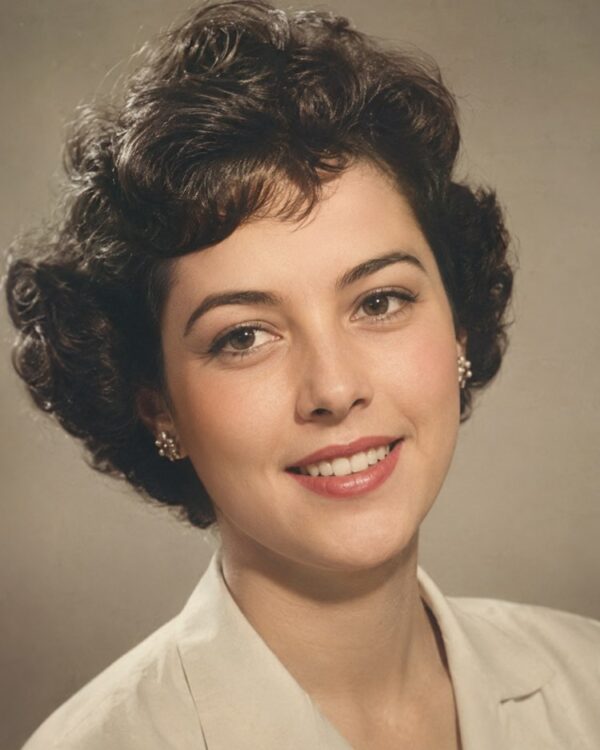
"instruction": "Upload your blurred or shaky old photo and generate the restored, sharp version, preserving the faces and the authenticity of the period 100%.",
"task": "recover the sharpness of a blurred or shaky photo, clearly defining the contours of the faces, the eyes, the hair and the clothing, correcting motion blur and lost focus; bring out fine detail naturally, without creating hard edges or artificial halos around the figures",
"preserve": "keep the faces, the features, the expressions, the clothes and the setting of the original photo identical; do not invent details of features that could not be seen, only make sharp what is already there; colours and materials consistent with the period",
"result": "a sharp, well defined photo, with clear natural faces, realistic skin texture and the look of a real restored photograph, with no plastic or over processed appearance",
"style": "Realistic restored photography, natural tones faithful to the period, high definition, 3:4 ratio (portrait).",
"negative": "do not alter the identity or the faces, do not invent people or missing elements, no text, no watermark, no logos"
}
How to use
Sharpening a blurry photo rescues faces and details that were lost in the haze, and the process works by uploading the old photo with the prompt in Gemini, in NanoBanana or in ChatGPT. 1. Scan or photograph the picture as still as possible, in good light, so you do not add more shake to the original image. 2. Open the image AI you chose and send the attached photo together with the sharpening prompt. 3. Ask it to define the contours of the faces, the eyes and the hair, correcting motion blur without creating hard edges. 4. Make it clear that the AI should only sharpen what is already there, without inventing features that could not be seen. 5. Generate a few variations and pick the most natural one, avoiding the plastic or over processed look. 6. Save the result in high resolution so you can see the moment clearly. Final tip: it is moving to see a scene that was lost in the blur come back; if a face comes out different, generate it again, because a true likeness matters more than sharpness.
Works with
ChatGPT
Gemini
NanoBanana
Rate this prompt
📋 Featured in these lists

AI Headshots for LinkedIn: The Complete GuideImages · September 4, 2026
How to Use Artificial Intelligence on Your PhoneCourses · August 28, 2026

Why ChatGPT Gets Things Wrong and How to Check ItCourses · August 24, 2026
How to Create an AI Image From Your Own PhotoCourses · August 19, 2026

Free AI: What You Can Do Without Paying AnythingCourses · August 12, 2026
Restore an Old Photo with AI: The Complete Free GuideImages · August 2, 2026
📖 From the Prompteiro blog
See all posts →
Job Interview Simulator With AI: How to RehearseText · September 24, 2026

Travel Itineraries With AI: The Guide That WorksText · September 21, 2026

Travel Photo Prompts: You Anywhere in the WorldImages · September 19, 2026

Professional Product Photos With AI: The GuideImages · September 15, 2026

How to Care for Plants With AI: A Black Thumb’s GuideText · September 14, 2026

Decorate Your Home With AI: From Photo to PlanImages · September 11, 2026

Try a Haircut With AI Before You Actually CutImages · September 9, 2026

Colourise Black and White Photos With AI: A GuideImages · September 7, 2026
Pet Photo Prompts: How to Get It Right First TimeImages · September 1, 2026