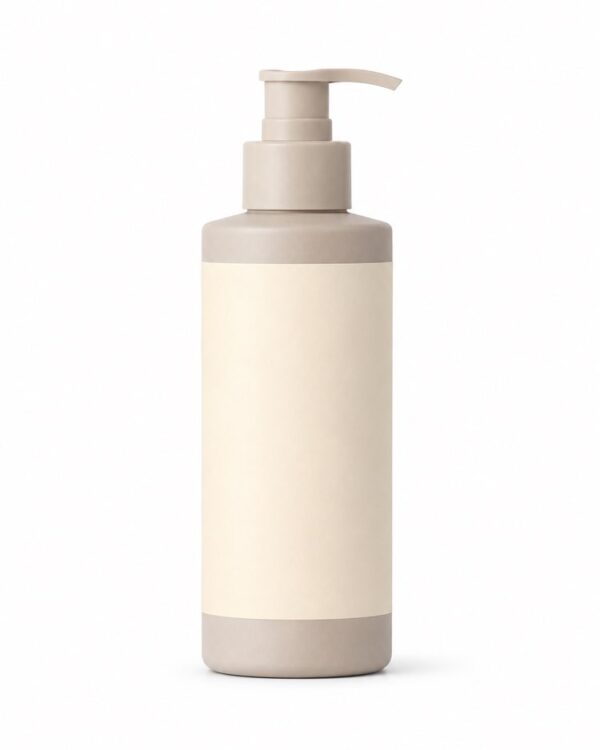
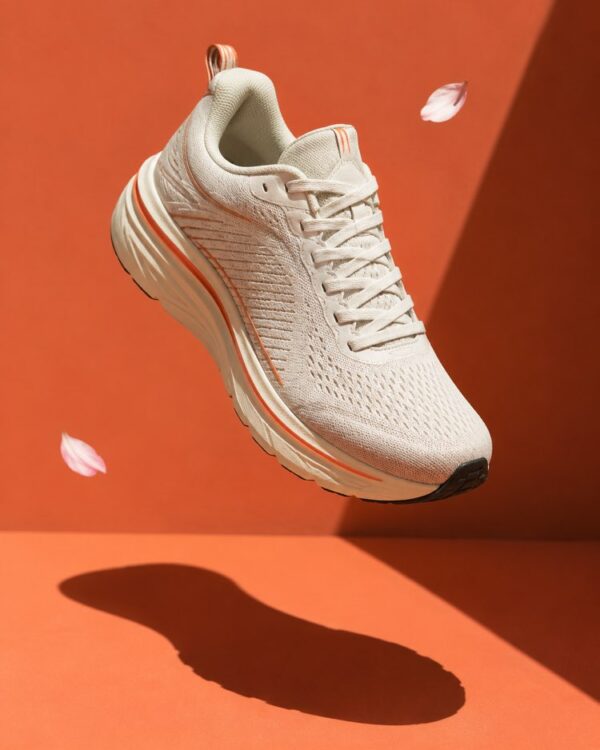
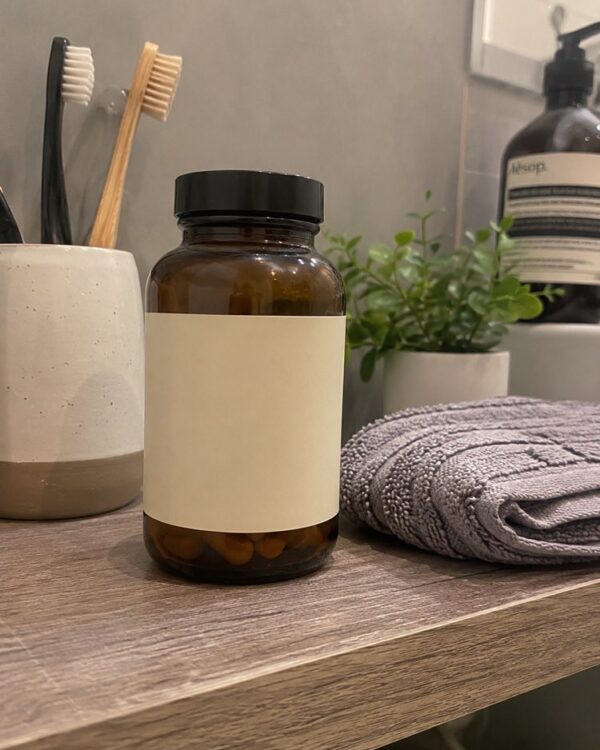
Prompt
Professional Product Photos With AI: The Guide

You photographed the product on the kitchen table, with the checked cloth behind it and the shadow of your hand in the corner. Nothing is wrong with the product, and the photo is the only thing standing between it and a sale. Whoever lands on the listing decides in two seconds, and decides on the photo.
A studio session is expensive and stops people who are just starting. AI changes that maths: from the photo you already have, out come a white background, an in-use scene and an ad image. The next 8 minutes cover how to photograph the product, which image belongs in which channel, and the line between improving and misleading, which is the only part with legal consequences.
The golden rule: the photo has to be of YOUR product
Keep this sentence, because it is worth more than any lighting trick: the image is only useful if the object in it is what arrives at the customer’s door. A beautiful photo of a similar product generates a sale and generates a return, and a return costs shipping, reputation and the one-star review that stays forever.
That is why every product recipe on the site starts from your photo and asks it to preserve shape, colour, label and proportion. White Background Product Photo for E-commerce is the most direct case: it removes the clutter around and keeps the object identical, which is exactly what marketplaces demand.
The photo you take decides half the result
Photographing an object is easier than photographing people, because the object does not move. What ruins it is always the same list:
- Window light from the side, no flash. Flash creates blown highlights on plastic and kills the texture of fabric.
- A plain, light background. One large sheet of white paper is enough. A patterned cloth becomes an invented pattern in the result.
- The whole product in frame, nothing cropped. The AI rebuilds what is missing, and rebuilding it wrong is how returns are born.
- The label readable and facing forward. If the text is blurred in the source, it comes back invented.
- Three angles: front, side and detail. A good listing needs all three, and it is the same two minute session.
Shiny, transparent and mirrored products are always the hard case. Glass and chrome reflect your entire room, so it is worth cleaning the object and shooting near the window, with a sheet of white paper on the other side to bounce light back.
White background: the image that opens the listing
The first image of any listing is the same on every channel: product isolated, neutral background, nothing distracting. It is the photo marketplaces require and the one customers use to compare.
After the white background, one second image changes the click rate more than any other: the product floating with a drawn shadow. Floating Product With a Hard Shadow for Ads delivers that campaign finish, and it is what makes a listing look like a brand instead of a reseller. For anyone selling direct to consumer, Minimalist D2C Product Ad That Converts combines the product, breathing room and space for text in the same image.
The in-use scene: the image that sells
A white background informs, an in-use scene convinces. It is where a person pictures themselves with the product, and it is the one most missing from small business listings.
The Product in Real Life, Shot Without a Studio puts the object in the setting where it will be used, without looking like a catalogue. And POV Holding the Product answers the question every written description tries and none answers well: how big this thing actually is in your hand.

For social media the aesthetic changes again. Aesthetic Unboxing Flatlay for Your Shop is the image that travels furthest in shares, because it shows the whole experience, packaging included, and not only the product.
Every category has its own hard image
Drinks, food and cosmetics do not follow the same recipe, and that is where a generic listing loses the most money.
Drinks live on frozen motion: Frozen Drink Splash for a Commercial delivers the splash a phone camera never catches, and Product in Water, Premium Campaign Style is the finish for a cosmetics and personal care ad.
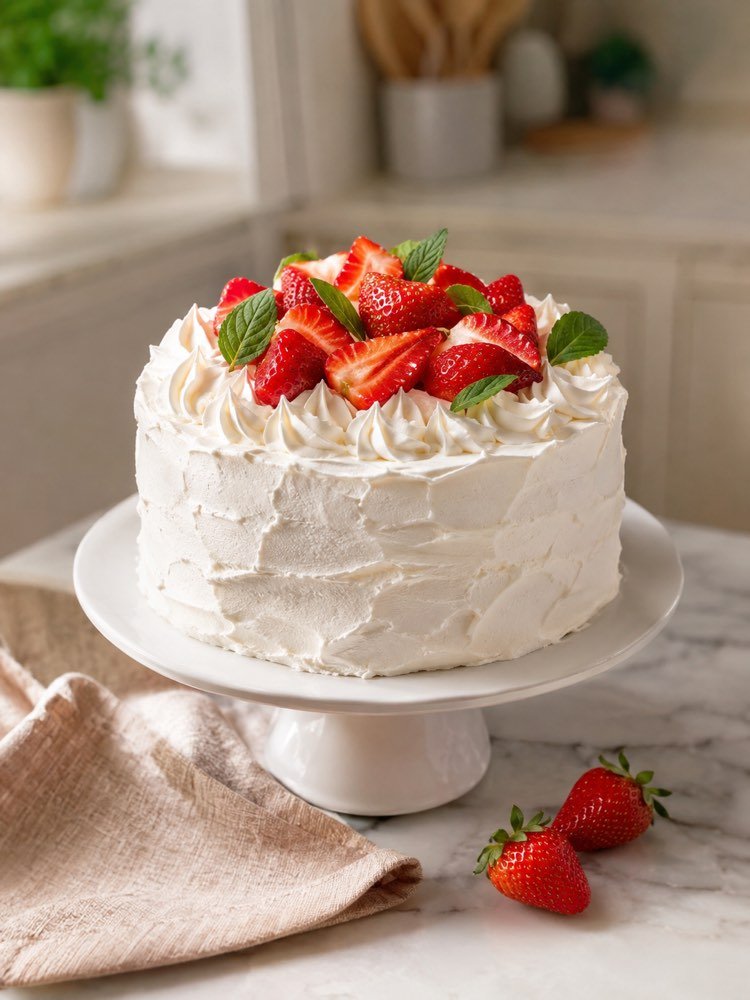
Food is the most unforgiving category, because the customer compares with the photo the moment they open the box. Professional Dish Photo for Menus and Delivery solves the delivery menu, and Cake Photo for Selling by Order is the most common case of a home business selling from a photo in a messaging app.
Which image for which place
Posting the same photo on every channel is the cheapest mistake to fix and the most common one:
| Where it will appear | Use | The common mistake |
|---|---|---|
| First marketplace photo | white background, whole product | a photo with the counter, a hand or a watermark |
| Second listing photo | floating product with a shadow | repeating the white background from another angle |
| Feed and stories | in-use scene or unboxing flatlay | using the catalogue photo, which does not engage |
| Delivery menu | dish shot from above or at 45 degrees | a dark kitchen photo, which kills the order |
| Brand page | packaging in a premium scene | showing only the product without the packaging |
The line between improving and misleading
This is the section with real consequences, and the one almost no content on the subject writes.
Improving is adjusting light, clearing the background, correcting colour so it matches the real object and showing the product in use. Misleading is changing size, texture, quantity or finish. A crocheted piece that gains a finer stitch in the image, a jar that looks bigger, a colour brighter than the real one: all of that becomes a return, and under many consumer laws it becomes deceptive advertising.
The test is simple and holds for any image: if the customer opens the box and feels they received something else, you crossed the line. Premium Product Packaging With an Elegant Label is excellent for designing the packaging you are GOING to make, and that is exactly where this is worth remembering: the image is the brief, and the customer has to receive the brief.
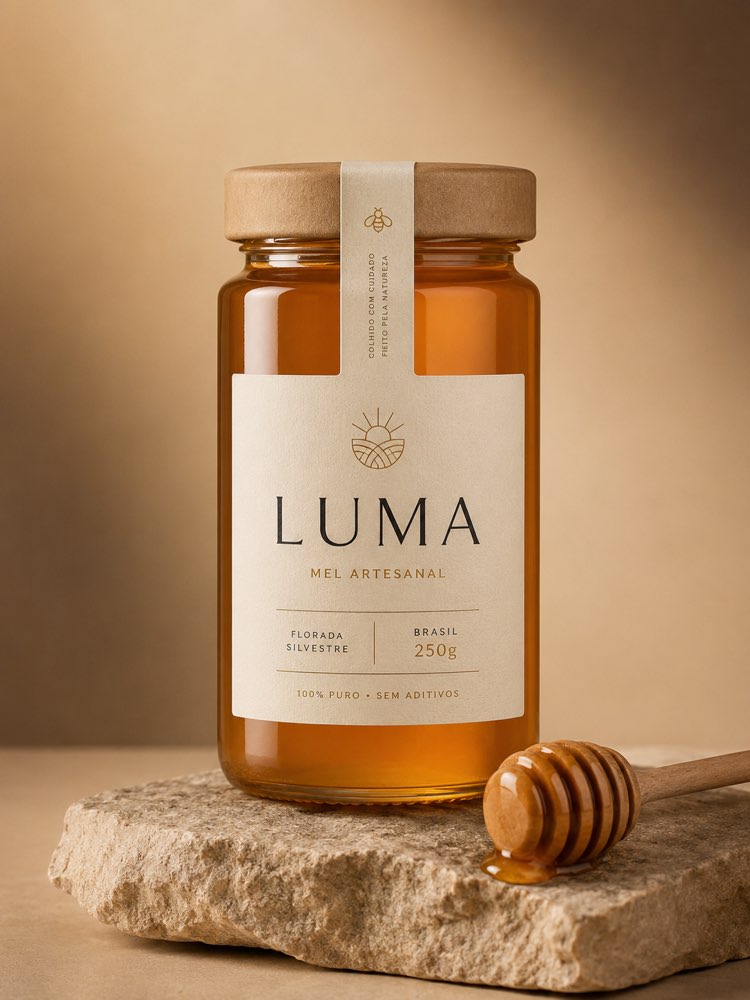
And there is a technical limit that starts fights with marketplaces: text in the image. The AI gets letters wrong on small labels, and an invented seal or a promise written into the photo gets the listing rejected at review. Leave the text to the description, where it is editable and is not an image.
The photo is half: the other half is text and price
A beautiful listing with a weak description converts badly, and a good listing with the wrong price sells at a loss. Both are settled in the same sitting.
A Product Description That Sells With AI works on the benefit rather than the spec sheet, and A Listing Description That Sells on Marketplaces is the version with the words the channel’s internal search looks for, which is a different game.
And before all of that, the number. How to Price a Product or Service Without Losing Money prevents the sum almost every small business gets wrong at the start, forgetting the channel fee, the shipping and their own hours.
It is worth opening the sales hub once the listing is live: replying to customers and recovering abandoned carts is what turns a visit into an order.
The order that works
Put it together in one twenty minute sitting:
- Shoot three angles at the window, with white paper behind. Front, side and detail. It is the only step the AI cannot do for you.
- Start with the white background. It is the compulsory image and the fidelity test: if the product came out identical there, it will in any scene.
- Generate the in-use scene afterwards. That is the one that convinces, but it only works once the first has proved what the product is.
- Compare the final image with the object in your hand. Colour, size and finish. If it diverged, redo it and do not publish.
- Write the description and settle the price before listing. The photo brings the click, but the text and the number close the sale.
Quick questions
Can I make product photos with AI for free?
You can. The free tiers of assistants that accept images usually allow a handful of generations a day, enough for one or two products. The ceiling shows up when you have a whole catalogue to redo.
Do marketplaces accept AI-generated photos?
They accept edited images, and what they enforce is fidelity to the product plus format rules: neutral background on the first image, no watermark, no promotional text. The problem is never the tool, it is the image promising what the box does not deliver.
Does the AI keep my label correct?
It does when the label is sharp and readable in the source photo, and it invents when the label is small or blurred. Shoot the label close up in one of the three angles and check it letter by letter before publishing.
Does it work for handmade products?
It does, and it is where the perception of value changes most, because handmade pieces are usually photographed at home. Cake Photo for Selling by Order is the most common example, and the care needed is the opposite of industrial: preserve the irregularity, which is exactly what the customer is buying.
Do I need a different photo for every size or colour?
You do, and it is the most dangerous saving in a catalogue. Generating a colour variant you never photographed produces a shade that does not exist in your stock, and the customer compares the moment they open it.
What if the product does not exist yet?
Then the image is a brief, not an advert. Use it to design the packaging and align with the supplier, and only list once you have photographed the real piece that will leave your shelf.
Where to start today
Take your best-selling product and shoot three angles at the window before closing this page. Then run only the white background and compare it with the object in your hand. If it came out identical, the rest of the catalogue is repeating the recipe, and your listing changes level without spending anything.
After that, the e-commerce hub holds the photo recipes this post cited, the text prompts hub holds the description and the price, and the lesson on creating an image from a photo explains the step it all starts with.