Prompt
Try a Haircut With AI Before You Actually Cut
You save a photo of a stranger with the cut you want, show it at the salon and hear the usual line: “on your hair it will not look like that”. And it will not. That cut sits on a texture, a face shape and a brow height that are not yours.
Testing it on your own face before cutting is no longer fantasy. You send one photo facing the camera and see, in seconds, the fringe you have been considering for three years. The next 8 minutes cover the right photo to upload, what to test in which order, and the part nobody mentions: where the simulation flatters you and why the real result may not match.
The golden rule: the simulation decides what to rule out
Keep this sentence, because it prevents the disappointment this kind of post is named after: a simulation is for eliminating, not for promising. If a cut looks odd in the simulation, it would probably look odd for real, and you just saved six months of growing it back. If it looks great, you have a strong candidate, not a guarantee.
That is why it pays to start with the wide test, several options side by side, rather than with the cut you already decided on. Test Women’s Haircuts on Your Own Photo was written that way: it shows alternatives on your face, and the one you pick at the end is almost never the one that opened the conversation.
The photo you upload decides half the result
This is where nearly every strange simulation comes from, not the tool. What counts:
- Face on, hair tucked behind the ear. The AI needs to see the outline of your face to work out what the cut does to it.
- Forehead visible. If your current fringe covers everything, it becomes the ceiling for any new fringe simulation.
- Window light, no hard shadow. A shadow along the jaw changes the face shape the AI sees.
- Hair loose and dry. Tied up or wet hides volume and texture, and volume is what decides whether a cut sits well.
- No filters. A filter slims your face, and you end up testing the cut on somebody else.
Two photos help far more than one: one face on and one in profile. Short cuts are decided from the side, and that is the angle almost nobody sends.
The cut: start from the family, not the reference
Bringing one specific reference is the fastest route to frustration. Start with the family of cut and refine later.
For short hair and barbershop visits, Test Men’s Haircuts Before You Cut settles the high fade versus low fade question, which is the detail that changes a face most and the one words explain worst. And there is the decision that justifies the whole simulation on its own: Test a Fringe Before Cutting (With and Without). A fringe is irreversible for months, and seeing your own forehead with one answers in an afternoon what you postponed for years.
Colour: where the simulation saves the most money
Colour is the test with the best return, because getting it wrong is expensive, damages the hair and takes ages to grow out.
Change Your Hair Colour With AI on Your Photo shows the shade against your skin, which is exactly what an internet photo never shows: the same blonde reads warm on one skin tone and ashy on another. And there is the decision most people postpone: Grey Hair: Embrace It or Cover It With AI puts both scenarios side by side, and seeing a well-kept grey version turns the conversation from “what if” into “when”.
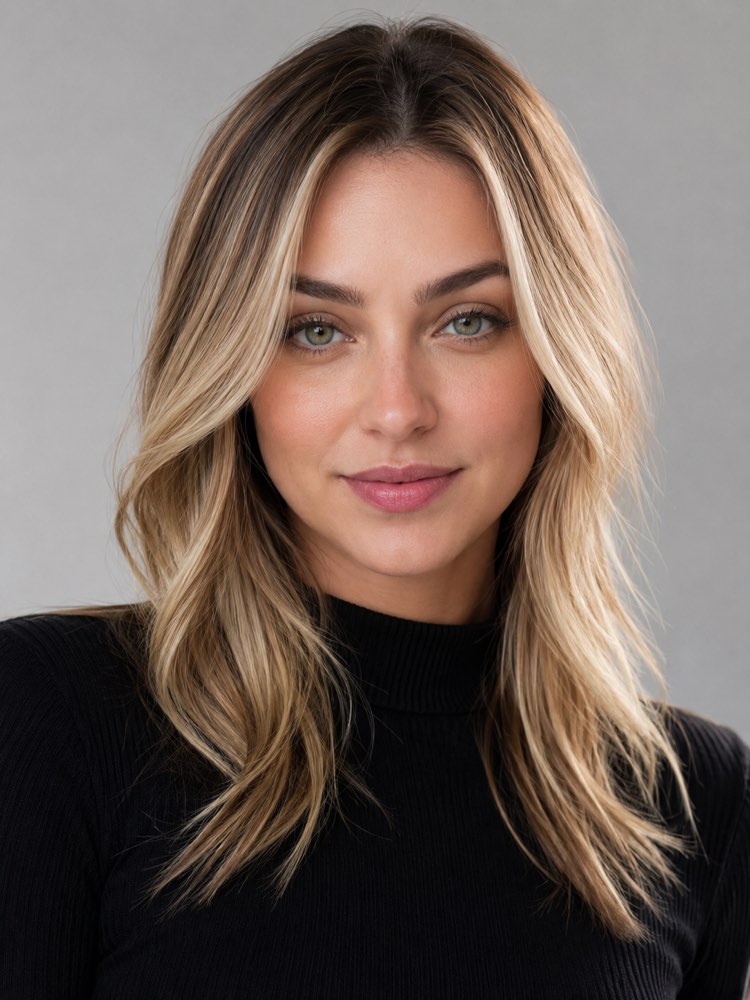
Texture belongs to the same conversation. Curly or Straight? Simulate the Transition serves both people considering going back to their natural curl and people wondering how a permanent straightening would look, and in both cases the decision is long and costly to make blind.
Length and the frame of your face
Length is not taste, it is geometry. It is the variable that changes how a face reads the most and the one that generates the most regret when decided in the chair.
Short or Long Hair? See Which Suits You is the test for the big cut, the one that takes a year to undo. And it is worth remembering something that changes a face more than many haircuts: Brow Shaping That Flatters Your Face touches two small features that reorganise the whole face.
If you have a beard, it is half the cut. Which Beard Suits Me? Simulate It on Your Photo tests the combination, because a short cut with a full beard and the same cut with stubble are two different faces.
What to test in each situation
Testing everything at once is confusing. The order depends on what you are deciding:
| Your question | Test first | The common mistake |
|---|---|---|
| Should I go short? | length, with a front and a profile photo | deciding from the front photo alone |
| Fringe or no fringe? | with and without, in the same session | testing while your current fringe covers the forehead |
| Should I go lighter? | colour against your skin, two shades apart | copying the shade from somebody else’s photo |
| Embrace the greys? | both versions side by side | only looking at the unkempt version |
| A big change of look | one item at a time, makeover at the end | changing everything at once and not knowing what worked |
Where the simulation flatters you
This is the part missing from almost every text on the subject, and it is what prevents an argument at the salon.
The AI simulates shape, not how your hair behaves. It draws the cut falling perfectly, with volume evenly spread, and your hair has a cowlick, finer strands on one side, a root that lifts. A cut that needs straightening every morning appears in the simulation already done, without the hour of upkeep it will demand from you.
The same goes for colour, and here the difference is technical: the simulation shows the destination, not the road. Dark brown turning blonde goes through bleaching, and how much your hair can take is a conversation with whoever will do it. Full Makeover With AI (Before and After) is great for picturing the destination, and it is exactly where this is worth remembering.
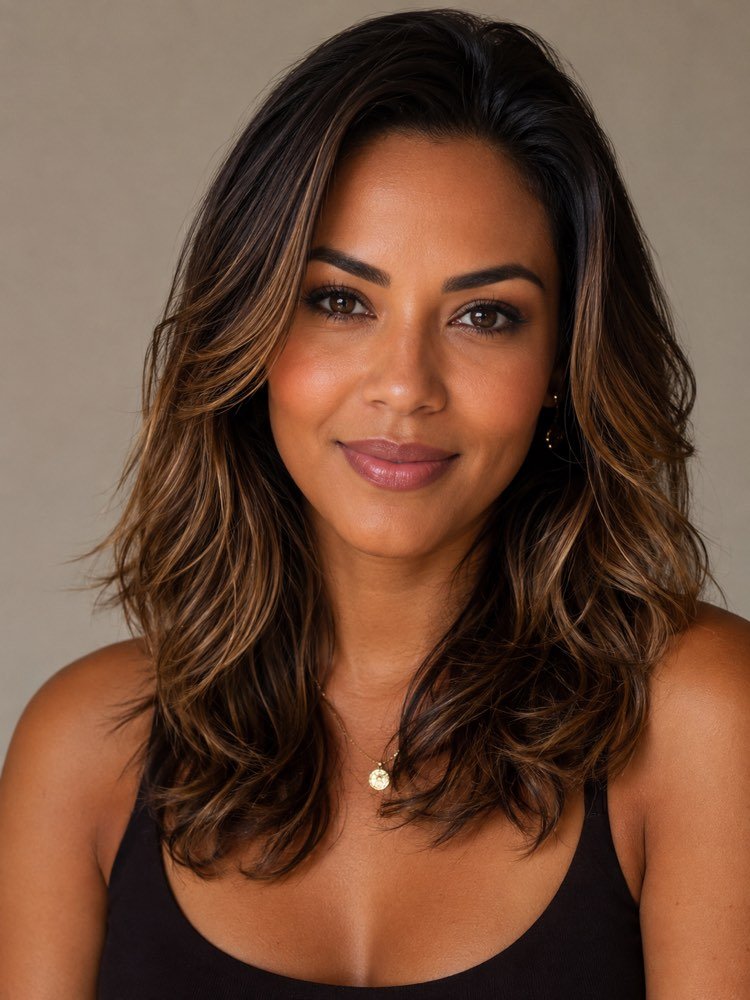
And there is an honest limit: the simulation tends to beautify. It smooths skin and adjusts proportion along with the cut, so part of “that looks amazing” is not the hair. A practical way to discount that is to also generate the cut you already have: if the version of your current cut came out better than reality, you know how much to subtract from the others.
The look does not end at the hair
Once the cut is decided, the remaining tests are cheap and change a lot, and almost nobody runs them.
Personal Colour Analysis: Test Colours on Your Photo is what sorts out wardrobe and make-up at once, because it finds which colours light up your skin. In the same vein, Lipstick Shades That Suit You solve a purchase almost everybody gets wrong at the counter, under white shop lighting.
Two durable decisions close the list. Try On Prescription Frames on Your Photo covers the item you will wear every day for two years, and Simulate a Tattoo on Your Photo Before Getting It is the only test here where the mistake is permanent, which makes it the one with the highest return.
It is worth opening the beauty and styling hub when the urge to change everything hits: seeing the whole list helps you pick the right change rather than the most drastic one.
The order that works
Put it together in one fifteen minute sitting:
- Take two photos now, facing the window. One front on and one in profile, hair loose, forehead visible.
- Generate your CURRENT cut first. It is the yardstick: it shows how much the tool flatters, and you subtract that from the rest.
- Test one variable at a time. Length, then fringe, then colour. All at once tells you nothing about what worked.
- Save the best three. Those are your reference at the salon, and now they are your face, not a model’s.
- Bring the right question. Instead of “do this one”, ask whether your hair holds that shape and how much upkeep it takes.
Quick questions
Can I simulate a haircut for free?
You can. The free tiers of assistants that accept images usually allow a handful of generations a day, which is enough for two or three cuts. The ceiling shows up when you want ten variations on the same day.
Does it work for curly hair?
It does, but send the photo with hair dry and loose, without heavy product. Curly is the case where the result depends most on real volume, and a photo with flattened hair leads the AI to draw a curl that is not yours.
Can I test a fringe without having one?
You can, and that is exactly the best use of Test a Fringe Before Cutting (With and Without). The awkward case is the opposite: if you already have a fringe, pin it back for the photo, otherwise the AI works on top of what is already there.
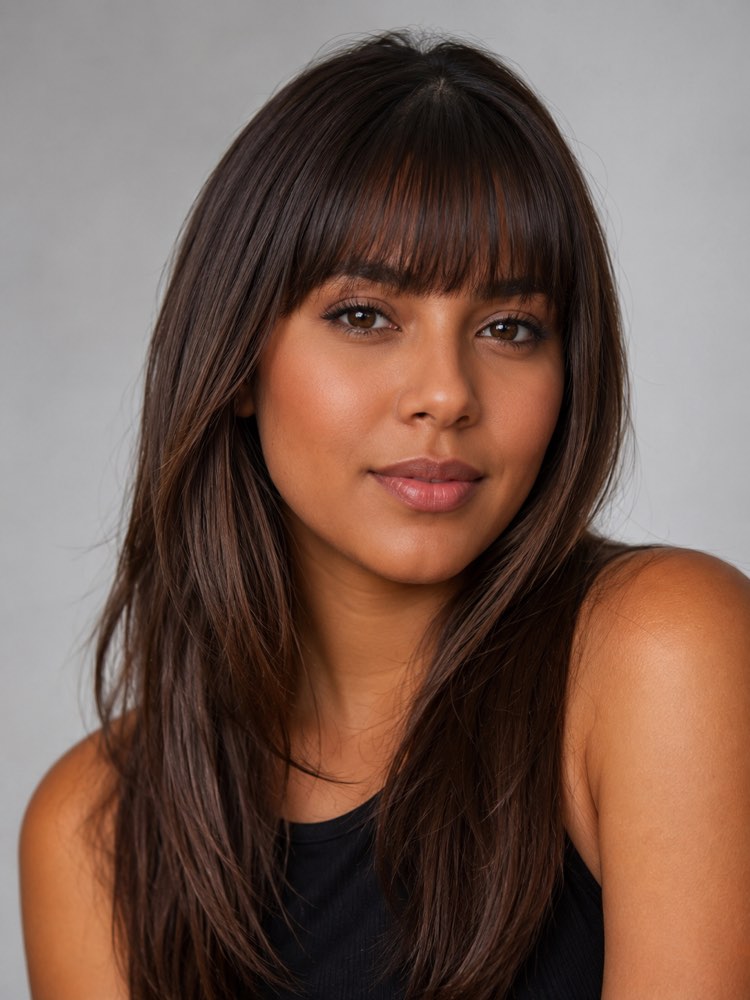
Will the salon accept a generated image as a reference?
They accept it happily, and usually prefer it to a model’s photo, because your face proportions are already in it. It is worth saying it is a simulation and asking what changes on your actual hair.
Can I put somebody else’s hair on my photo?
You can, but it delivers less than it promises. Someone’s cut depends on their texture, and transplanting the image usually produces something your head will not do. Describing the cut works better than pasting the reference.
Will the real result look the same?
The same, no. Close, nearly always, when the source photo was good and the cut respects your texture. Treat the simulation as a strong candidate to take to the salon, not as a promise.
Where to start today
Take the two photos now and generate your current cut before closing this page. It is the test that calibrates everything: if the version of what you already have came out close, you can trust the others. If it came out flattered, you now know the discount to apply.
After that, the image prompts hub holds the recipes this post cited, the beauty and styling hub holds the full list of tests, and the lesson on creating an image from a photo calmly explains the step it all starts with.