Prompt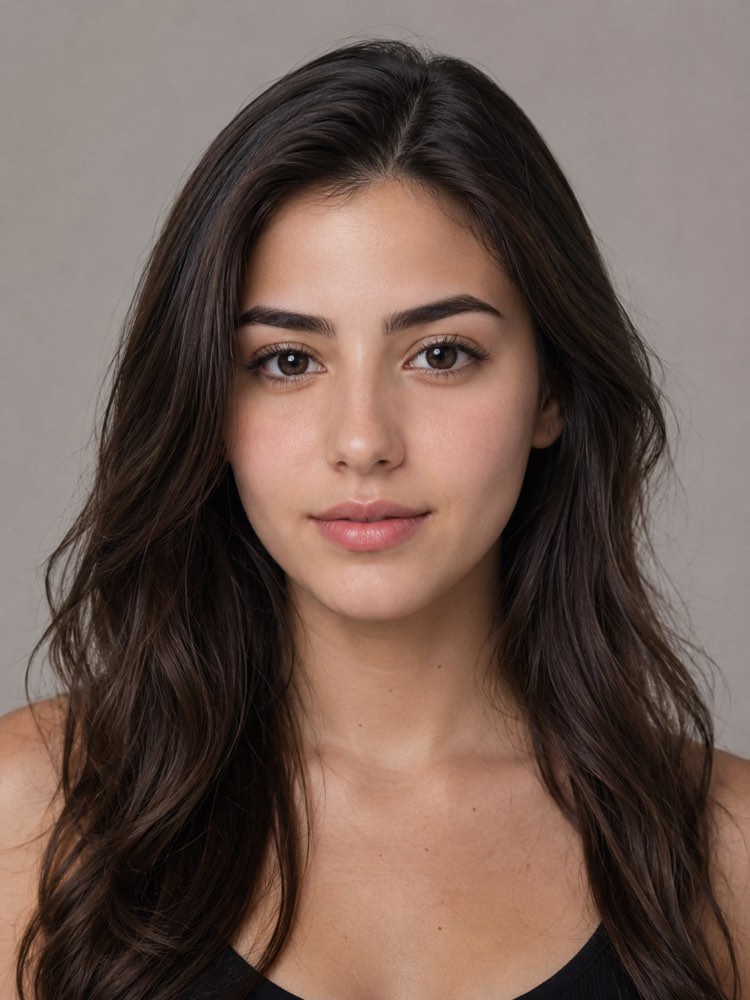
Eyebrow Design That Flatters Your Face
Prompt
{
"instruction": "Send a sharp photo of your face, front-facing and well lit, and generate the image preserving your features 100%.",
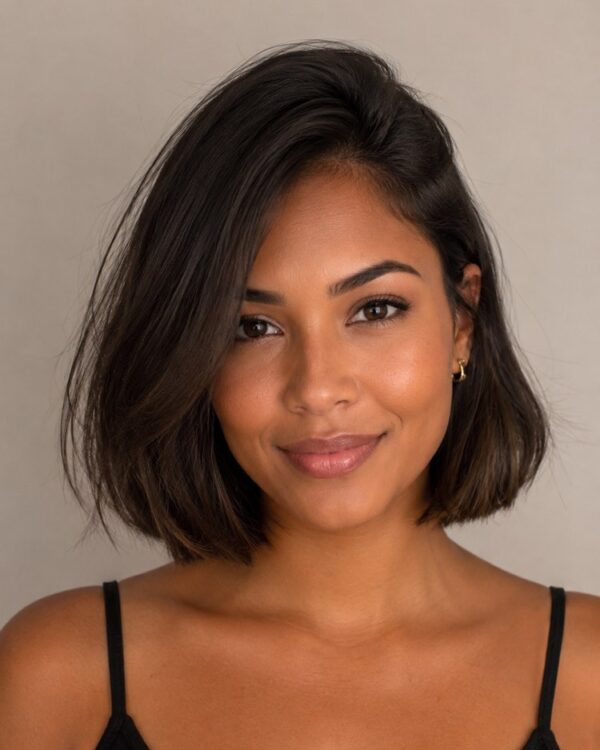
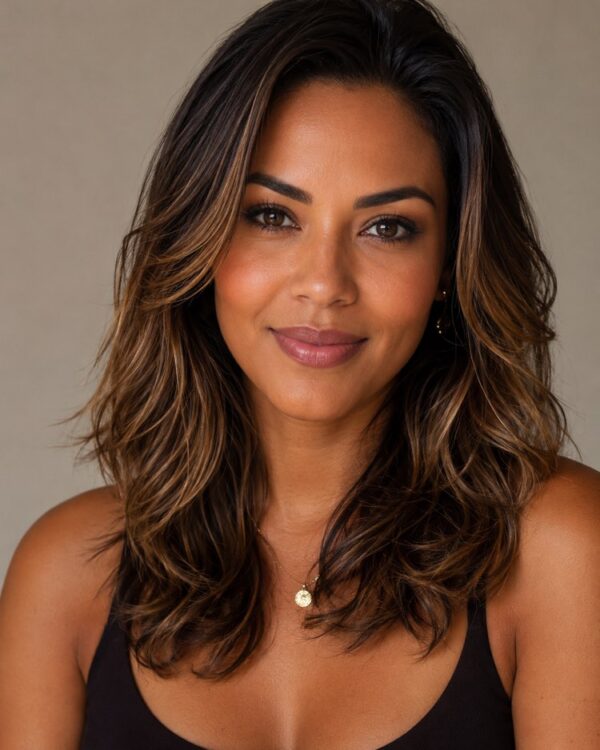
"transformation": "Create a well-made eyebrow design: a clean, symmetrical shape with a soft arch, aligned with the shape of the face, natural filling in the sparse spots and combed hairs, in the same colour as the eyebrows in the photo.",
"preserve": "keep the face, the skin tone, the eyes, the hair and the features identical; adjust only the shape and the filling of the eyebrows.",
"style": "Realistic portrait photography, soft even light, neutral studio background, high definition, 3:4 ratio (portrait).",
"negative": "no distorting the face, no changing the identity, no text, no watermark, no overly artificial eyebrows"
}
How to use
Want to see how a new eyebrow design flatters your face before you visit the salon? This prompt works in the AIs that accept your own photo, such as Gemini, NanoBanana or ChatGPT, and it adjusts the shape while preserving your features. 1. Pick a front-facing, well-lit photo with the eyebrows clearly visible. 2. Open the AI, paste the prompt and attach your photo. 3. Ask it to keep your face completely and to adjust the eyebrows only. 4. Generate the image and, in the transformation, ask for thinner, straighter or bolder eyebrows. 5. Create variations to compare shapes and levels of filling. 6. Save the one that suited you best so you can show it to your brow artist. Remember that this is a visual simulation: it works as a reference for the design, not as a way to change your identity.
Works with
ChatGPT
Gemini
NanoBanana
Rate this prompt
📋 Featured in these lists

📖 From the Prompteiro blog
See all posts →
Job Interview Simulator With AI: How to RehearseText · September 24, 2026

Travel Itineraries With AI: The Guide That WorksText · September 21, 2026

Travel Photo Prompts: You Anywhere in the WorldImages · September 19, 2026

Professional Product Photos With AI: The GuideImages · September 15, 2026

How to Care for Plants With AI: A Black Thumb’s GuideText · September 14, 2026

Decorate Your Home With AI: From Photo to PlanImages · September 11, 2026

Colourise Black and White Photos With AI: A GuideImages · September 7, 2026

AI Headshots for LinkedIn: The Complete GuideImages · September 4, 2026

Pet Photo Prompts: How to Get It Right First TimeImages · September 1, 2026