Prompt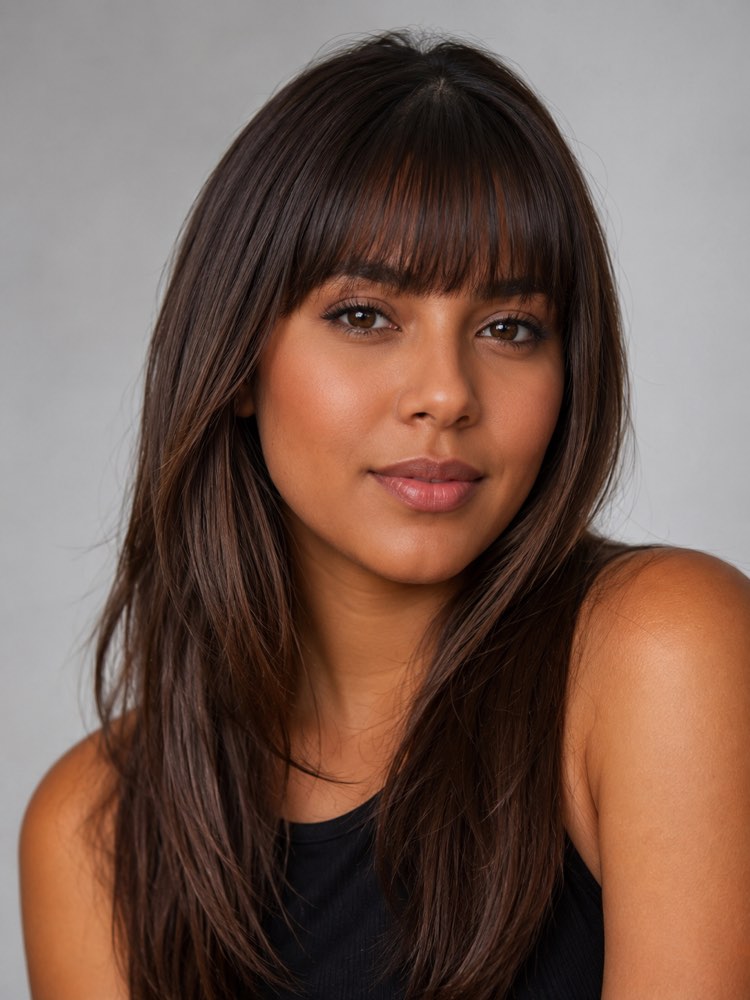
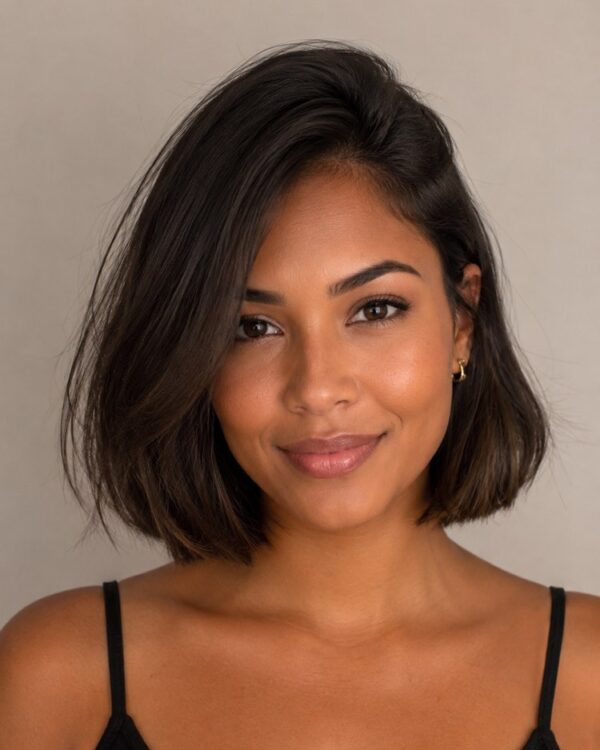
Try a Fringe Before Cutting It (With and Without)
Prompt
{
"instruction": "Send a sharp photo of your face, front-facing and well lit, and generate the image preserving your features 100%.",
"transformation": "Add a straight fringe at eyebrow level, with full strands and a natural fall, in the same colour and texture as the hair in the photo, keeping the rest of the length and the cut the same.",
"preserve": "keep the face, the skin tone, the eyes, the hair colour and the features identical; add only the fringe.",
"style": "Realistic portrait photography, soft even light, neutral studio background, high definition, 3:4 ratio (portrait).",
"negative": "no distorting the face, no changing the identity, no text, no watermark"
}
How to use
Not sure whether a fringe suits you? This prompt runs in the generators that accept your photo, such as Gemini, NanoBanana or ChatGPT, and shows the fringe on your own face before any cutting happens. 1. Pick a front-facing, well-lit photo with the forehead visible. 2. Open the AI, paste the prompt and attach your photo. 3. Ask it to keep your features completely and only add the fringe. 4. Generate the image and swap the type in the transformation (side-swept, curtain, layered, short). 5. Create variations with and without a fringe to compare them side by side. 6. Save the one that suited you best so you can decide with confidence. Remember that this is a visual simulation: you get to see the fringe on your own face without running the risk of cutting it and regretting it.
Works with
ChatGPT
Gemini
NanoBanana
Rate this prompt
📖 From the Prompteiro blog
See all posts →
ChatGPT or Gemini: Which Is Better for Each TaskCourses · August 5, 2026

Best ChatGPT Prompts in English: 12 to Use TodayText · August 2, 2026
Restore an Old Photo with AI: The Complete Free GuideImages · August 2, 2026

How to Write a Prompt That Works in ChatGPTCourses · August 2, 2026
AI Prompts for Work and Career: 12 That Actually HelpText · August 1, 2026
How to Write an Image Prompt That Works (With Examples)Images · August 1, 2026
What Is Artificial Intelligence: The Beginner’s GuideCourses · August 1, 2026