Prompt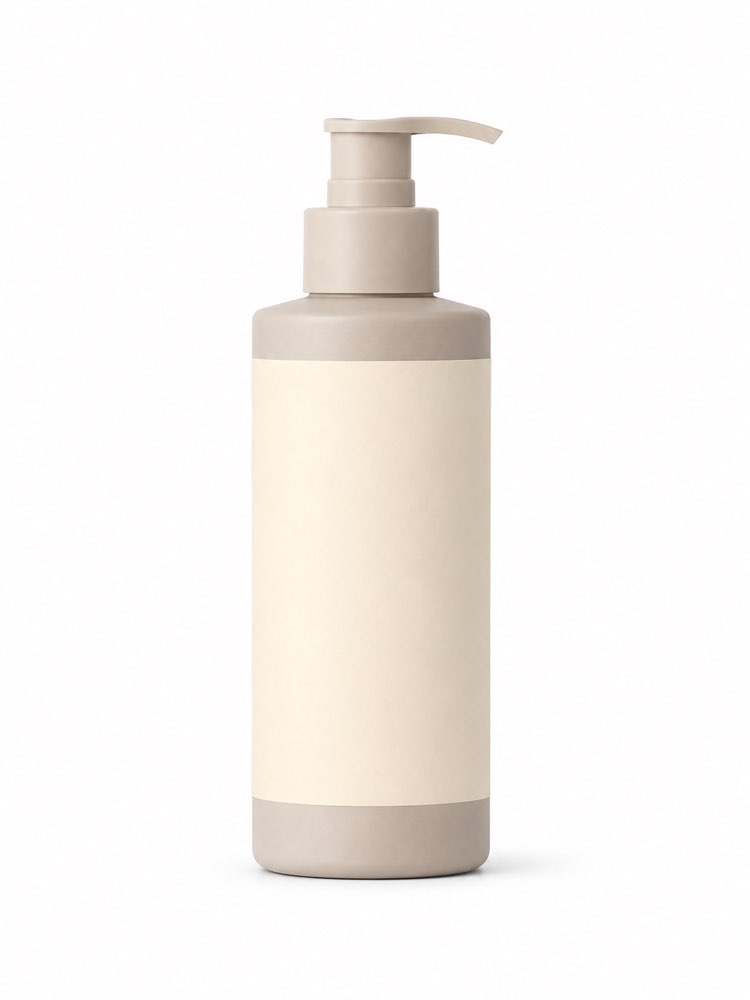
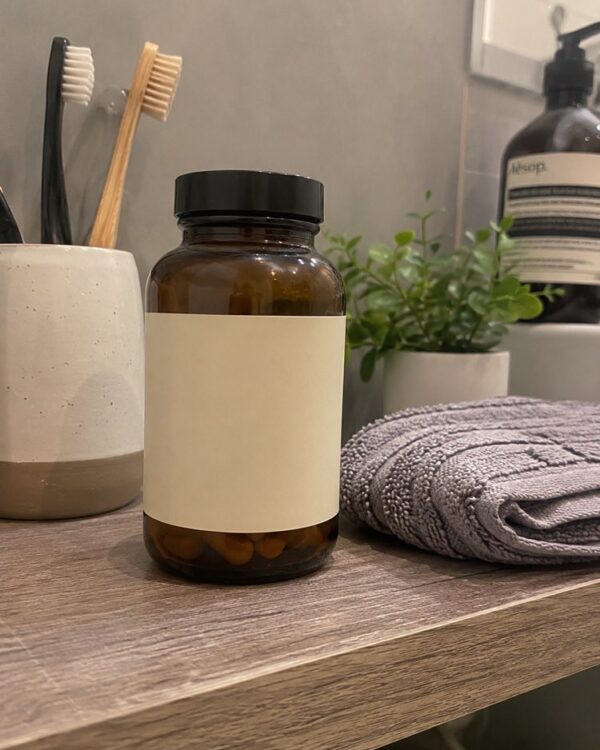
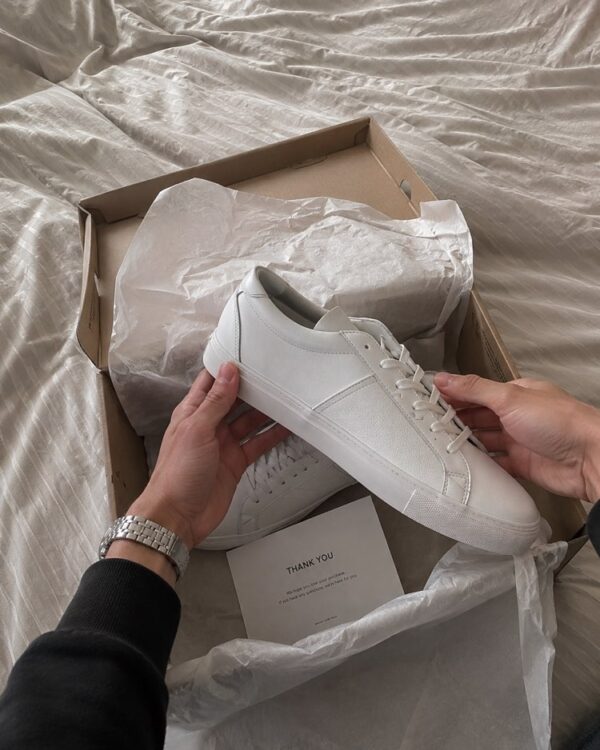
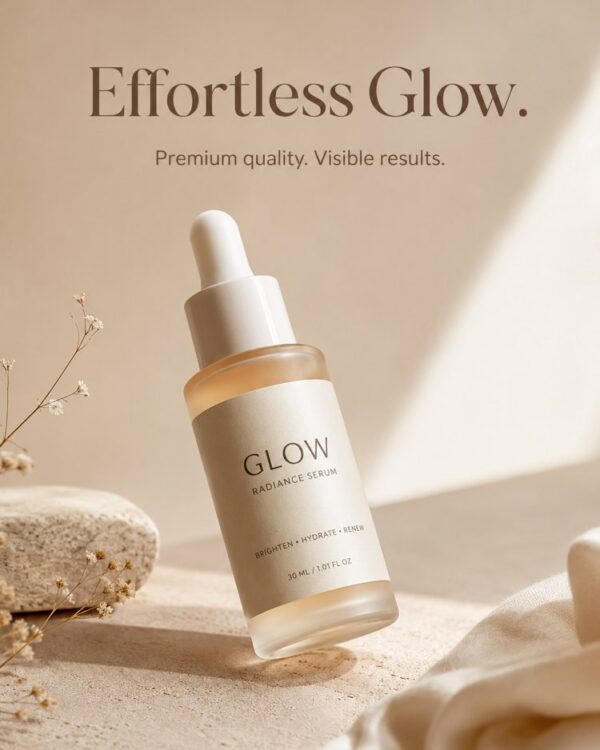
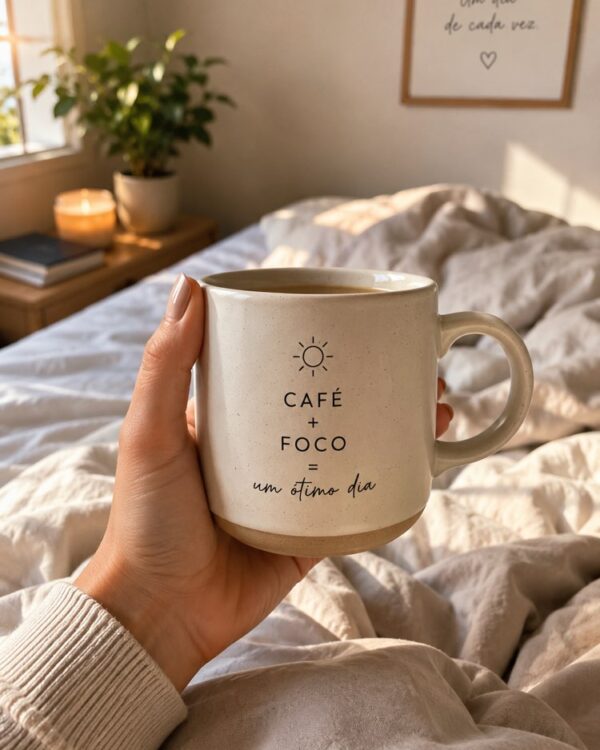
Product Photo for E-commerce
Prompt
{
"version": "1.0",
"subject": {
"reference_image": "user_product",
"preserve_identity": true,
"preserve_product": true,
"preserve_colors": true,
"note": "keep the exact uploaded product; only improve lighting and background"
},
"task": "clean e-commerce catalog packshot",
"scene": {
"aspect_ratio": "3:4",
"background": "pure seamless white (#ffffff) infinity cove",
"surface": "invisible / floating on white",
"standard": "marketplace ready (Mercado Livre, Shopee, Amazon)"
},
"composition": {
"product_centered": true,
"full_product_in_frame": true,
"even_margins": true,
"negative_space": true
},
"lighting": {
"style": "bright even softbox lighting",
"shadows": "very soft contact shadow",
"reflections": "clean"
},
"quality": {
"style": [
"e-commerce packshot",
"catalog photography",
"photorealistic",
"crisp edges",
"accurate colors",
"professional white background",
"sharp focus"
]
},
"negative_prompt": [
"AI artifacts",
"low quality",
"low resolution",
"blurry",
"oversaturated colors",
"plastic look",
"warped text",
"gibberish text",
"distorted logo",
"extra objects",
"watermark",
"stock photo watermark",
"harsh unnatural shadows",
"fake lighting",
"cluttered background",
"deformed geometry",
"incorrect perspective",
"colored background",
"busy background",
"props",
"hands"
]
}
How to use
This prompt turns a plain photo of your product into a clean packshot on a pure white background, the standard that the marketplaces require and the one that stops a listing from being taken down. It works in NanoBanana, in Gemini and in ChatGPT. 1) Send the photo of your product along with the JSON prompt in the same message. 2) The AI preserves the product and puts it back on a pure white background, with softbox lighting and a soft contact shadow. 3) Adjust the background in "background" if you would rather have a light grey than absolute white. 4) Control the shadow and the reflections in the "lighting" block to make the finish more catalogue-like. 5) Keep "preserve_product" and "preserve_colors" so the AI changes neither the shape nor the colour. 6) Generate a few versions and pick the one with the crispest edges. Tip: generate a square version too, because several marketplaces crop the main image into a square.
Works with
ChatGPT
Gemini
NanoBanana
Rate this prompt
📋 Featured in these lists

Professional Product Photos With AI: The GuideImages · September 15, 2026

How to Use Artificial Intelligence on Your PhoneCourses · August 28, 2026

Free AI: What You Can Do Without Paying AnythingCourses · August 12, 2026
📖 From the Prompteiro blog
See all posts →
Job Interview Simulator With AI: How to RehearseText · September 24, 2026

Travel Itineraries With AI: The Guide That WorksText · September 21, 2026

Travel Photo Prompts: You Anywhere in the WorldImages · September 19, 2026

How to Care for Plants With AI: A Black Thumb’s GuideText · September 14, 2026

Decorate Your Home With AI: From Photo to PlanImages · September 11, 2026

Try a Haircut With AI Before You Actually CutImages · September 9, 2026

Colourise Black and White Photos With AI: A GuideImages · September 7, 2026

AI Headshots for LinkedIn: The Complete GuideImages · September 4, 2026
Pet Photo Prompts: How to Get It Right First TimeImages · September 1, 2026