Prompt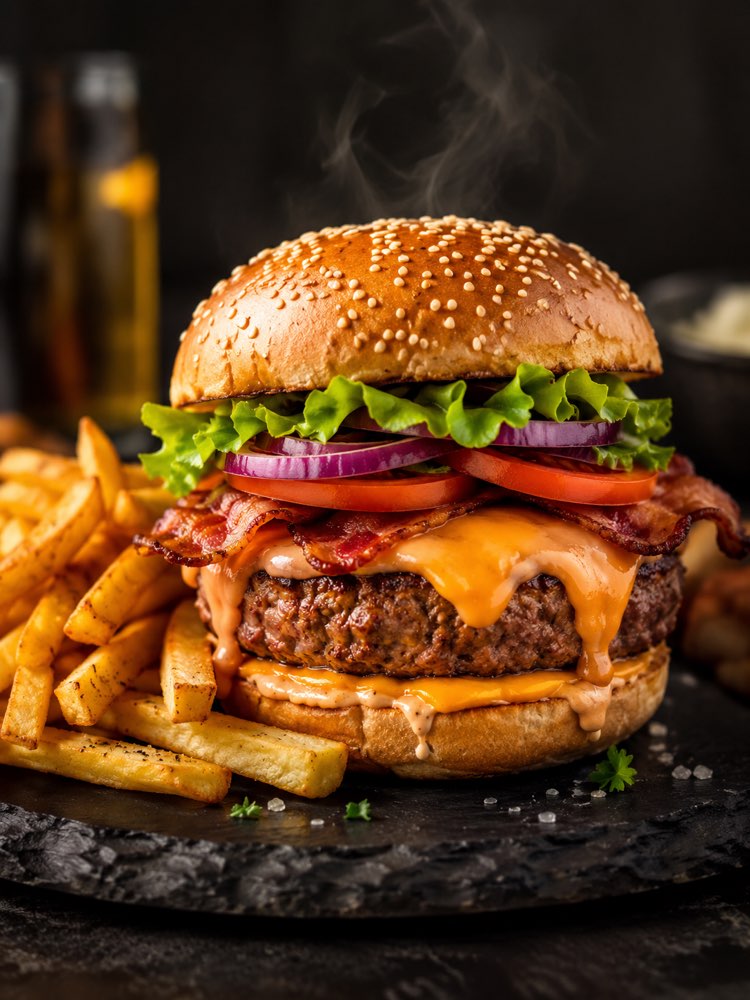
Professional Dish Photo for a Menu and Delivery Apps
Prompt
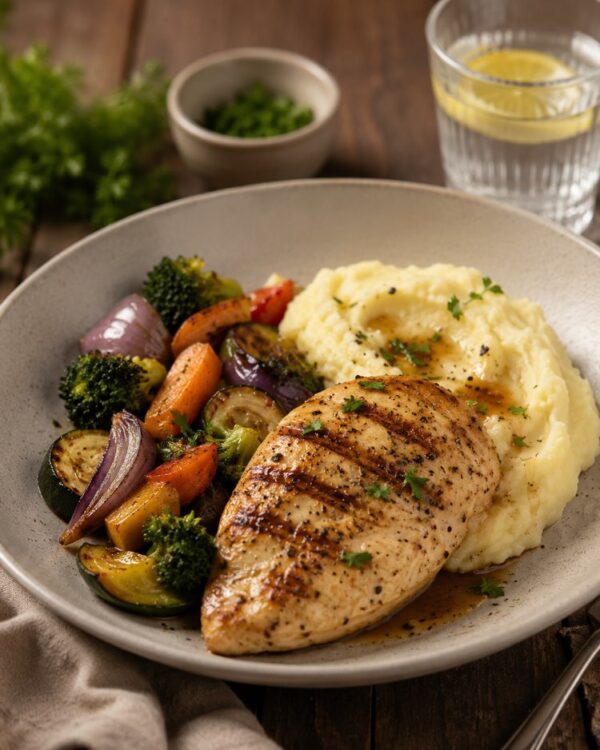
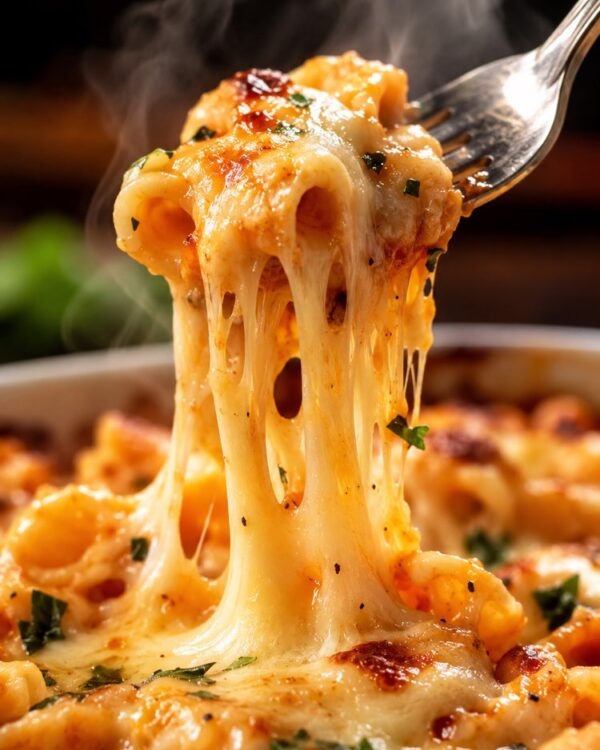
Professional food menu photography, appetizing commercial shot.
Identity: preserve the actual dish from the uploaded photo exactly — same food, same ingredients, same portion. Only transform the lighting, background, styling and presentation to professional quality.
Scene: my real dish restyled as a premium menu / delivery photo — the food looking its most appetizing, fresh and appealing.
Details:
- Light: dramatic side or top lighting that brings out texture, steam and freshness; glistening highlights on the food
- Background: clean uncluttered surface (dark slate, rustic wood or marble — choose what flatters the dish) with soft bokeh
- Styling: subtle fresh garnish, natural crumbs/drips for realism, shallow depth of field
- Grade: rich saturated appetizing colors, mouth-watering
- Style: high-end restaurant menu photography, ultra realistic, 8K
Composition: vertical 3:4, hero dish centered, professional food styling.
How to use
The professional dish photo makes your menu and your delivery listing far more appetising, and it works in Gemini (NanoBanana) or in ChatGPT. 1. Photograph the real dish in natural light and send the image along with the prompt in the same message. 2. Insist on the identity instruction: the food, the ingredients and the portion stay identical, only the presentation changes. 3. Choose the background that suits the dish, such as marble, rustic wood or dark slate, with a slight blur. 4. Ask for side or top lighting that brings out texture, steam and freshness, with appetising highlights on the food. 5. Add subtle styling, with a fresh garnish and natural crumbs, and a shallow depth of field. 6. Confirm the vertical 3:4 ratio and generate; then ask for angle variations for the menu. Tip: the better the base photo, the better the result, so take care with the natural light before you send it.
Works with
ChatGPT
Gemini
NanoBanana
Rate this prompt
📋 Featured in these lists

📖 From the Prompteiro blog
See all posts →
Job Interview Simulator With AI: How to RehearseText · September 24, 2026

Travel Itineraries With AI: The Guide That WorksText · September 21, 2026

Travel Photo Prompts: You Anywhere in the WorldImages · September 19, 2026

How to Care for Plants With AI: A Black Thumb’s GuideText · September 14, 2026

Decorate Your Home With AI: From Photo to PlanImages · September 11, 2026

Try a Haircut With AI Before You Actually CutImages · September 9, 2026

Colourise Black and White Photos With AI: A GuideImages · September 7, 2026

AI Headshots for LinkedIn: The Complete GuideImages · September 4, 2026
Pet Photo Prompts: How to Get It Right First TimeImages · September 1, 2026