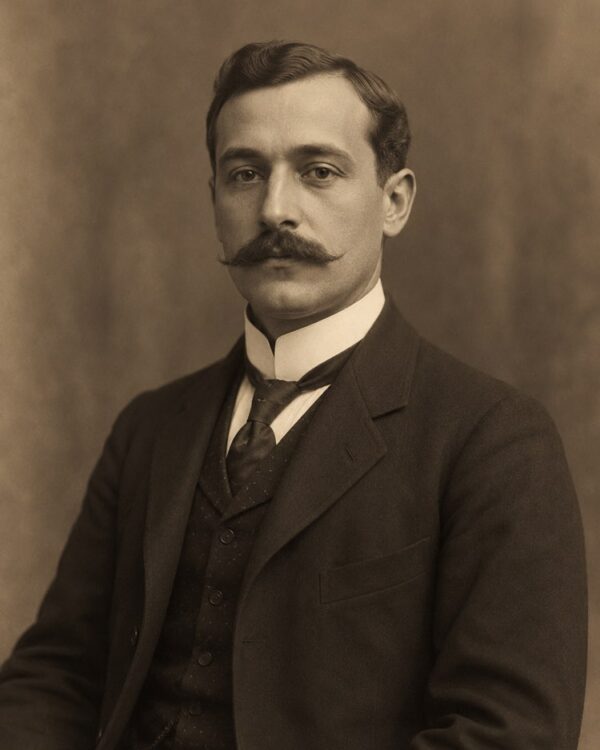
Prompt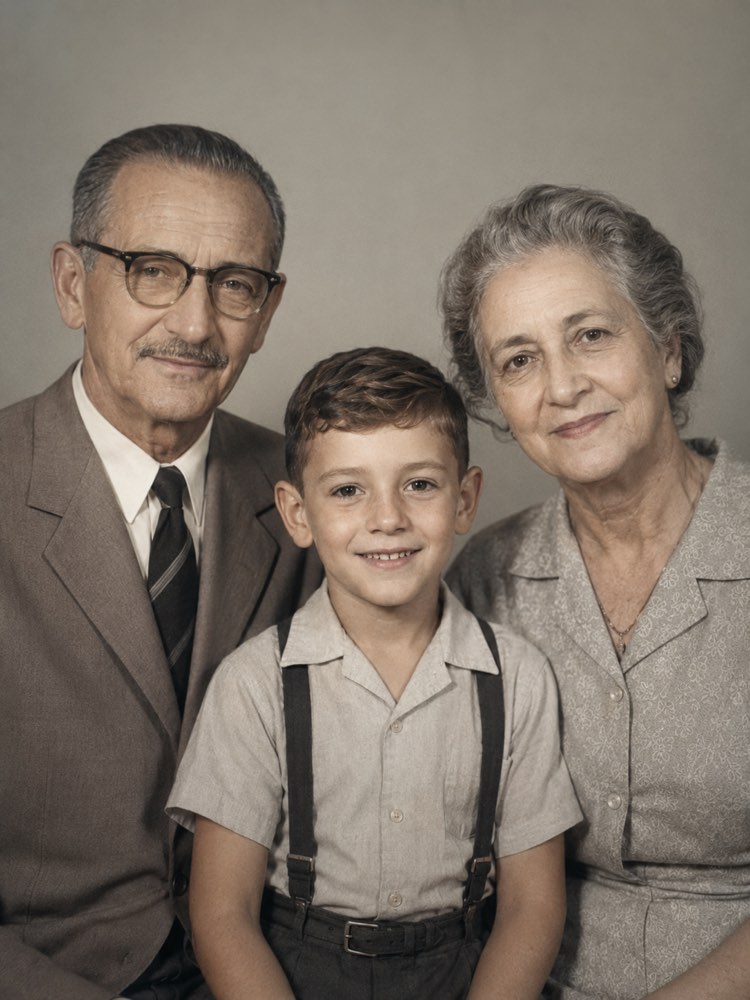
Bring the Whole Family into One Portrait with AI
Prompt
{
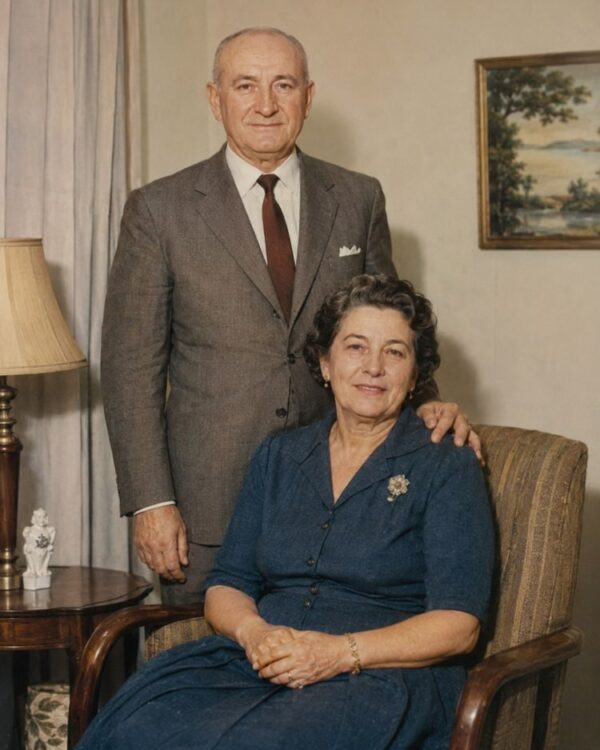
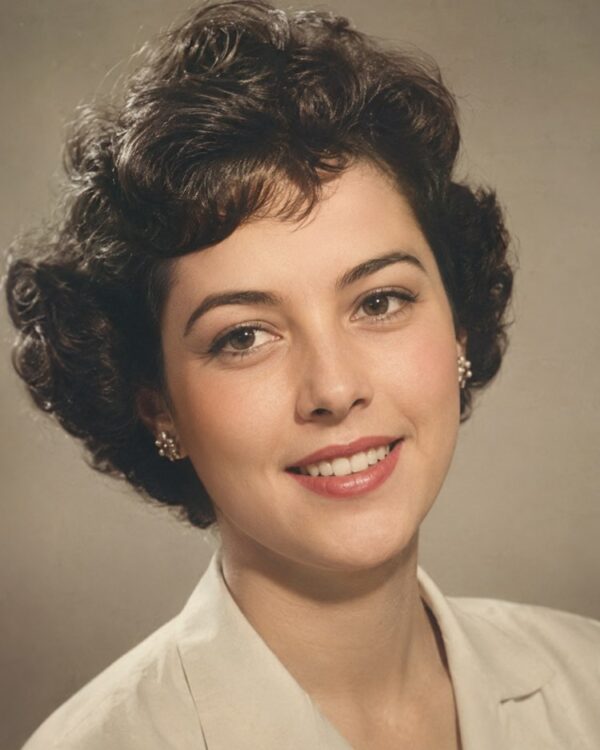
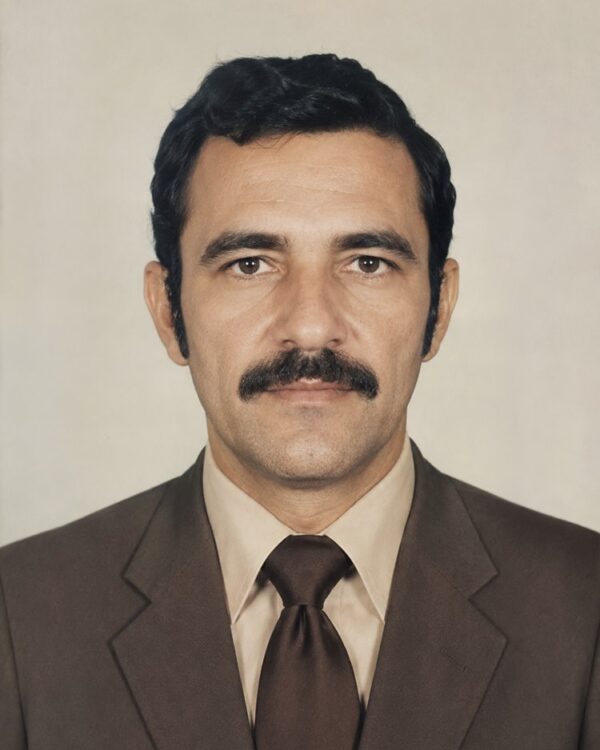
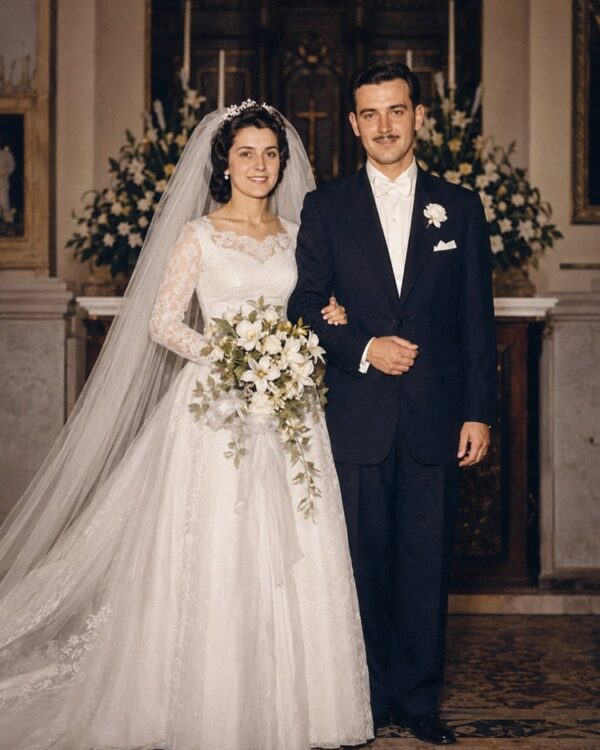
"instruction": "Upload your separate old photos of relatives and generate a single coherent portrait bringing those people together, preserving the faces and the authenticity of each one's period 100%.",
"task": "combine the people from separate old photos into a single coherent family portrait, placing each of them side by side naturally, at the same scale, lighting and point of view; harmonise the tones and the shadows so they look as if they had been photographed together, in a simple neutral setting",
"preserve": "keep the faces, the features, the expressions, the clothes and the appearance of each person exactly as they were in the original photos; do not invent new people or mix features, use only those who appear in the photos you send; colours and materials consistent with the period",
"result": "a single harmonious family portrait, with everyone in the same light and scale, natural skin tones and the look of a real photograph, with no collage or artificial montage feel",
"style": "Realistic restored photography, natural tones faithful to the period, high definition, 3:4 ratio (portrait).",
"negative": "do not alter the identity or the faces, do not invent people or missing elements, no text, no watermark, no logos"
}
How to use
Bringing the family into one portrait puts people who appear in separate photos into a single frame, and you do it by uploading the old photos with the prompt in Gemini, in NanoBanana or in ChatGPT. 1. Scan each old photo separately, in good light, one for each person you want to bring into the portrait. 2. Open the image AI and send all the attached photos together with the composition prompt. 3. Ask it to bring together only the people who appear in the photos, placed side by side at the same scale and light. 4. Reinforce that the AI must not invent anyone new or mix the features of different people. 5. Generate variations until the lighting and the shadows are coherent, with no collage or montage feel. 6. Save the result in high resolution to print and frame. Final tip: bringing together in one portrait people who never posed together can be a beautiful gift for the family; use only the faces you sent and never let the AI create a person who never existed.
Works with
ChatGPT
Gemini
NanoBanana
Rate this prompt
📋 Featured in these lists

📖 From the Prompteiro blog
See all posts →
Best ChatGPT Prompts in English: 12 to Use TodayText · August 2, 2026

How to Write a Prompt That Works in ChatGPTCourses · August 2, 2026
AI Prompts for Work and Career: 12 That Actually HelpText · August 1, 2026
How to Write an Image Prompt That Works (With Examples)Images · August 1, 2026
What Is Artificial Intelligence: The Beginner’s GuideCourses · August 1, 2026