Prompt
Prompts for Kids’ Photos: The Honest Guide
You took the photo on Sunday, on the sofa, with the light from the window. The child is looking off to the side, a bit dishevelled, and it is the best photo of the month. Then the idea arrives: what if they were in space, in an astronaut suit, with Earth behind them?
That idea works very well, and it is one of the things AI does best today. But it has two halves that almost no tutorial separates: the technical half, which is keeping the face recognisable, and the half nobody mentions, which is deciding what to do with the image once it exists. The next 8 minutes cover both.
The golden rule: the face is the whole prompt
Keep this in mind before any theme: in a photo of a child, the only measure of success is the likeness. An incredible scene with a face that is not your child is worth nothing. A simple scene with the right face ends up framed on the wall.
That is why the most important step is not the prompt, it is the photo you upload. And the fastest test is to start with a theme where the face is large and front-on, such as Photo of a Kid Astronaut in Space, where the helmet frames the face and any likeness error jumps out immediately.
The photo you upload decides everything
Five details in the original photo change the result more than any word in the prompt:
- Face front-on, eyes open, daylight. A profile shot or a backlit one forces the AI to invent half the face.
- Nothing covering the face. A dummy, a hand, a fringe in the eyes and sunglasses are exactly what it will get wrong.
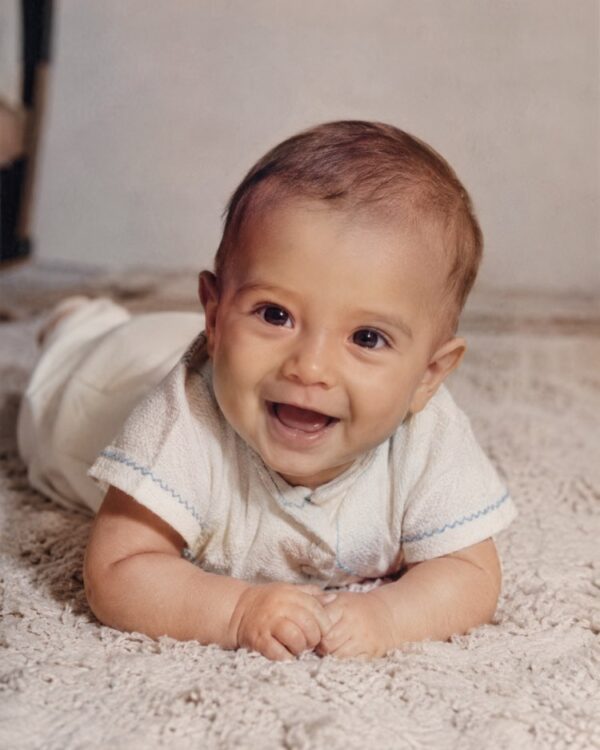
- A recent photo. Children’s faces change every six months, and a photo from two years ago returns a different child.
- One child per image. Two together almost always turn into a blend of the two, and that is hard to fix afterwards.
- No filters at all. An app filter has already reshaped the face, and the AI copies the filtered version.
If the good photo you have is old or damaged, the path runs through something else first: Restore a Baby and Childhood Photo with AI fixes the source photo, and only after that is it worth generating any scene on top of it.
The themes that actually work
A pattern shows up fast: the themes that work are the ones the child already plays at being. It is not about the pretty scene, it is about them recognising themselves in it.
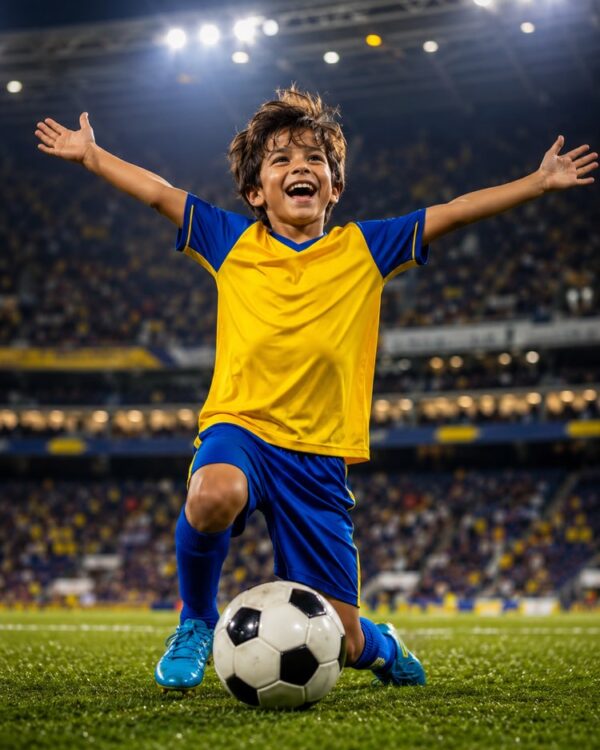
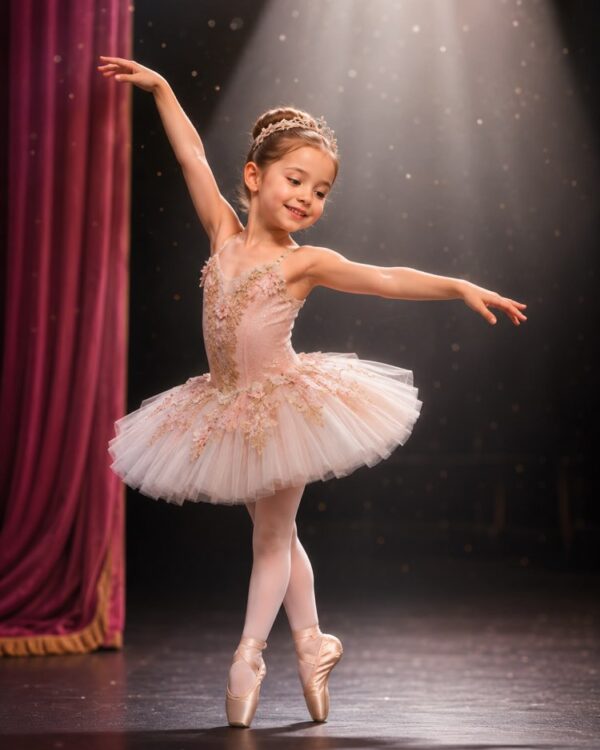
Kid Football Star in Your Photo is the most requested and the one that best survives printing, and Photo of a Kid Ballerina on Stage With AI answers the same wish from the stage side, with the lighting doing the heavy lifting.
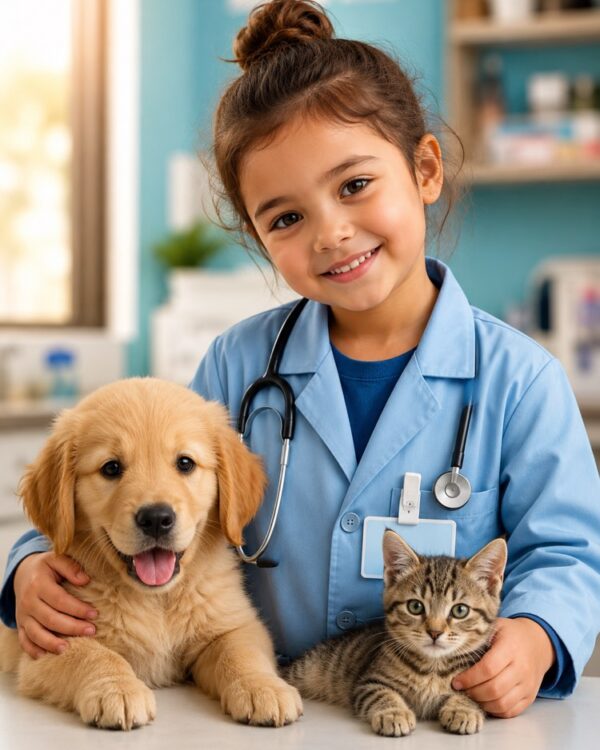
When the child has a specific obsession, the theme is already chosen: Photo of a Kid Paleontologist With a Dinosaur covers the entire dinosaur phase, and Photo of a Kid Veterinarian With the Animals covers the child who wants to look after every animal on the street.

The theme the child picks alone
It is worth letting them choose, and the result is usually better than your pick.
Photo of a Kid Superhero With a Cape and AI is the number one answer when the question goes to the child, and Kid Chef in the Kitchen in Your Photo tends to win with whoever spends the whole afternoon stirring a toy pan.
For the child who wants to be a doctor, Kid Dressed as a Doctor in Your Photo has a good side effect: it usually reduces the fear of the white coat at the next appointment.
When the photo is not make-believe
Not every request is fantasy, and this half is the one that becomes a gift.
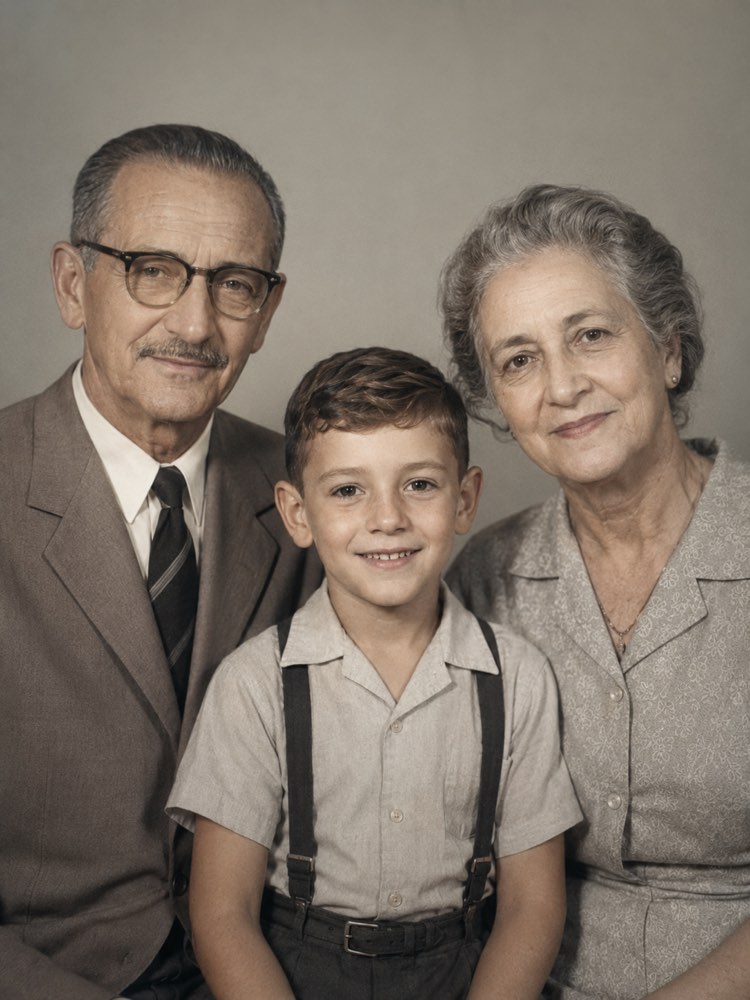
Bring the Whole Family into One Portrait with AI solves the photo that never existed because everyone was never in the same place, and Styled Newborn Studio Photoshoot with AI delivers the shoot many people never had at the time, from the plain hospital photo that already exists.
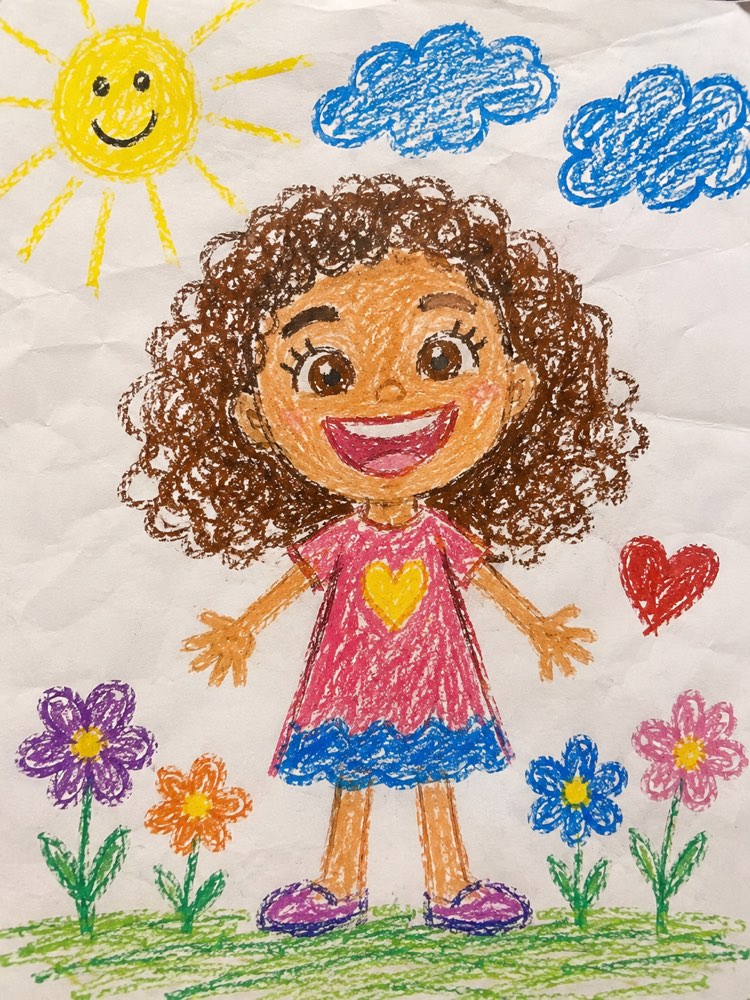
And there is the option that does not try to look like a photo: Your Photo as a Child’s Crayon Drawing becomes an illustration, and an illustration solves two problems at once, because it does not depend on a perfect likeness and it does not pass for photography anywhere.
What to ask for, by purpose
The same face needs different things depending on where the image is going:
| You want | Ask for | The common mistake |
|---|---|---|
| To print and frame it | large face, simple background, soft light | a busy scene that disappears on paper |
| A gift for the grandparents | a family portrait or an illustration | a fantasy only the child understands |
| A birthday invitation | the party theme, full body | a close-up that leaves no room for text |
| Just for the family group chat | any theme, low resolution is enough | generating at high resolution and losing the file |
| To keep for the future | the real photo restored, not generated | swapping the true memory for the pretty version |
The part nobody mentions
This section is the reason this post exists, and it is the one usually missing from every tutorial on the subject.
The child did not choose to be there. They have no way of judging what it means for their image to circulate, and the decision is entirely yours. That does not mean not doing it, it means deciding two things clearly: where the image will end up and for how long.
In practice, three agreements settle almost everything. The first is separating the family group chat from the public profile: the same image that is lovely in the grandparents’ chat is one more piece of data about an identifiable child once it goes to an open profile. The second is avoiding putting the image, the full name, the school and the daily routine in the same place. The third is asking the child, from about five or six, whether they want it shown, because the answer is often no, and they are right.
There is also the technical side: the original photo goes up to somebody’s server. It is worth using a known service, not leaving the photo in the app’s public gallery, and deleting what you will not use. It is little effort and it avoids the unpleasant conversation later.
What the generated image should never become
One more thing, and it is simple: a generated image is not a record. Do not use it on a document, an enrolment form, an ID card or anywhere that needs the real photo. And when the image turns out too good, it is worth writing in a caption that it was made with AI, because in ten years nobody will remember.
It is also not okay to use the face of a child who is not yours without asking. A friend’s photo from the party, the class photo and the picture borrowed from a group chat all fall under this rule, and it holds even when the intention is good.
After the photo, the day carries on
Generating takes five minutes, and the afternoon has five hours. It is worth having the second half ready.
Screen-Free Activities for Kids with AI handles exactly what comes next, with suggestions by age and by what is already in the house, and School Holidays Saved handles the whole week, which is when the problem stops being an afternoon and becomes a calendar.
The family and kids hub has the rest: the other professions, sleep, food and the difficult conversations. It is the place to go once the photo is done and real life comes back.
The order that works
Twenty minutes, one sitting:
- Choose the photo before the theme. Face front-on, daylight, nothing covering it. That is ninety per cent of the result.
- Let the child choose the theme. The image they asked for is worth three of the ones you picked.
- Generate two versions and compare the face, not the scene. The scene always looks good, the likeness does not.
- Decide where it will end up before sending it to anyone. The family chat and a public profile are different decisions.
- Keep the original alongside. The real photo is the memory, the generated one is the gift.
Quick questions
Why does the face come out similar but not quite them?
It is almost always the source photo. A small face in the frame, weak light or a side angle leave the AI to fill in the gaps. Redo it with a front-on photo and the problem usually disappears without changing a word of the prompt.
Can it be done with two children in the same image?
It can, but the result gets noticeably worse, and the way out is to generate each one separately and pick the same theme. If the goal is the whole family together, the right route is Bring the Whole Family into One Portrait with AI, which was built for it.
Can I use the image on the birthday invitation?
You can, and it is one of the best uses, because the invitation circulates among people you know. Ask for the full body and leave empty space on one side, which is where the text will go later.
Does the AI change the child’s skin tone or hair?
Sometimes it does, and it is a mistake that slips past on a small screen. Check at full zoom and state the skin tone and hair type explicitly in the request, because describing what is already in the photo helps preserve it.
Is it worth printing?
It is, and it is the best destination for this kind of image, because a printed photo lives on the shelf and not on a server. Ask for the large-face, simple-background version, which is the one that survives paper.
Where to start today
Open the gallery, pick a front-on photo with window light, and ask the child what they want to be in the image. Those two steps solve the hard part, and the rest is choosing the recipe.
After that, the image prompts hub has every theme cited here, the text prompts hub has the daily routine half, and the lesson on creating an image from a photo explains the technical step in detail.