Prompt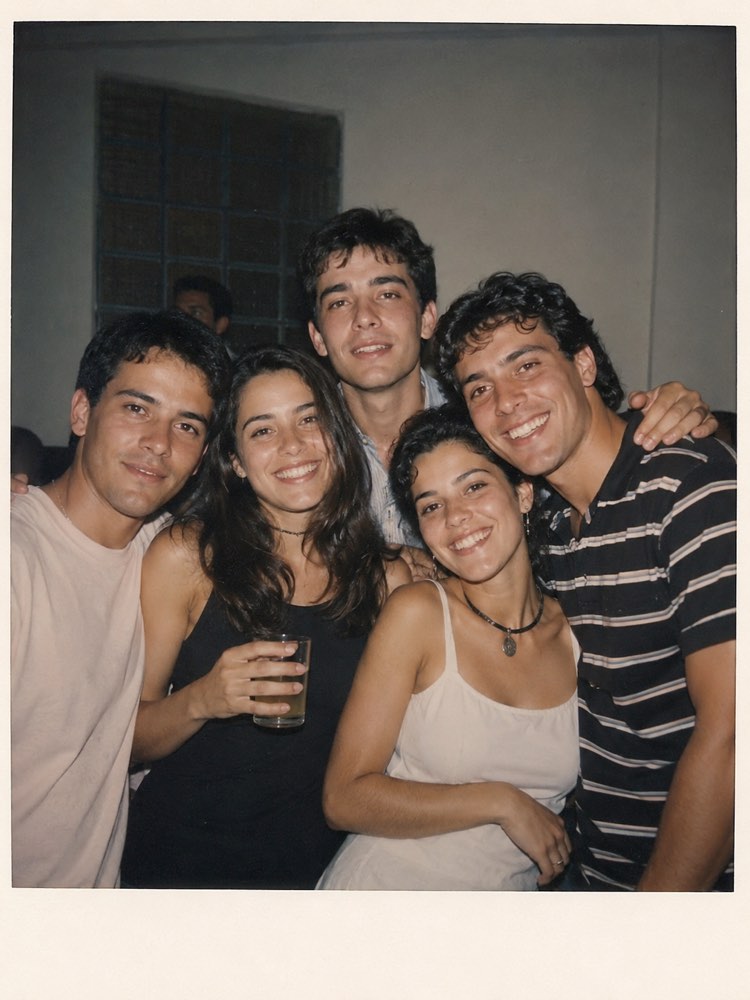
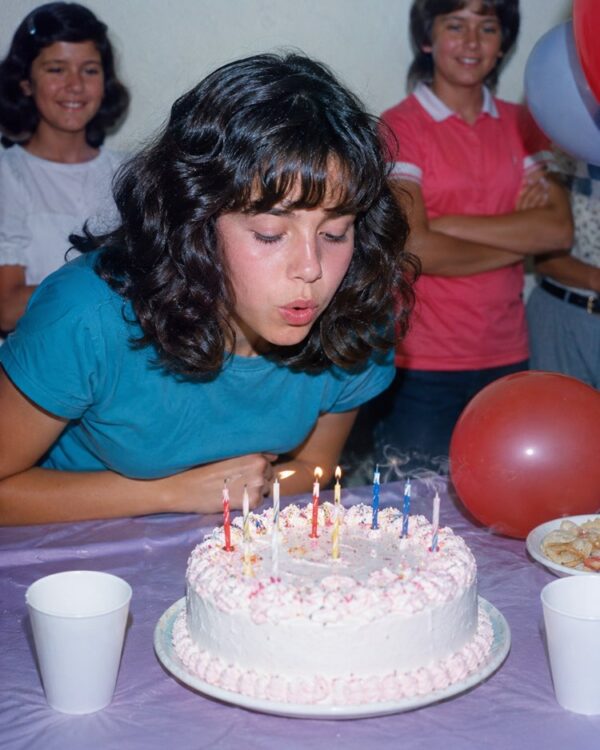
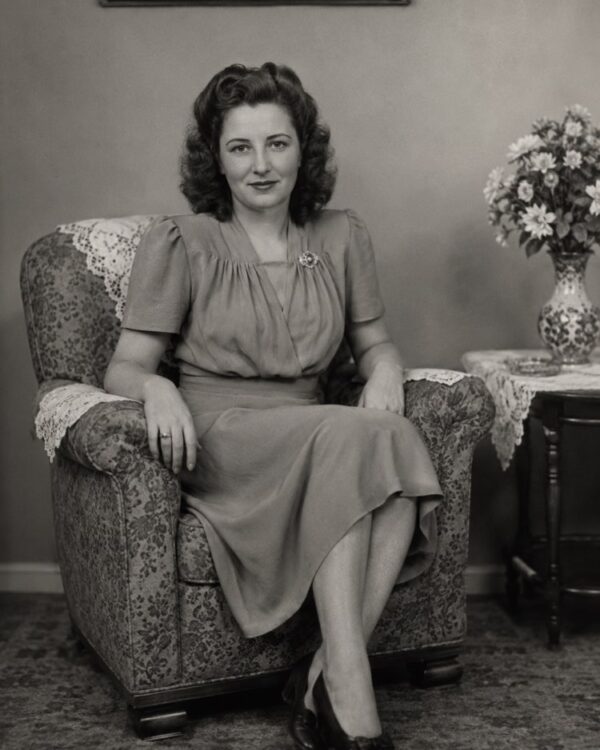
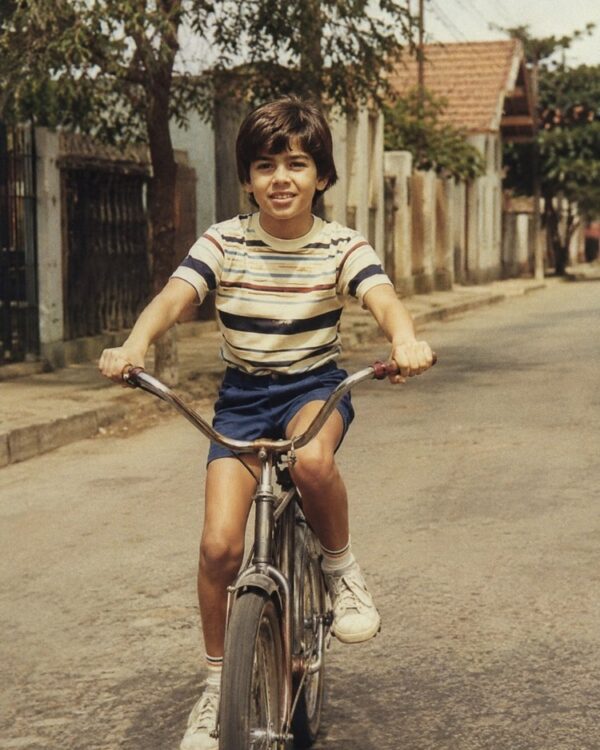
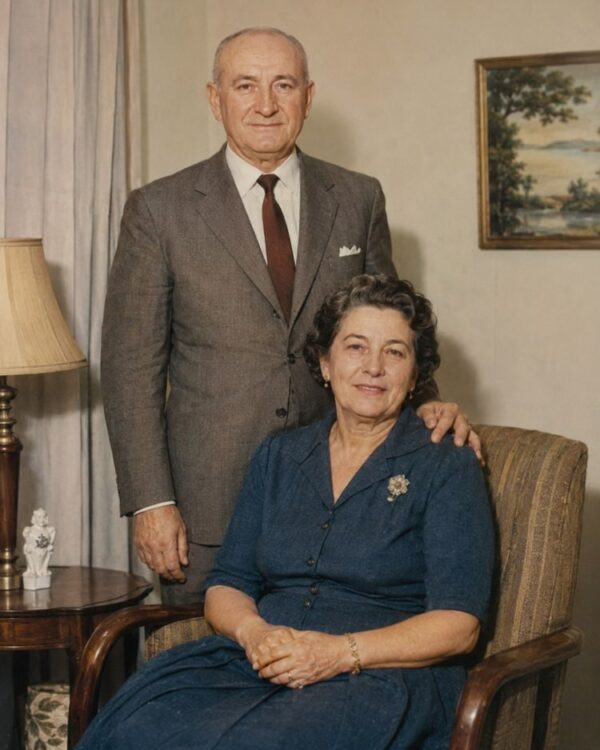
Recover a Faded, Greenish Polaroid
Prompt
{
"instruction": "Upload your faded Polaroid or instant photo and generate the restored version, preserving the faces and the authenticity of the period 100%.",
"task": "recover a faded, greenish Polaroid or instant photo, correcting the green or blue colour cast typical of these pictures, rebalancing the white point and the saturation, removing stains and giving back the lost sharpness; keep the instant charm of the image, just with natural colours back",
"preserve": "keep the faces, the features, the expressions, the clothes and the setting of the original photo identical; do not invent people or missing elements; use colours and materials consistent with the period of the instant photo",
"result": "an instant photo with balanced natural colours, realistic skin tones and recovered sharpness, with the look of a real restored photograph, with no green cast and no artificial appearance",
"style": "Realistic restored photography, natural tones faithful to the period, high definition, 3:4 ratio (portrait).",
"negative": "do not alter the identity or the faces, do not invent people or missing elements, no text, no watermark, no logos"
}
How to use
Recovering a faded Polaroid corrects the green cast of time and brings back a spontaneous moment, and you do it by uploading the instant photo with the prompt in Gemini, in NanoBanana or in ChatGPT. 1. Scan the Polaroid in good light and with no reflections on the glossy surface, keeping the photo flat. 2. Open the image AI and send the attached photo together with the colour recovery prompt. 3. Ask it to correct the green or blue cast typical of these pictures, rebalancing the white point and the saturation. 4. Reinforce that the faces and the setting must be preserved and that the instant charm can stay. 5. Generate variations until the tones are natural and balanced, with the lost sharpness recovered. 6. Save the result in high resolution to relive that instant. Final tip: that spontaneous moment captured on the Polaroid deserves to be seen clearly again; ask only for the colour correction and never let the AI invent people who were not there.
Works with
ChatGPT
Gemini
NanoBanana
Rate this prompt
📋 Featured in these lists

Colourise Black and White Photos With AI: A GuideImages · September 7, 2026
Restore an Old Photo with AI: The Complete Free GuideImages · August 2, 2026
📖 From the Prompteiro blog
See all posts →
Job Interview Simulator With AI: How to RehearseText · September 24, 2026

Travel Itineraries With AI: The Guide That WorksText · September 21, 2026

Travel Photo Prompts: You Anywhere in the WorldImages · September 19, 2026

Professional Product Photos With AI: The GuideImages · September 15, 2026

How to Care for Plants With AI: A Black Thumb’s GuideText · September 14, 2026

Decorate Your Home With AI: From Photo to PlanImages · September 11, 2026

Try a Haircut With AI Before You Actually CutImages · September 9, 2026

AI Headshots for LinkedIn: The Complete GuideImages · September 4, 2026
Pet Photo Prompts: How to Get It Right First TimeImages · September 1, 2026