Prompt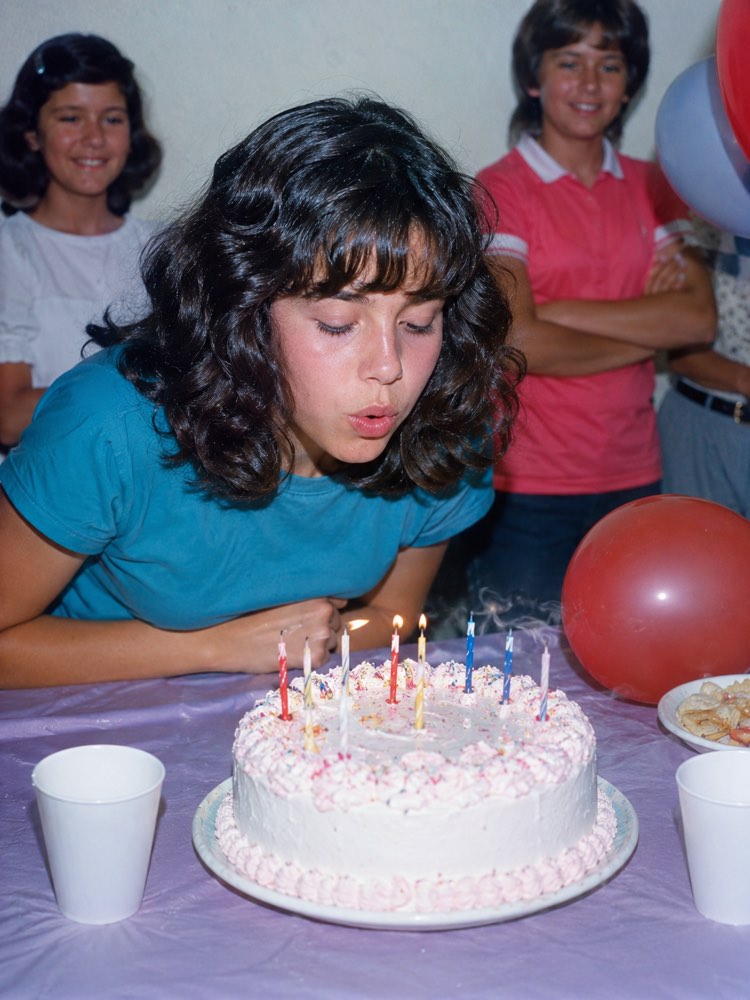
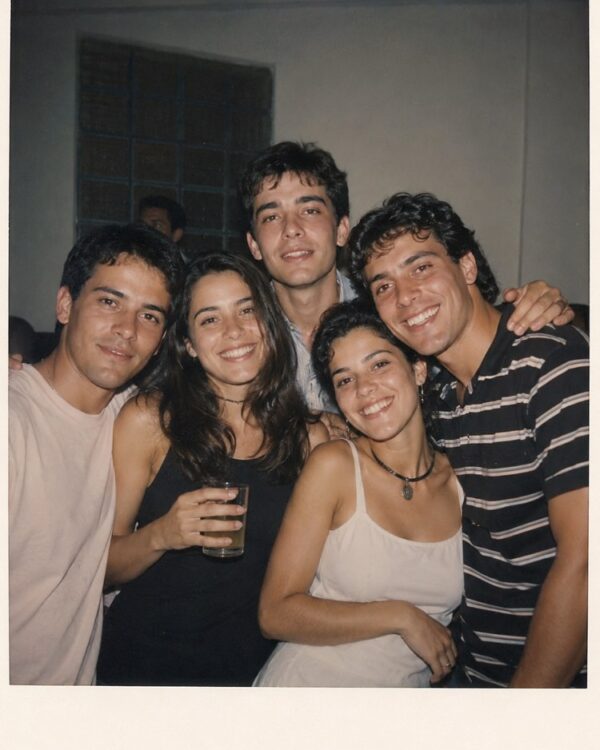
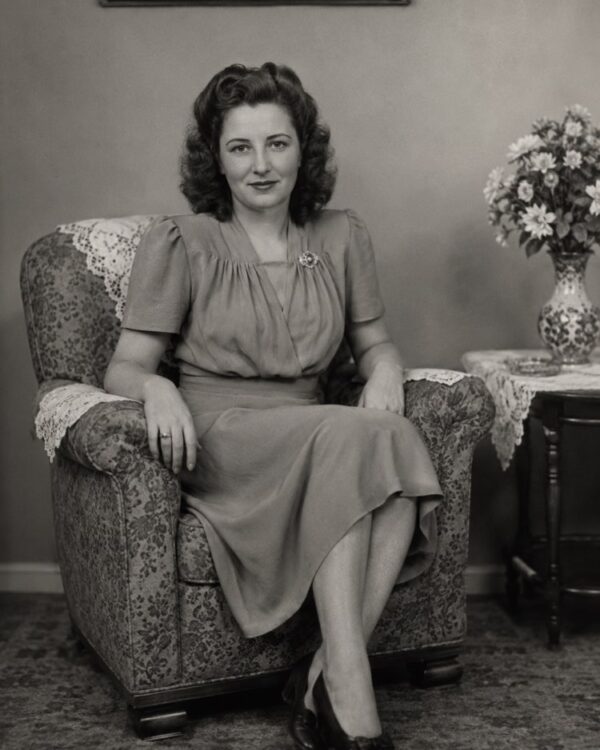
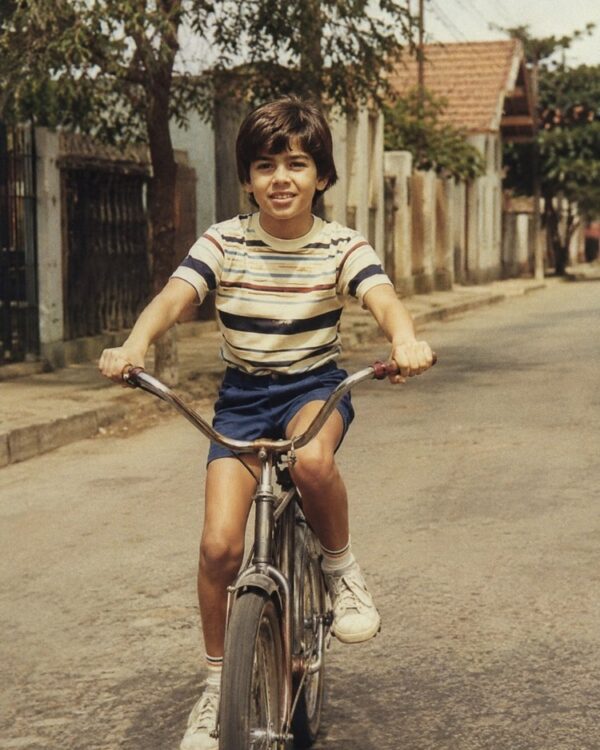
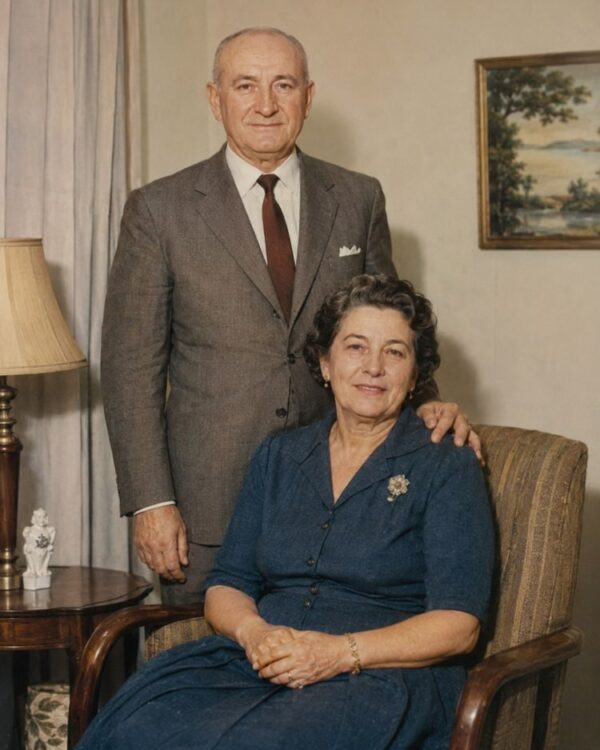
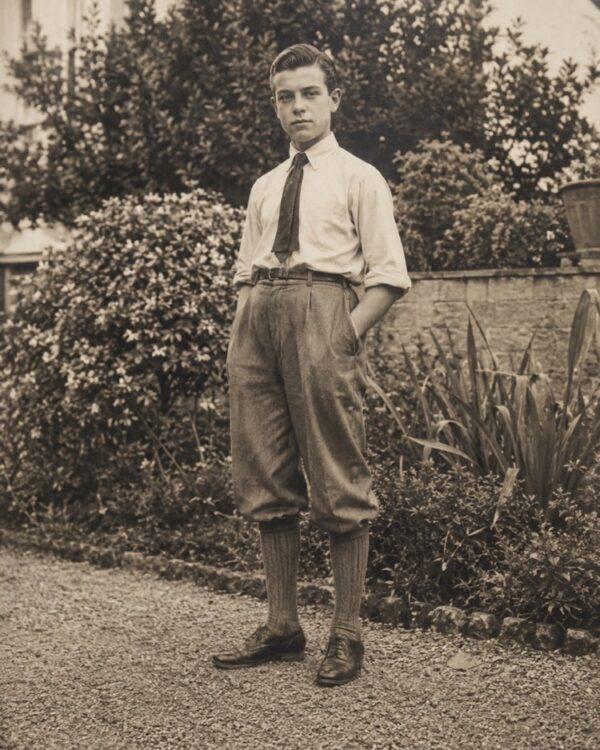
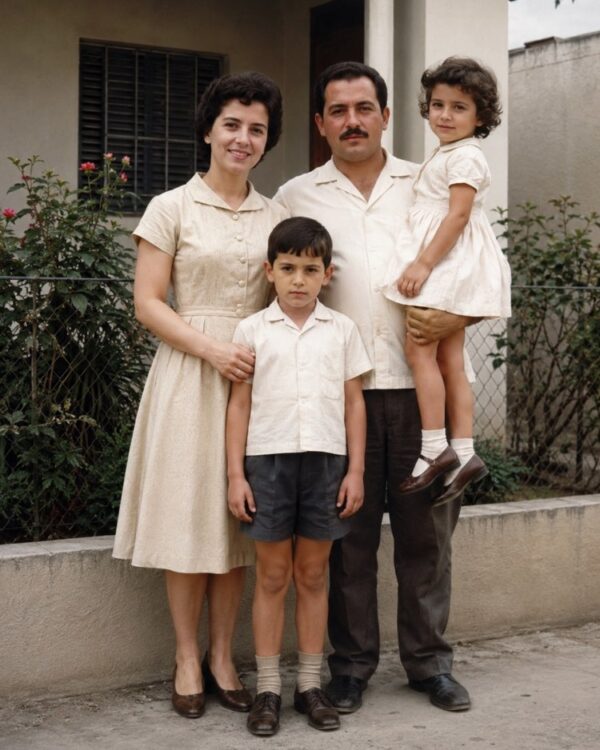
Revive Faded Colours in 80s Photos
Prompt
{
"instruction": "Upload your faded old colour photo and generate the restored version with the colours revived, preserving the faces and the authenticity of the period 100%.",
"task": "recover the faded, washed out colours of a colour photo from the 70s or 80s, correcting the colour cast typical of the era (orange or reddish tones), rebalancing the white point and giving back the natural saturation of the clothes, the skin and the setting, without blowing out the colours or making them artificial",
"preserve": "keep the faces, the features, the expressions, the clothes and the setting of the original photo identical; do not invent unreal colours or missing elements; keep the palette and the materials consistent with the period",
"result": "a photo with vivid but natural colours, realistic skin tones and the look of a real restored photograph, with no oversaturated or artificial appearance",
"style": "Realistic restored photography, colours revived and faithful to the period, high definition, 3:4 ratio (portrait).",
"negative": "do not alter the identity or the faces, do not invent people or missing elements, no text, no watermark, no logos"
}
How to use
Reviving the faded colours of a photo from the 70s or 80s brings back the atmosphere of that time, and the process works by uploading the old photo with the prompt in Gemini, in NanoBanana or in ChatGPT. 1. Scan the colour photo in good light to record the colours exactly as they are today, however washed out. 2. Open the image AI you chose and send the attached photo together with the colour recovery prompt. 3. Ask it to correct the orange or reddish cast typical of the era and rebalance the white point naturally. 4. Make it clear that the faces and the setting must be preserved and that the saturation must not blow out the colours. 5. Generate variations and pick the one that came out vivid without looking artificial or oversaturated. 6. Save the result in high resolution to relive that moment in colour. Final tip: the colours of that era start telling the story as it was again; keep the original mood and remember the AI should only balance colours, never invent people who are missing.
Works with
ChatGPT
Gemini
NanoBanana
Rate this prompt
📋 Featured in these lists

📖 From the Prompteiro blog
See all posts →
Best ChatGPT Prompts in English: 12 to Use TodayText · August 2, 2026

How to Write a Prompt That Works in ChatGPTCourses · August 2, 2026
AI Prompts for Work and Career: 12 That Actually HelpText · August 1, 2026

How to Write an Image Prompt That Works (With Examples)Images · August 1, 2026

What Is Artificial Intelligence: The Beginner’s GuideCourses · August 1, 2026