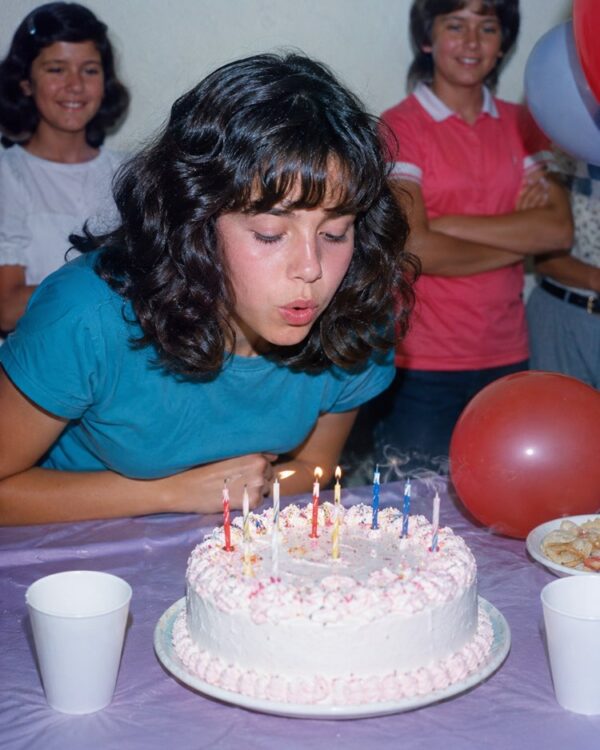
Prompt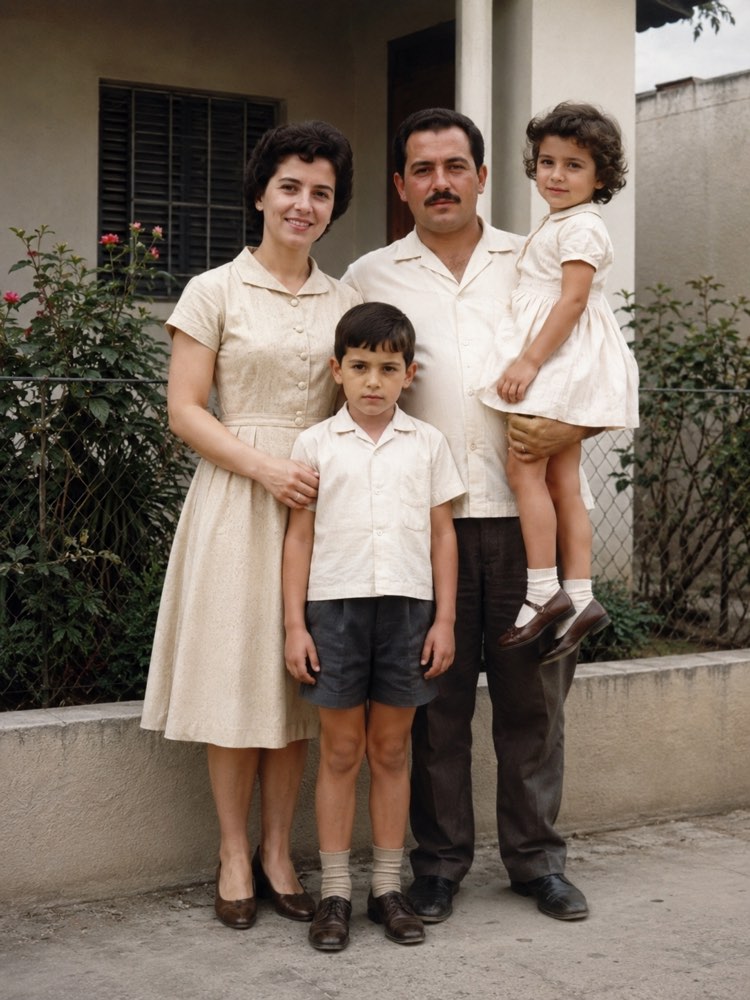
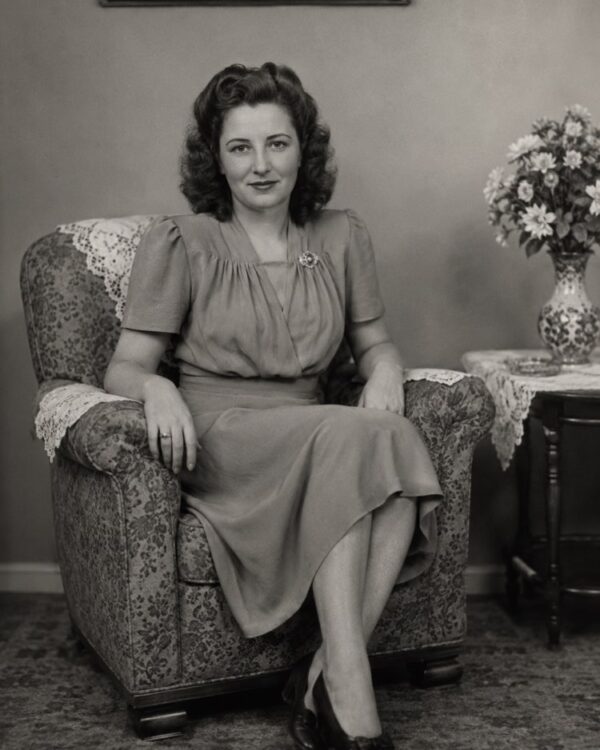
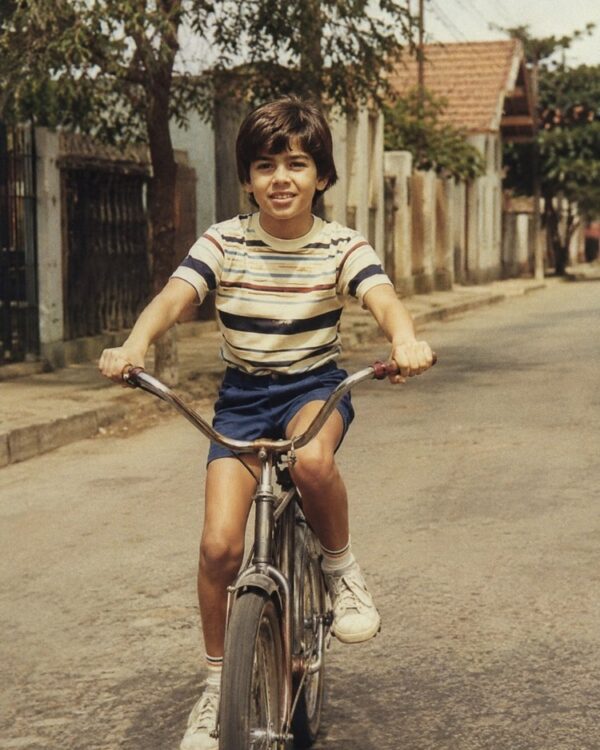
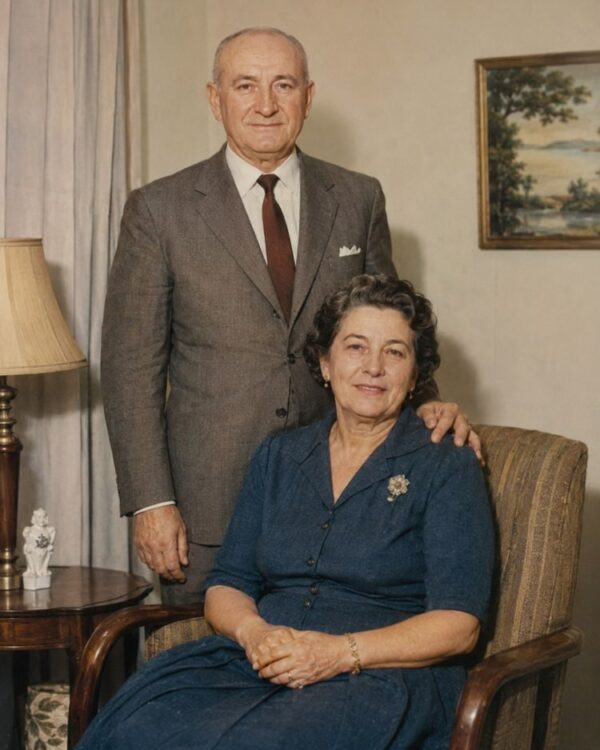
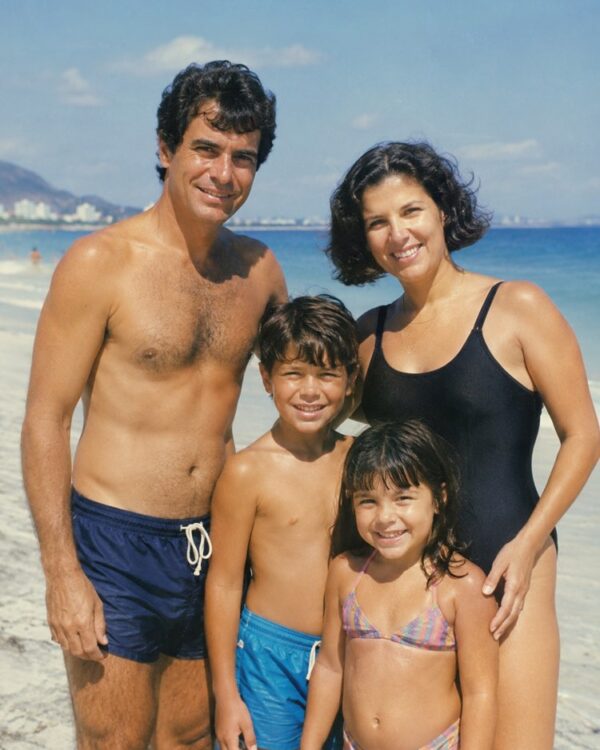
Remove Yellowing and Stains from an Old Photo
Prompt
{
"instruction": "Upload your stained and yellowed old photo and generate the restored, clean version, preserving the faces and the authenticity of the period 100%.",
"task": "remove the yellowing of time, the damp and mould stains, the dust spots, the fine scratches and the fingerprints from the photo; rebalance the tones and the contrast for a clean, uniform surface, with no stains or uneven discolouration",
"preserve": "keep the faces, the features, the expressions, the clothes and the setting of the original photo identical; do not invent missing people or objects, only clean up the defects; colours and materials consistent with the period",
"result": "a clean, uniform photo, with balanced tones, natural skin tones and the look of a real restored photograph, with no stains and no artificial appearance",
"style": "Realistic restored photography, natural tones faithful to the period, high definition, 3:4 ratio (portrait).",
"negative": "do not alter the identity or the faces, do not invent people or missing elements, no text, no watermark, no logos"
}
How to use
Removing the yellowing and the stains from an old photo gives your memories a clean surface back, and you get there by uploading the photo with the prompt in Gemini, in NanoBanana or in ChatGPT. 1. Scan the photo in good light so the yellowing, the damp stains and the dust spots are properly recorded. 2. Open the image AI and send the attached photo together with the cleanup and restoration prompt. 3. Ask it to remove only the yellowing of time, the mould stains, the fine scratches and the fingerprints. 4. Reinforce that the faces and the setting must stay identical, with nothing changed beyond the surface defects. 5. Generate variations until the image is uniform, with the tones rebalanced and no uneven discolouration. 6. Save the result in high resolution to keep and reprint. Final tip: seeing the photo clean again is like meeting the original memory; ask only for the defects to go and never let the AI invent people or objects that were not in the scene.
Works with
ChatGPT
Gemini
NanoBanana
Rate this prompt
📋 Featured in these lists
📖 From the Prompteiro blog
See all posts →
Best ChatGPT Prompts in English: 12 to Use TodayText · August 2, 2026

How to Write a Prompt That Works in ChatGPTCourses · August 2, 2026
AI Prompts for Work and Career: 12 That Actually HelpText · August 1, 2026
How to Write an Image Prompt That Works (With Examples)Images · August 1, 2026
What Is Artificial Intelligence: The Beginner’s GuideCourses · August 1, 2026