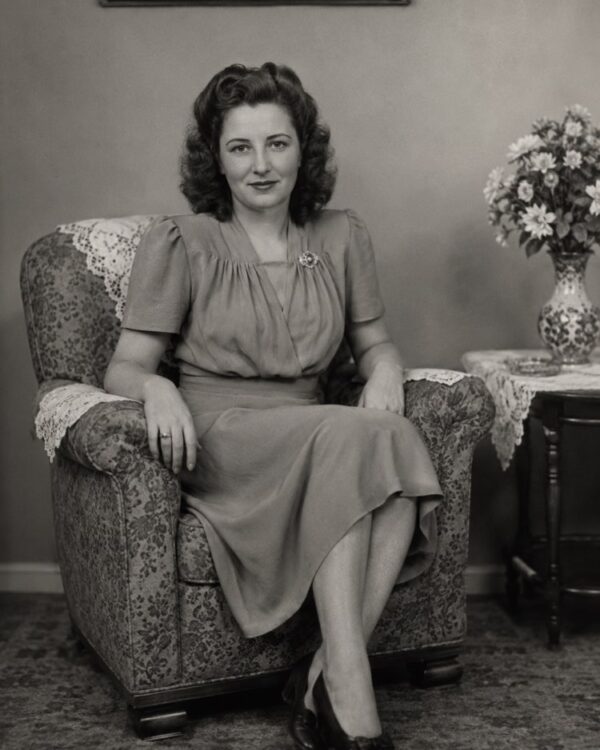
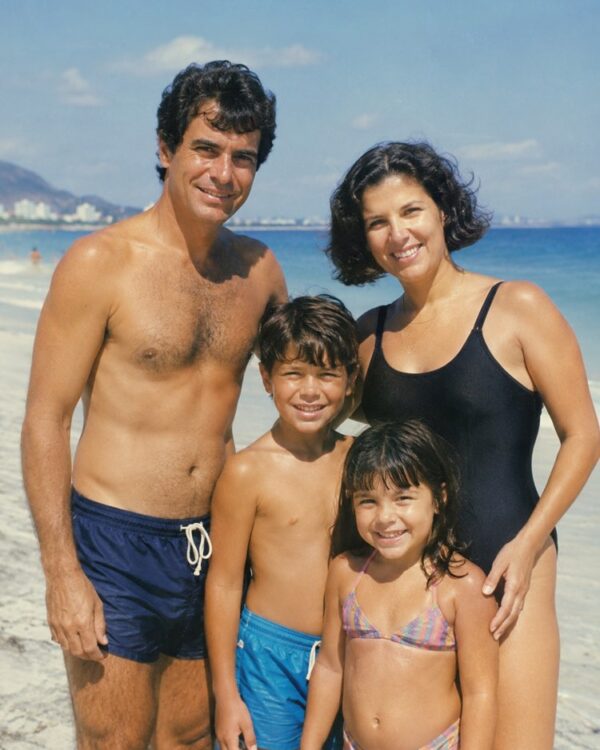
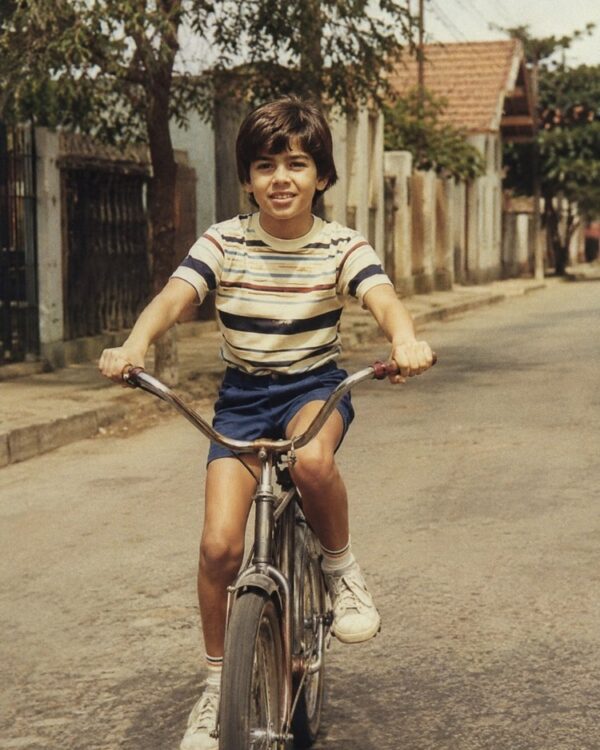
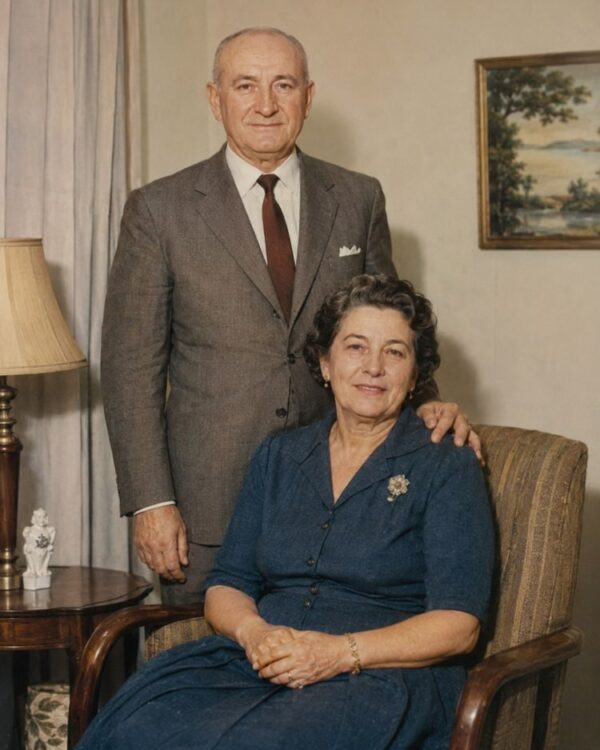
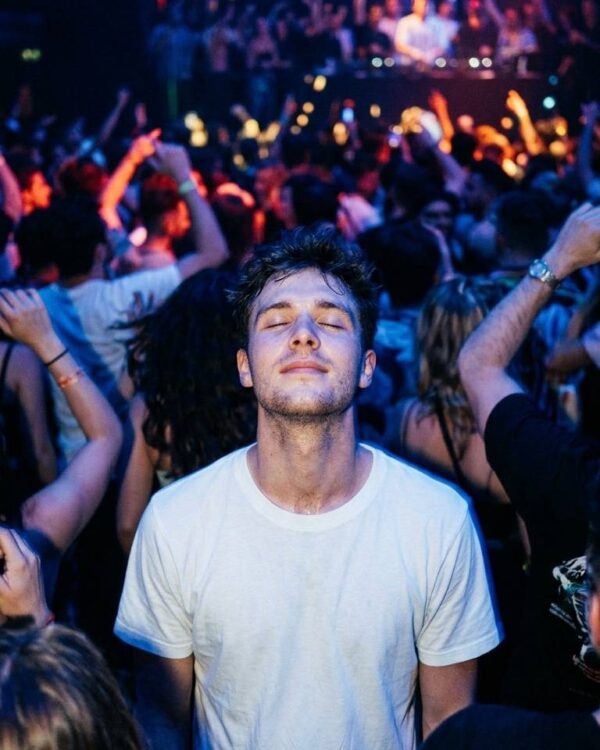
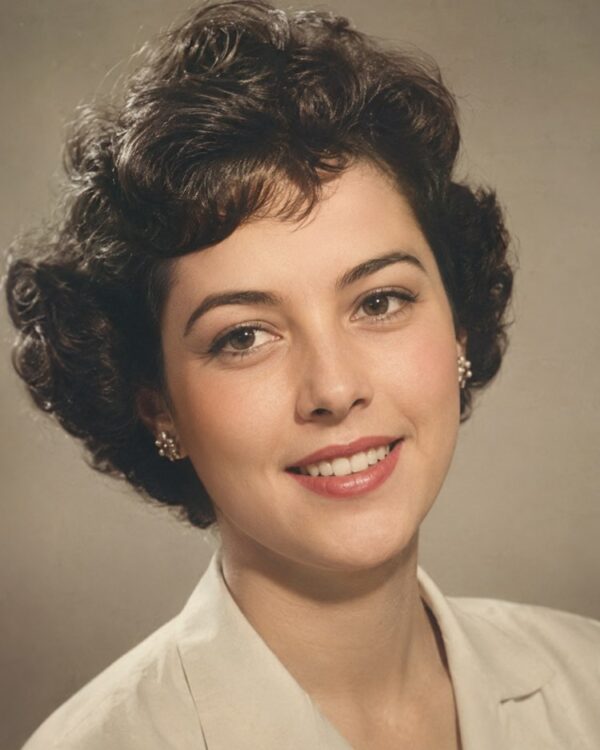
Prompt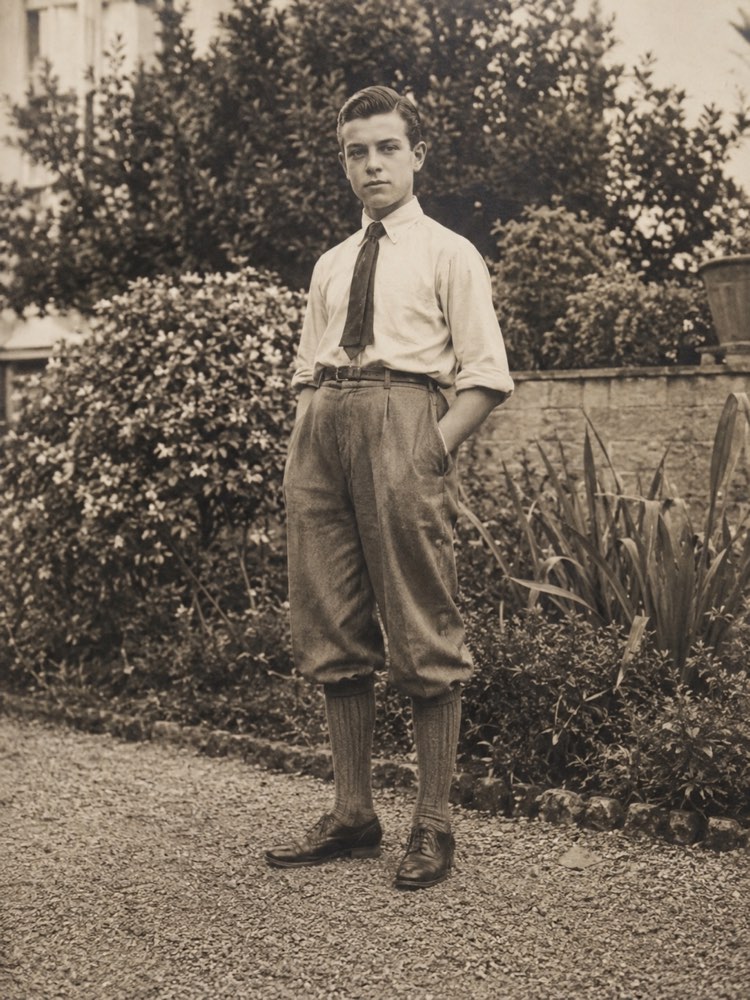
Rebuild a Damaged Corner or Area of a Photo
Prompt
{
"instruction": "Upload your old photo with a missing corner or area and generate the restored version, rebuilding only the setting or the clothing and preserving the faces and the authenticity of the period 100%.",
"task": "rebuild the damaged or missing corner or area of the photo, filling in continuously and coherently only the setting, the background, the floor or the clothing that was interrupted; follow the lines, the perspective, the lighting and the texture of the neighbouring parts so the repair becomes imperceptible",
"preserve": "keep the faces, the features, the expressions, the clothes and the setting of the original photo identical; never invent people, faces or new objects in the missing area, rebuild only continuous setting or clothing; colours and materials consistent with the period",
"result": "a complete, continuous photo, with the rebuilt area invisibly integrated into the rest, with uniform sharpness and the look of a real restored photograph",
"style": "Realistic restored photography, natural tones faithful to the period, high definition, 3:4 ratio (portrait).",
"negative": "do not alter the identity or the faces, do not invent people or missing elements, no text, no watermark, no logos"
}
How to use
Rebuilding a damaged corner or area completes an image that was missing a piece, and you do it by uploading the old photo with the prompt in Gemini, in NanoBanana or in ChatGPT. 1. Scan the photo in good light, including everything that is left, even with the corner or the area missing. 2. Open the image AI and send the attached photo together with the reconstruction prompt. 3. Ask it to fill in only the setting, the background, the floor or the clothing that was interrupted, following the neighbouring lines. 4. State firmly that the AI must never invent people, faces or objects in the missing area. 5. Generate variations until the repair is imperceptible, with the same perspective, light and texture as the surrounding parts. 6. Save the result in high resolution, with the image now complete and continuous. Final tip: it is always worth remembering that the AI only completes setting or clothing; a face that was not in the original photo should never be created to fill the gap.
Works with
ChatGPT
Gemini
NanoBanana
Rate this prompt
📋 Featured in these lists

📖 From the Prompteiro blog
See all posts →
Best ChatGPT Prompts in English: 12 to Use TodayText · August 2, 2026

How to Write a Prompt That Works in ChatGPTCourses · August 2, 2026
AI Prompts for Work and Career: 12 That Actually HelpText · August 1, 2026

How to Write an Image Prompt That Works (With Examples)Images · August 1, 2026

What Is Artificial Intelligence: The Beginner’s GuideCourses · August 1, 2026