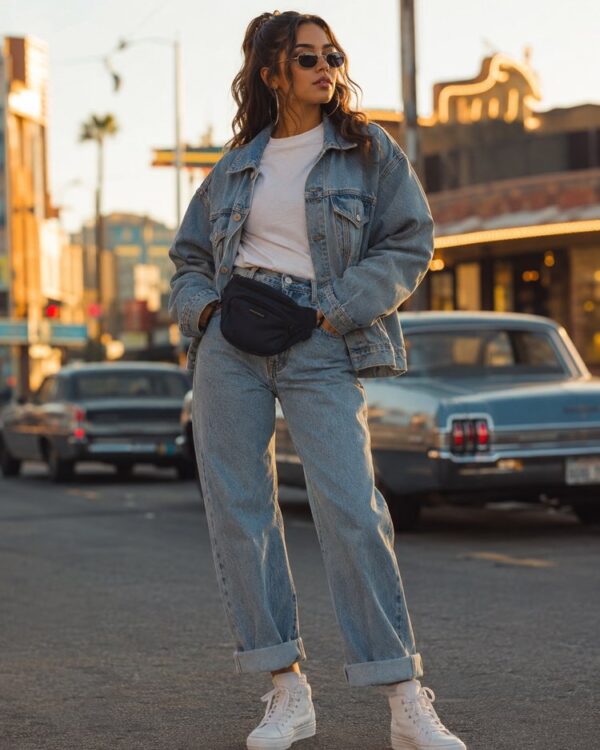
Prompt
Try On Sunglasses on Your Photo
Prompt
{
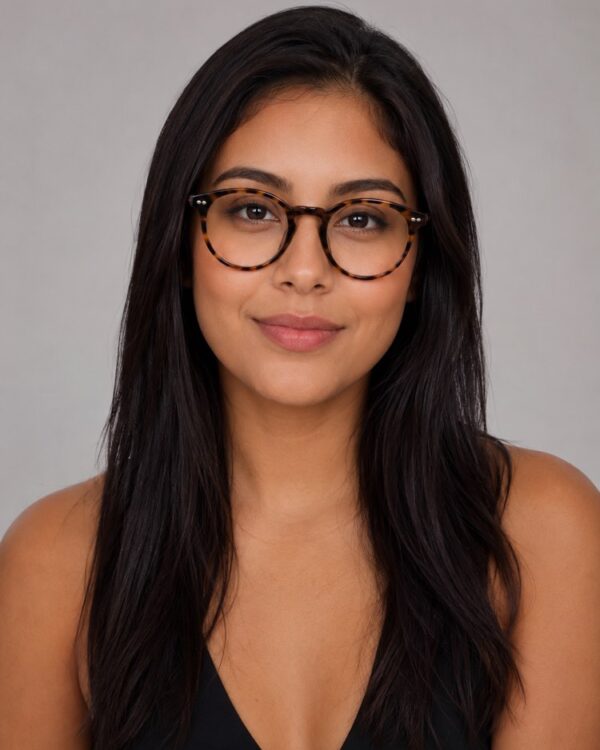
"instruction": "Send a sharp photo of your face, front-facing and well lit, and generate the image preserving your features 100%.",
"transformation": "Place on the face a pair of aviator sunglasses with a gold frame and brown gradient lenses, resting naturally and straight on the nose and the ears, with a subtle, realistic reflection on the lenses.",
"preserve": "keep the face, the skin tone, the hair, the shape of the face and the features identical; add only the sunglasses.",
"style": "Realistic portrait photography, soft even light, neutral studio background, high definition, 3:4 ratio (portrait).",
"negative": "no distorting the face, no changing the identity, no text, no watermark"
}
How to use
Want to try sunglasses on your face before choosing a model? This prompt runs in the generators that accept your photo, such as Gemini, NanoBanana or ChatGPT, and fits the glasses while preserving your features. 1. Choose a front-facing, well-lit photo with no glasses. 2. Open the AI, paste the prompt and attach your photo. 3. Ask it to keep 100% of your face and only to add the sunglasses. 4. Generate the image and swap the model in the transformation (rectangular, cat-eye, round, sporty). 5. Create several options to compare how each model suits you. 6. Save your favourites to take along as a reference. Remember that this is only a visual simulation: the idea is to see the glasses on your face, without changing who you are.
Works with
ChatGPT
Gemini
NanoBanana
Rate this prompt
📋 Featured in these lists
📖 From the Prompteiro blog
See all posts →
Job Interview Simulator With AI: How to RehearseText · September 24, 2026

Travel Itineraries With AI: The Guide That WorksText · September 21, 2026

Travel Photo Prompts: You Anywhere in the WorldImages · September 19, 2026

Professional Product Photos With AI: The GuideImages · September 15, 2026

How to Care for Plants With AI: A Black Thumb’s GuideText · September 14, 2026

Decorate Your Home With AI: From Photo to PlanImages · September 11, 2026

Try a Haircut With AI Before You Actually CutImages · September 9, 2026

Colourise Black and White Photos With AI: A GuideImages · September 7, 2026

AI Headshots for LinkedIn: The Complete GuideImages · September 4, 2026