Prompt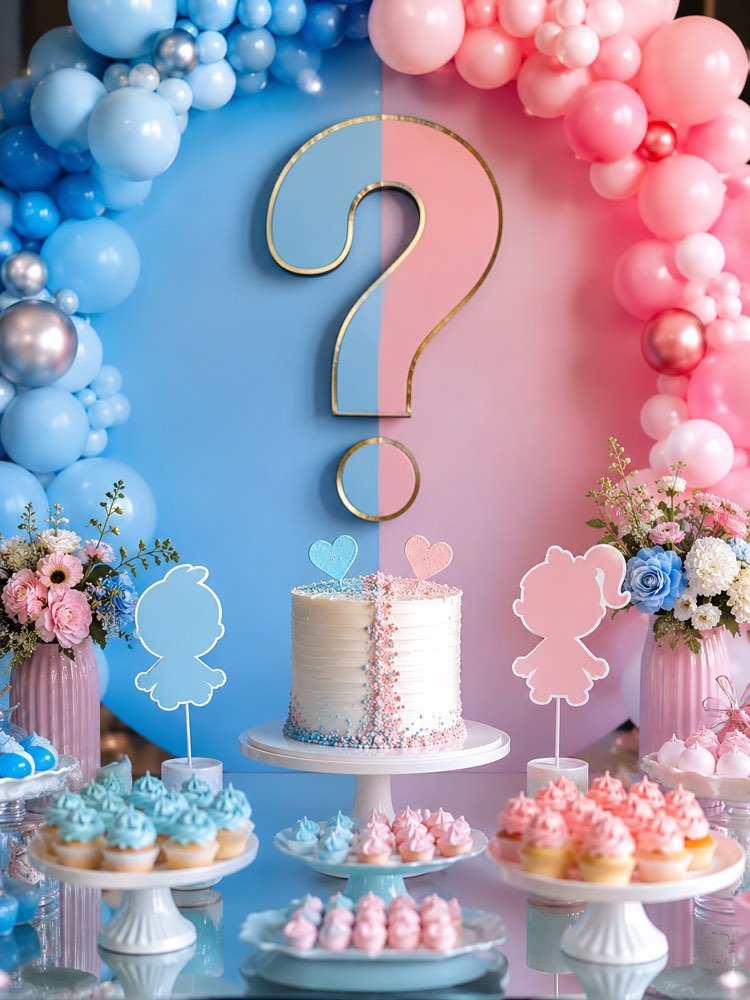
Gender Reveal, Boy or Girl, with AI
Prompt
{
"instruction": "Generate a party reference/inspiration image to show your decorator or vendor.",
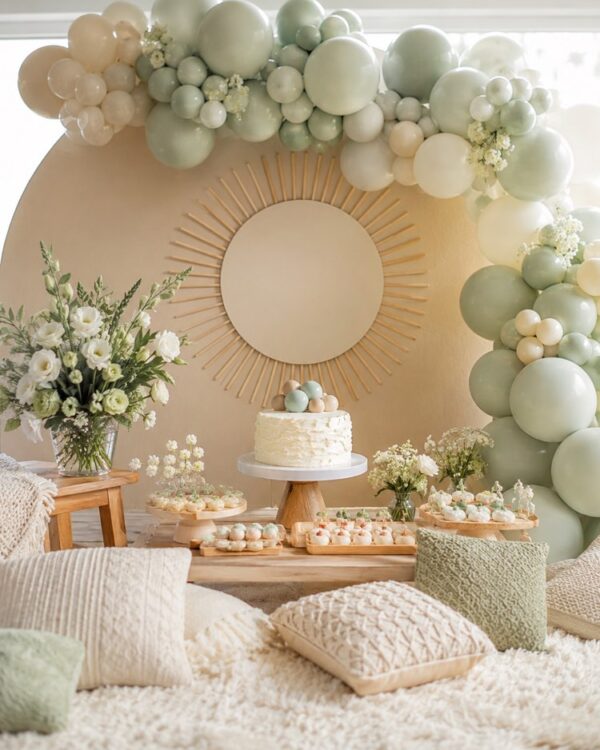
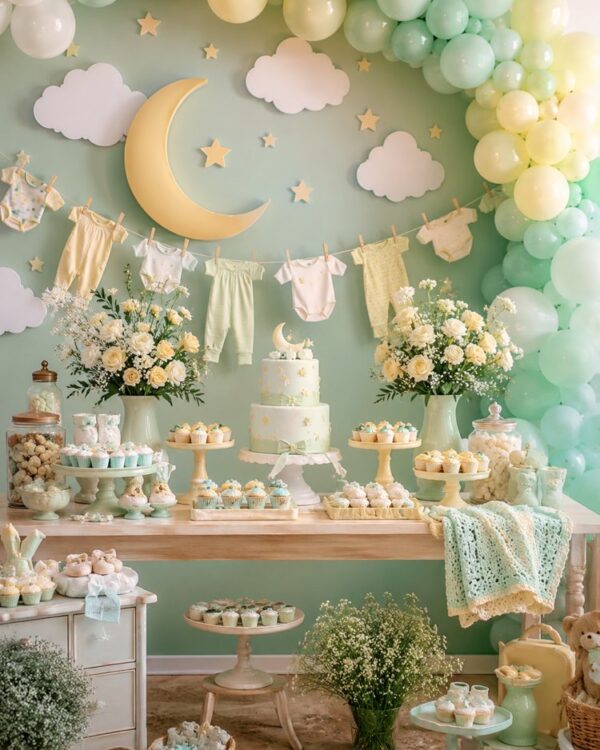
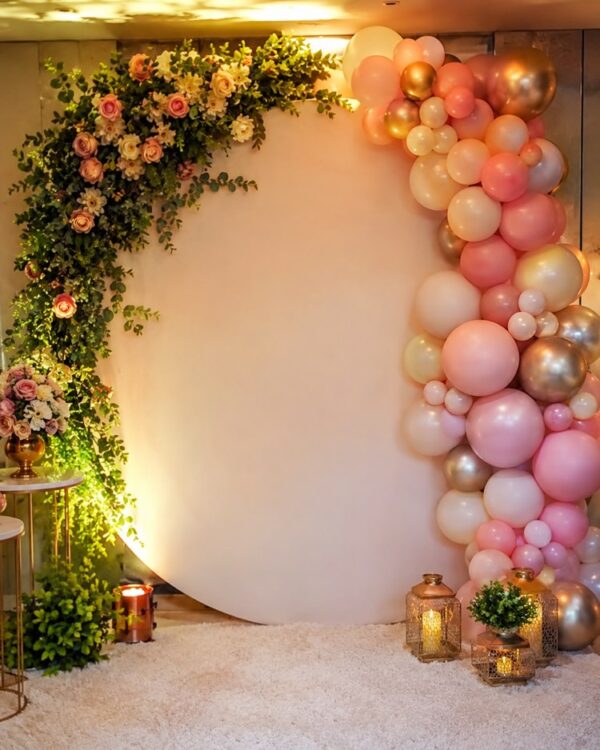
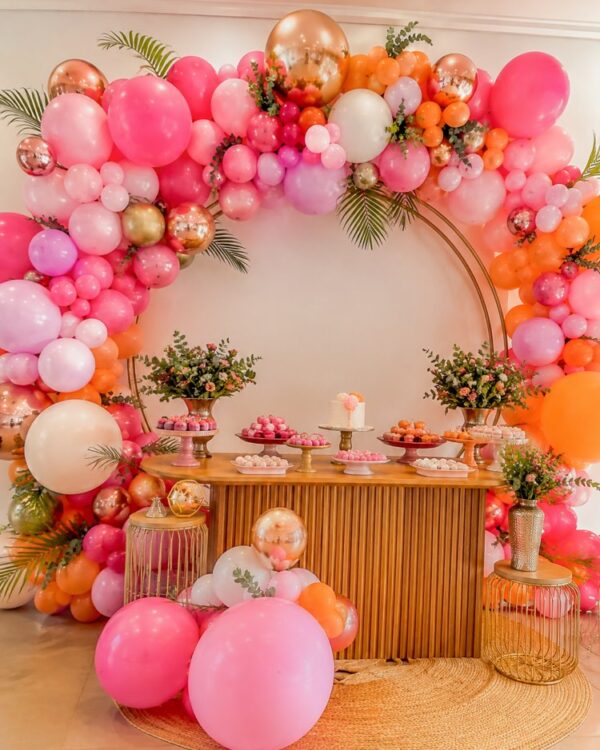
"description": "A gender reveal setup with a backdrop split into blue tones on one side and pink on the other, a large decorative question mark in the centre, an arch of blue and pink balloons in a gradient, a white cake with details in both tones, a table with pink and blue cupcakes, little decorative boy and girl signs, a delicate setting full of anticipation",
"focus": "focus on the decor and the composition, no identifiable people",
"style": "Realistic party decor photography, cheerful festive light, vibrant colors, high definition, 3:4 (portrait) ratio.",
"negative": "no text, no names, no watermark, no characters from real brands or films, no logos"
}
How to use
Throwing a gender reveal and want the decoration to surprise everyone? This prompt creates an inspiration image of the boy-or-girl setting to show your decorator, and it runs in Gemini, in NanoBanana and in ChatGPT with image generation. 1. Copy the prompt and paste it into the image generator you use. 2. Adjust the balance between the pink and blue tones on the split backdrop. 3. Ask for more balloons, question mark or little decorative signs. 4. Personalise the cake, the cupcakes and the table to the mood you pictured. 5. Generate variations of the main table and compare the arrangements side by side. 6. Save your favourite image at good resolution to present to the vendor. Tip: show the reference to the party decorator with the idea of suspense already settled. A well-made setting makes the moment of the reveal even more exciting and memorable.
Works with
ChatGPT
Gemini
NanoBanana
Rate this prompt
📖 From the Prompteiro blog
See all posts →
Job Interview Simulator With AI: How to RehearseText · September 24, 2026

Travel Itineraries With AI: The Guide That WorksText · September 21, 2026

Travel Photo Prompts: You Anywhere in the WorldImages · September 19, 2026

Professional Product Photos With AI: The GuideImages · September 15, 2026

How to Care for Plants With AI: A Black Thumb’s GuideText · September 14, 2026

Decorate Your Home With AI: From Photo to PlanImages · September 11, 2026

Try a Haircut With AI Before You Actually CutImages · September 9, 2026

Colourise Black and White Photos With AI: A GuideImages · September 7, 2026

AI Headshots for LinkedIn: The Complete GuideImages · September 4, 2026