Prompt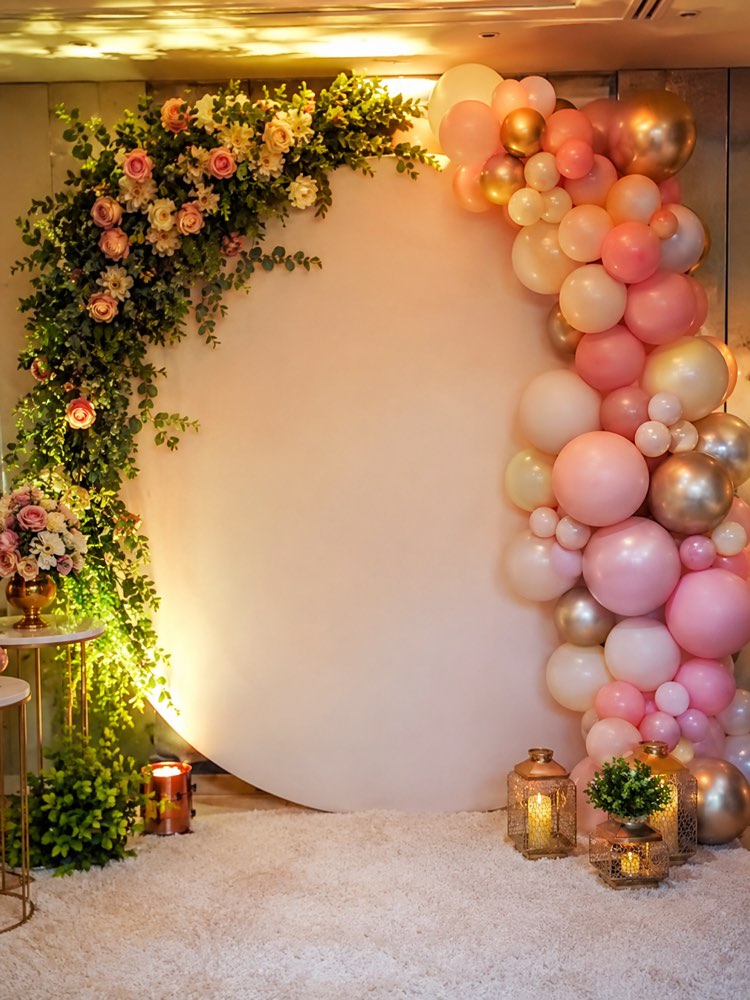
Backdrop and Set for the Party Photos
Prompt
{
"instruction": "Generate a party reference/inspiration image to show your decorator or vendor.",
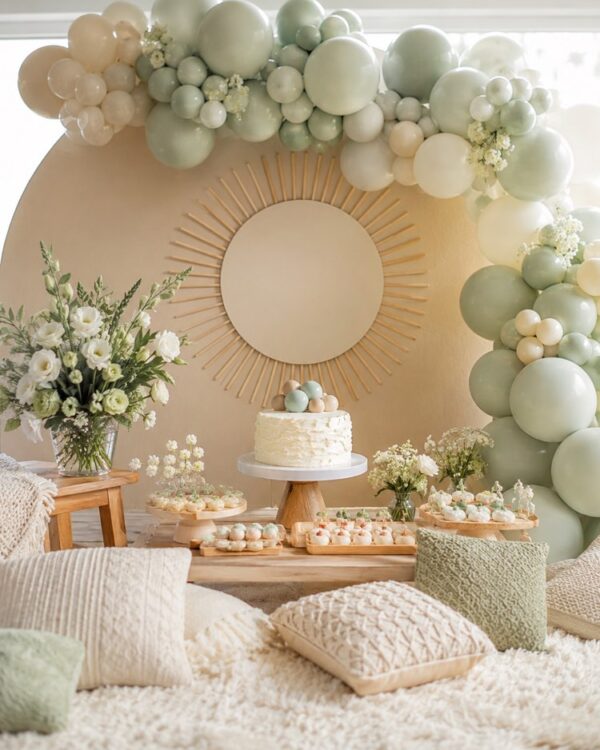
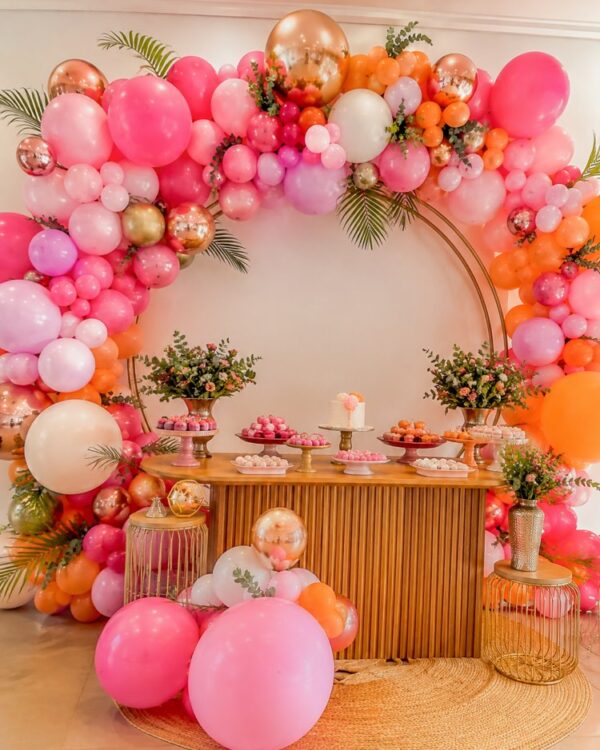
"description": "A scenic backdrop for party photos with an elegant plain-toned background, a decorative frame of flowers and foliage in one of the corners, a balloon arch to the side in a soft gradient, spot lighting bringing out the set, a light rug on the floor and small decorative elements at its foot, a composition designed as a background for portraits of the guests",
"focus": "focus on the decor and the composition, no identifiable people",
"style": "Realistic party decor photography, cheerful festive light, vibrant colors, high definition, 3:4 (portrait) ratio.",
"negative": "no text, no names, no watermark, no characters from real brands or films, no logos"
}
How to use
Want a beautiful backdrop and set for the party photos? This prompt generates an inspiration image of the background for portraits, ideal for showing whoever builds the backdrop, and it works in Gemini, in NanoBanana and in ChatGPT with image creation. 1. Copy the prompt and paste it into the image generator of your choice. 2. Choose the background colour and the style of the frame of flowers and foliage. 3. Adjust the balloon arch to the side and the lighting that brings out the set. 4. Personalise the small decorative elements at the foot of the backdrop. 5. Generate variations of the set and compare which one works best as a photo background. 6. Save your favourite image in high definition to use as a reference. Tip: take the reference to the builder already thinking about the height and the width of the space. A well-planned backdrop guarantees lovely photos of every guest.
Works with
ChatGPT
Gemini
NanoBanana
Rate this prompt
📖 From the Prompteiro blog
See all posts →
Job Interview Simulator With AI: How to RehearseText · September 24, 2026

Travel Itineraries With AI: The Guide That WorksText · September 21, 2026

Travel Photo Prompts: You Anywhere in the WorldImages · September 19, 2026

Professional Product Photos With AI: The GuideImages · September 15, 2026

How to Care for Plants With AI: A Black Thumb’s GuideText · September 14, 2026

Decorate Your Home With AI: From Photo to PlanImages · September 11, 2026

Try a Haircut With AI Before You Actually CutImages · September 9, 2026

Colourise Black and White Photos With AI: A GuideImages · September 7, 2026

AI Headshots for LinkedIn: The Complete GuideImages · September 4, 2026