Prompt
How to Write an Image Prompt That Works (With Examples)
Asking an image AI for “a nice photo of me” is like asking for “some tasty food” at a restaurant. You will get something, but rarely what you pictured. The difference between a mediocre result and one you actually want to post almost always comes down to how many decisions you made before hitting enter.
The five parts of an image prompt
1. The subject. Who or what appears, and what that person is doing. “A woman” is weak. “A woman in profile, looking out the window” already steers the whole composition.
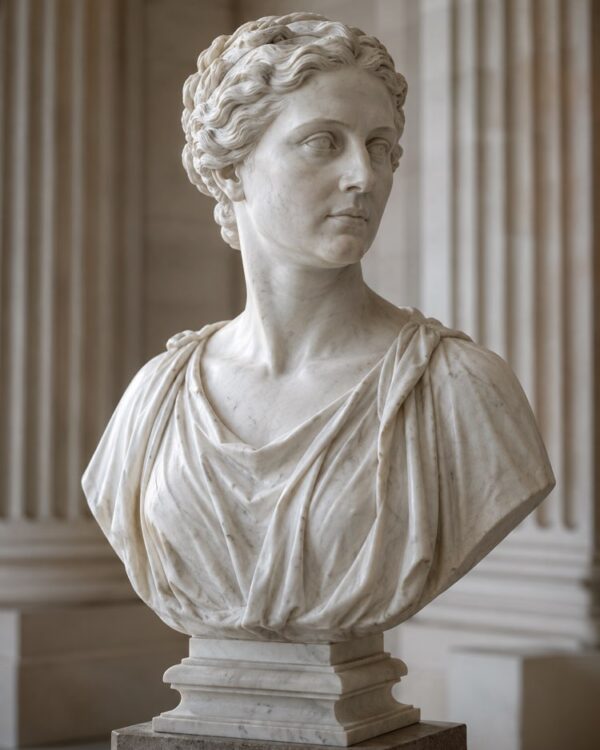
2. The style. This is where most prompts stall. Saying “realistic” is not enough: say what kind of image you are talking about. Studio portrait, phone snapshot, oil painting, 3D render, marble sculpture. Notice that the prompts that work best in the catalog are exactly the ones that pick one material and commit to it:
- Turn Yourself Into a Classical White Marble Statue
- Turn Yourself Into a Hand-Painted Porcelain Doll
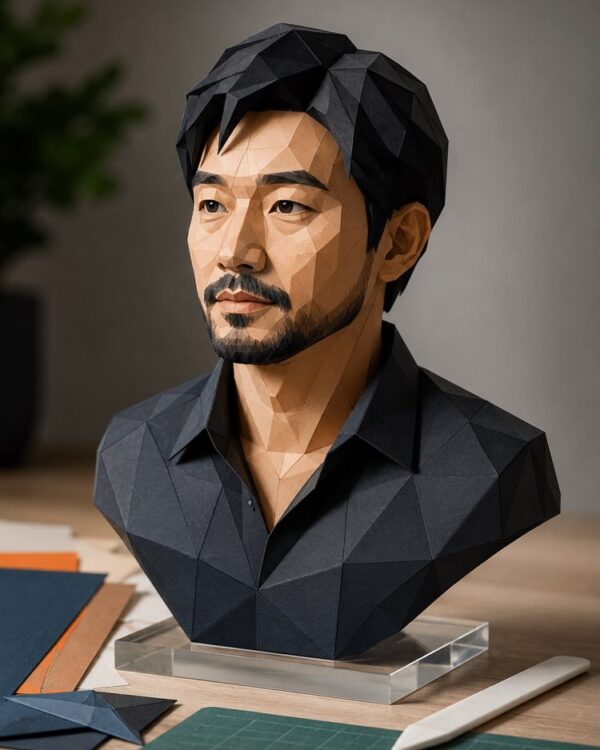
- Turn Your Photo Into a Paper Sculpture
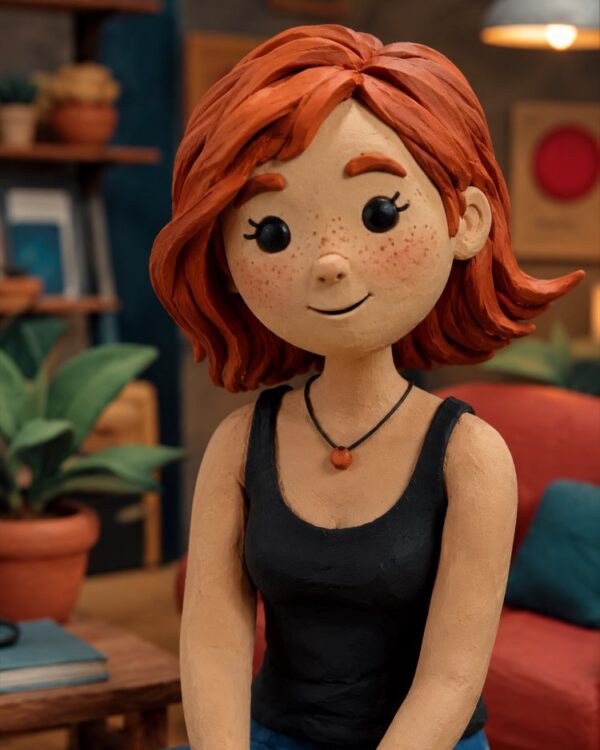
- Stop-Motion Clay Figure With AI
3. The light. It is the setting that changes the photo the most and the one fewest people write down. Morning window light, hard noon sun, late-afternoon backlight, studio light with a bounce. Changing only this part of a prompt already hands back a completely different image.
4. The framing. Close-up on the face, medium shot, full body, top-down view. Without it the AI chooses for you, and it usually picks the dullest middle ground available.
5. What should NOT appear. This is the part that separates people who have been burned from people just starting out. “No text in the image”, “no watermark”, “no distorted hands”, “clean background”. A negative instruction saves you five attempts.
When you use your own photo
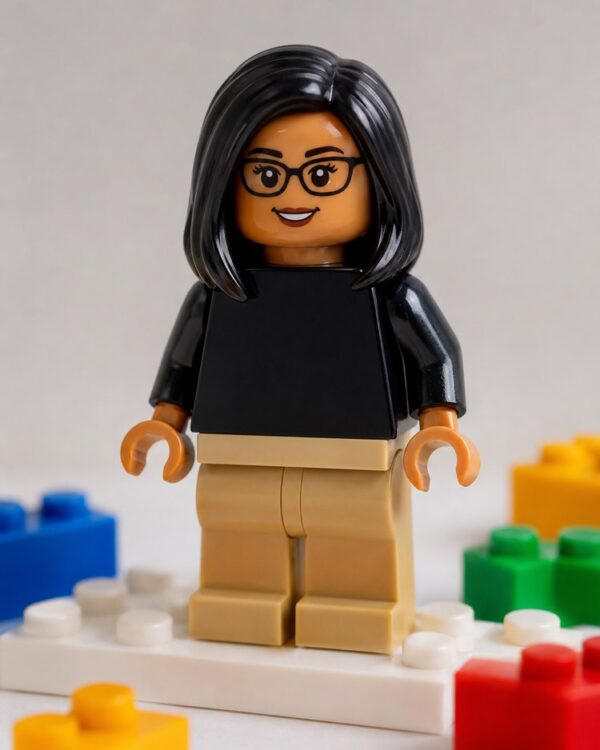
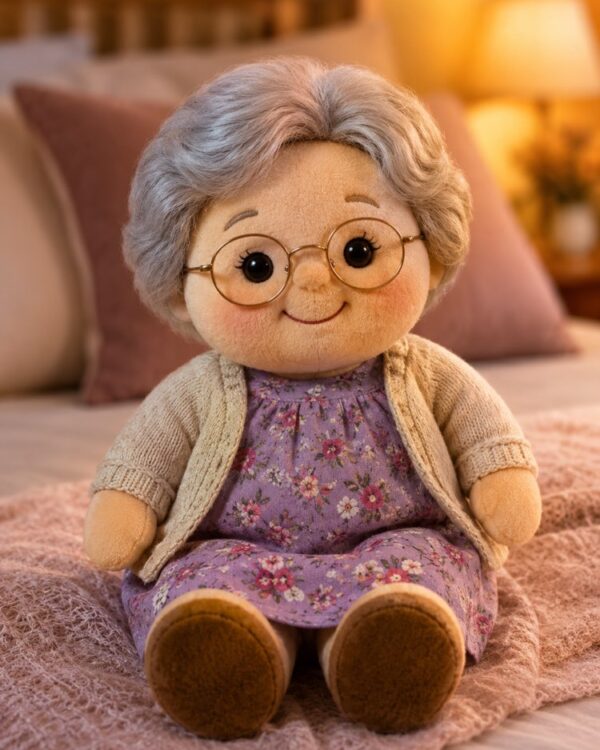
A prompt that transforms a photo of you has one extra rule: you have to say explicitly what must be preserved. Without that the AI “improves” the face, and the result looks good but looks nothing like you. Every transformation prompt in the catalog already carries that passage, and that is why they hand back someone recognizable:
- Turn Yourself Into a Building-Brick Minifigure
- Turn Your Photo Into a Cute Plushie
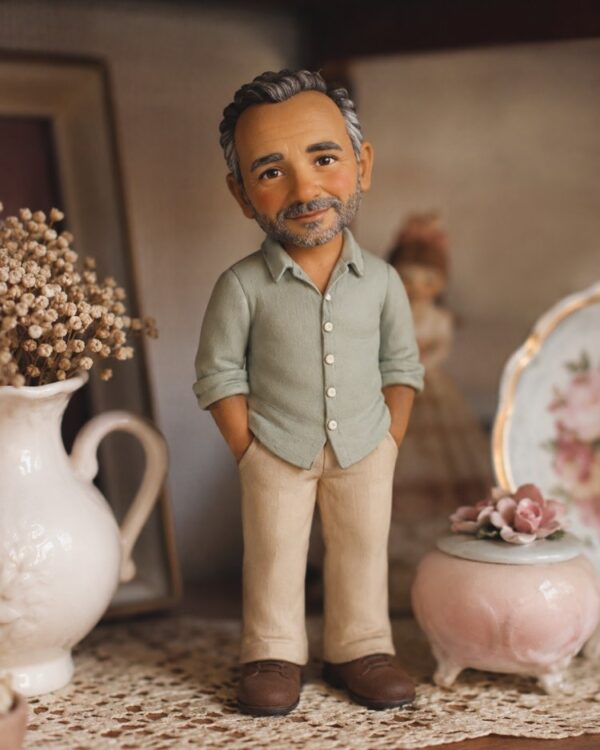
- Turn Yourself Into a Bobblehead Figure
- Your Miniature Inside a Snow Globe
- Turn Yourself Into a Jointed Wooden Marionette
The most common mistake
Stacking adjectives. “Ultra realistic photo, 8k, hyper detailed, masterpiece, amazing, cinematic” is not a prompt: it is a pile of compliments the AI has nowhere to put. Two concrete choices are worth more than ten superlatives. If the image did not come out the way you wanted, change one thing and generate again. Changing everything at once stops you from finding out what was already working.
Where to start
If you have never written an image prompt, the fastest route is not writing one from scratch: it is taking one that already works, generating once to see the result, and only then changing a single setting at a time. The image prompt catalog exists for exactly that, and the photography section has the examples closest to a real photo.