Prompt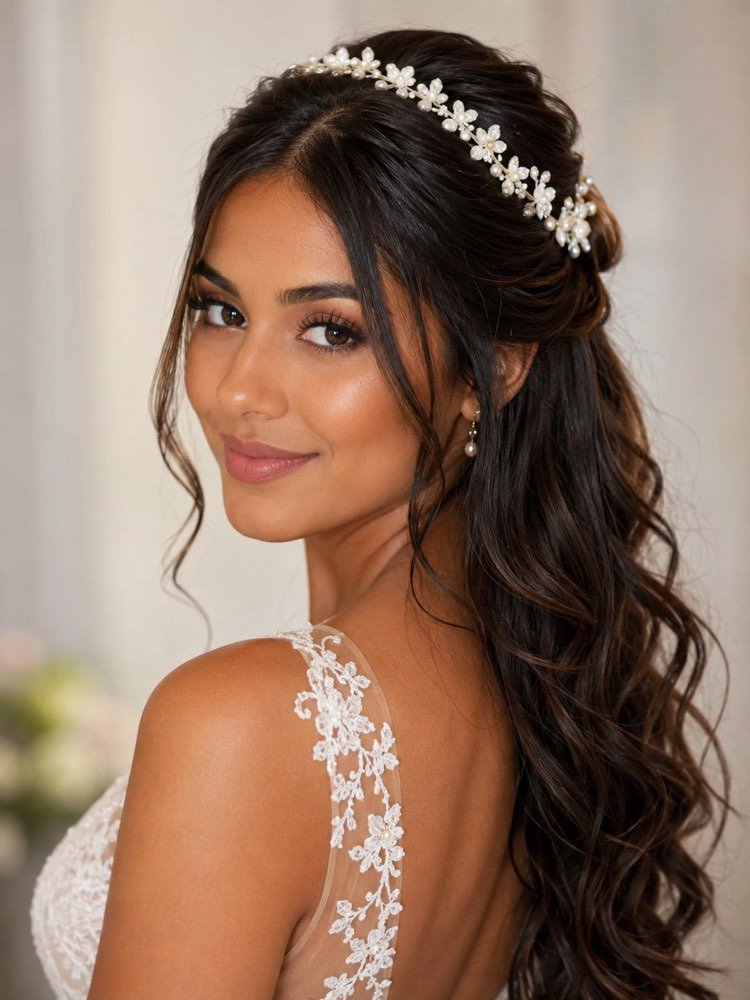
Bridal Hair and Makeup on Your Own Photo
Prompt
{
"instruction": "Send a photo of your face, in good light, and generate the image preserving your features 100%.",
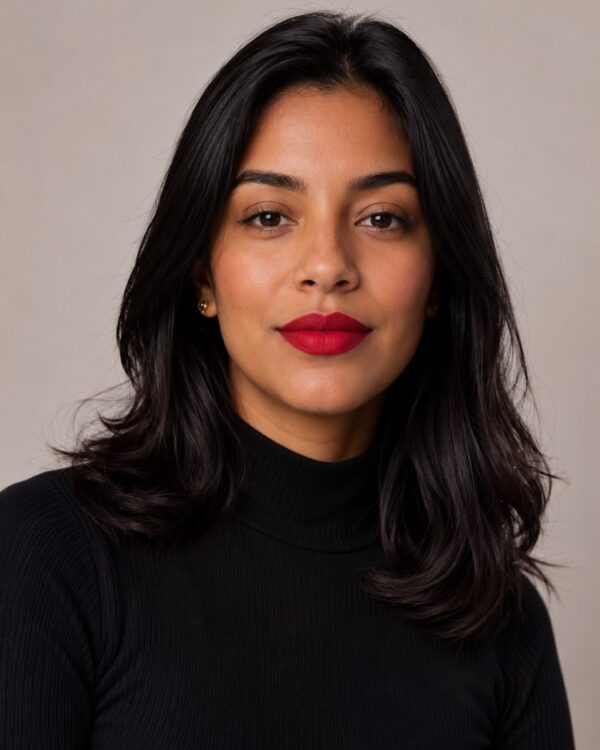
"description": "Apply a half-up bridal hairstyle with soft waves and a delicate tiara of white flowers, plus romantic makeup with glowing skin, a natural rosy lipstick and eyes in neutral shadow. A light, blurred background with soft studio light, the focus on the face and the hairstyle.",
"preserve": "keep the face and the features identical; change only the clothing/hair and the setting",
"style": "Realistic wedding photography, soft romantic light, high definition, 3:4 ratio (portrait).",
"negative": "no distorting faces, no text, no watermark, no real brand logos"
}
How to use
Choosing a bridal hairstyle gets easier when you see yourself ready before the big day. This prompt works in Gemini, in NanoBanana and in ChatGPT using a photo of your face. 1. Take a selfie of your face in good light, with the hair pulled back and no heavy makeup. 2. Send the photo in the chat and paste the prompt just below it. 3. Generate the first version with the half-up style and the romantic makeup suggested. 4. Ask for other styles by changing the description: a low bun, loose hair, a side braid or an updo with a tiara. 5. Adjust the makeup by asking for a bolder lipstick, smoky eyes or very glowing skin. 6. Compare the results side by side and pick your favourites. Final tip: send the references to your makeup artist and your hairdresser — they can reproduce the look far more accurately.
Works with
ChatGPT
Gemini
NanoBanana
Rate this prompt
📖 From the Prompteiro blog
See all posts →
Job Interview Simulator With AI: How to RehearseText · September 24, 2026

Travel Itineraries With AI: The Guide That WorksText · September 21, 2026

Travel Photo Prompts: You Anywhere in the WorldImages · September 19, 2026

Professional Product Photos With AI: The GuideImages · September 15, 2026

How to Care for Plants With AI: A Black Thumb’s GuideText · September 14, 2026

Decorate Your Home With AI: From Photo to PlanImages · September 11, 2026

Try a Haircut With AI Before You Actually CutImages · September 9, 2026

Colourise Black and White Photos With AI: A GuideImages · September 7, 2026

AI Headshots for LinkedIn: The Complete GuideImages · September 4, 2026