Prompt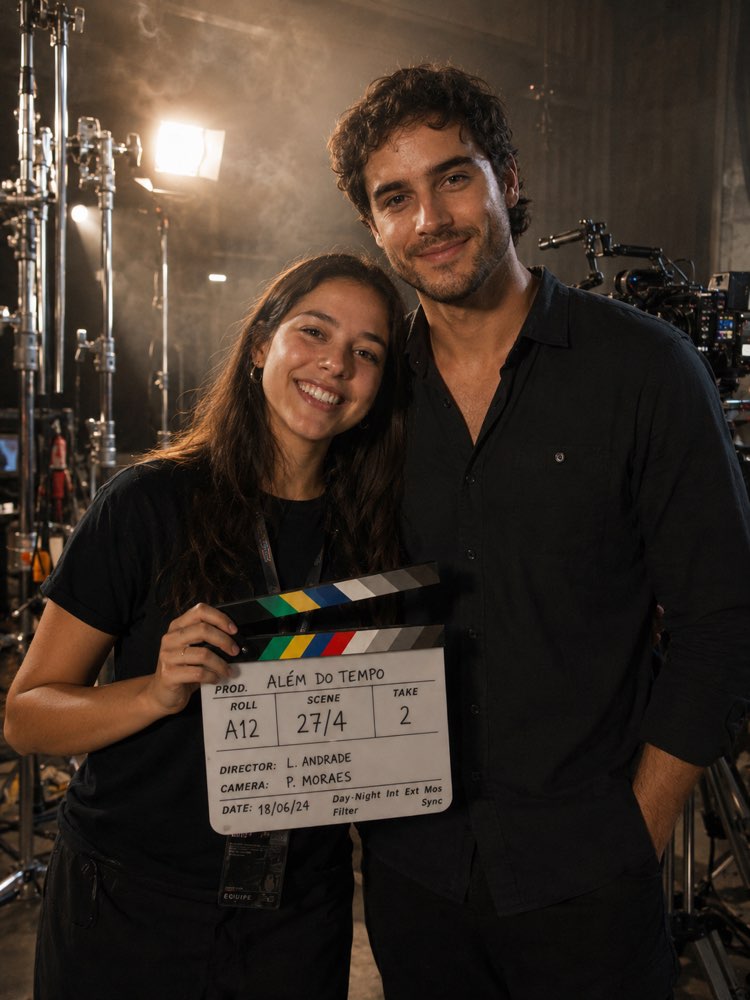
Behind-the-Scenes Film Photo With Your Idol
Prompt
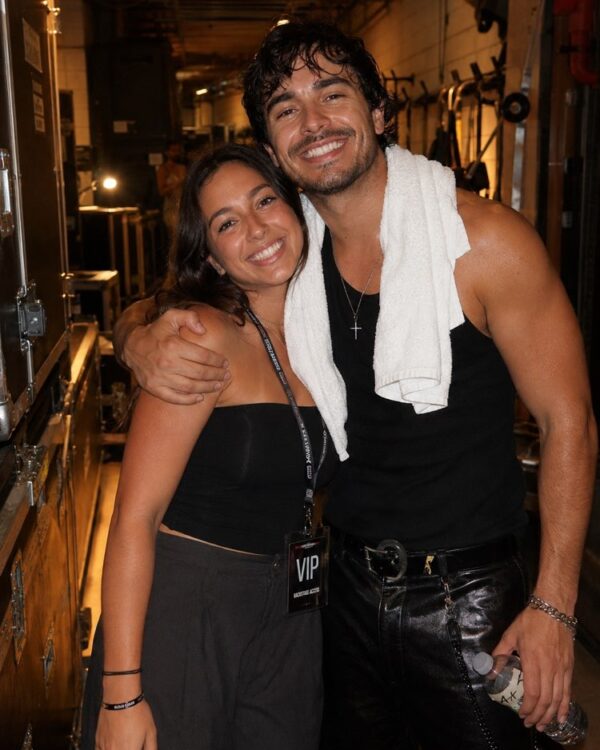
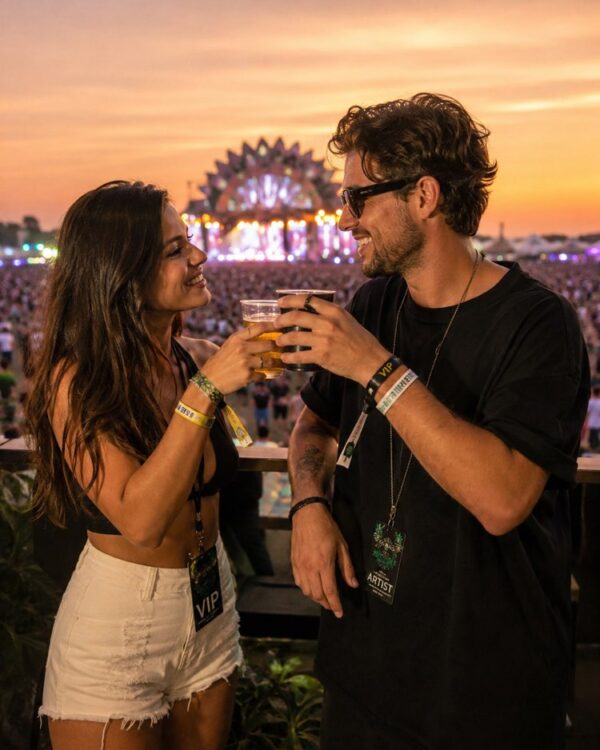
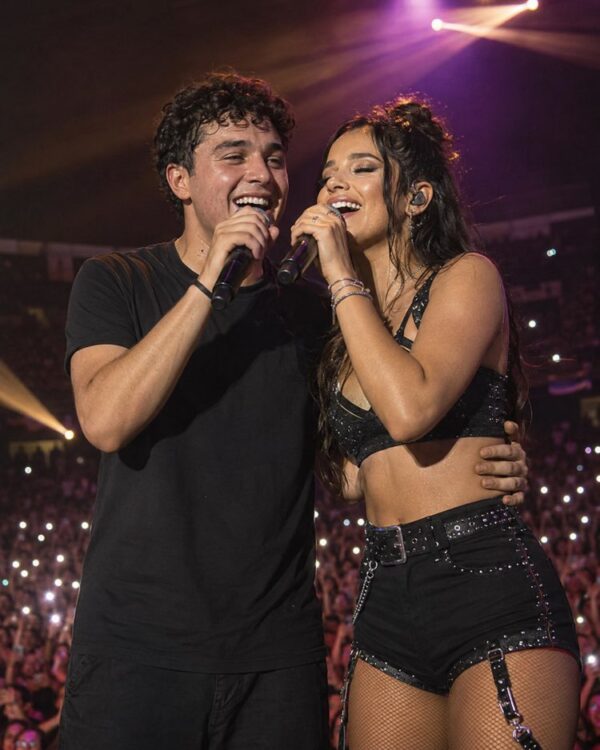
Ultra realistic film set photo of two people between takes, behind-the-scenes cinema photography.
Identity: compose the TWO uploaded photos — preserve BOTH faces and identities exactly (mine and my idol's). Do not alter features, age or skin; only match lighting, color and grain between them.
Scene: me holding a clapperboard next to my idol between takes on a film set — cinema lights, c-stands and camera rig around, both relaxed and smiling like set colleagues.
Details:
- Light: cinematic set lighting spilling equally on both faces, subtle haze in the beams
- Props: clapperboard with generic scene text (no real movie titles), director chairs behind
- Mood: relaxed BTS camaraderie, mid-break laughter
- Realism: authentic skin texture, believable proximity, crew blurred behind, consistent grain
Composition: vertical 3:4, half body, set depth.
How to use
The behind-the-scenes film photo puts you next to your idol between one take and the next, and it works in Gemini (NanoBanana) or in ChatGPT. 1. Send YOUR photo and a photo of your idol in the same message, along with the prompt. 2. Ask it to preserve both faces and identities, adjusting only light, colour and grain between the images. 3. Describe the scene: you with a clapperboard in hand, next to your idol, with lights and set equipment around. 4. Customise the genre of the film, such as an action set with cars or a period production with costumes. 5. Set the generic text on the clapperboard, with no real film titles, and director chairs in the background. 6. Confirm the relaxed backstage mood and the vertical 3:4 ratio, then generate the image. Tip: respect image rights and do not use it to fake real involvement in a production; the tool may refuse depending on the person.
Works with
ChatGPT
Gemini
NanoBanana
Rate this prompt
📖 From the Prompteiro blog
See all posts →
Job Interview Simulator With AI: How to RehearseText · September 24, 2026

Travel Itineraries With AI: The Guide That WorksText · September 21, 2026

Travel Photo Prompts: You Anywhere in the WorldImages · September 19, 2026

Professional Product Photos With AI: The GuideImages · September 15, 2026

How to Care for Plants With AI: A Black Thumb’s GuideText · September 14, 2026

Decorate Your Home With AI: From Photo to PlanImages · September 11, 2026

Try a Haircut With AI Before You Actually CutImages · September 9, 2026

Colourise Black and White Photos With AI: A GuideImages · September 7, 2026

AI Headshots for LinkedIn: The Complete GuideImages · September 4, 2026