Prompt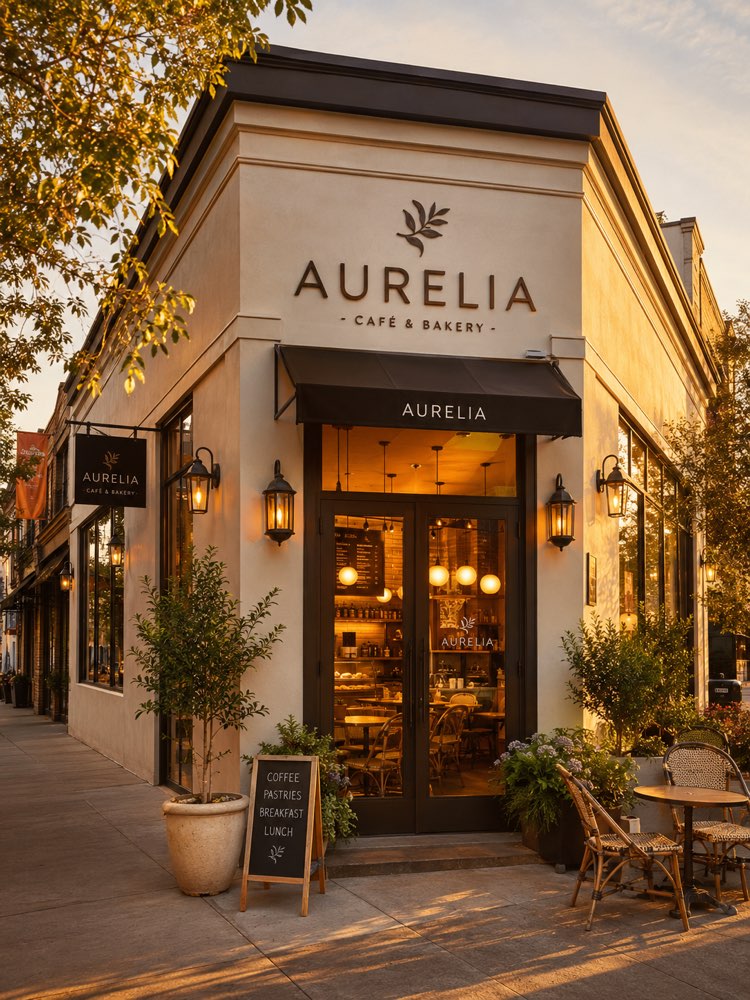
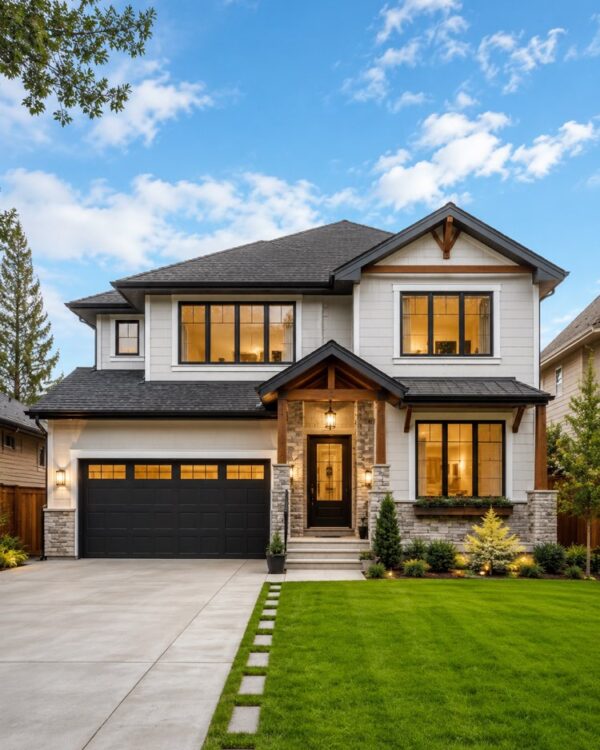
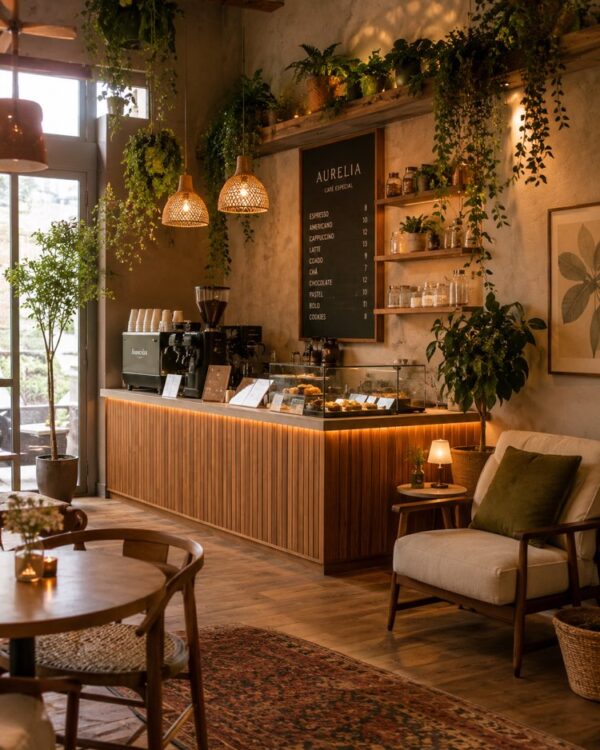
Professional Storefront Photo at Golden Hour
Prompt
{
"version": "1.0",
"subject": {
"reference_image": "user_storefront",
"preserve_layout": true,
"preserve_signage": true,
"note": "keep the real storefront structure and sign; enhance materials, cleanliness and light"
},
"task": "professional storefront exterior photo",
"enhancements": {
"clean_facade": true,
"vibrant_but_realistic": true,
"tidy_sidewalk": true,
"warm_window_glow": true,
"welcoming_entrance": true
},
"scene": {
"aspect_ratio": "3:4",
"time_of_day": "golden hour / blue hour",
"sky": "clear soft gradient",
"street_context": "clean, uncluttered"
},
"composition": {
"slight_three_quarter_angle": true,
"storefront_hero": true,
"leading_lines": true
},
"lighting": {
"style": "warm golden hour + glowing interior",
"shadows": "long soft",
"reflections": "subtle on glass"
},
"quality": {
"style": [
"architectural photography",
"real estate quality",
"photorealistic",
"HDR balanced",
"sharp detail",
"inviting atmosphere"
]
},
"negative_prompt": [
"AI artifacts",
"low quality",
"low resolution",
"blurry",
"oversaturated colors",
"plastic look",
"warped text",
"gibberish text",
"distorted logo",
"extra objects",
"watermark",
"stock photo watermark",
"harsh unnatural shadows",
"fake lighting",
"cluttered background",
"deformed geometry",
"incorrect perspective",
"people staring",
"messy cables",
"trash"
]
}
How to use
This professional storefront photo prompt keeps the structure and the sign of your shop and lifts the scene into golden hour, with a glowing window and a clean pavement, the ideal result for Google Business Profile and Instagram, and it works in NanoBanana, in Gemini and in ChatGPT. 1) Send the photo of your storefront together with the JSON prompt in the same message. 2) The AI preserves the layout and the signage and rebuilds the scene with golden light, a soft sky and a welcoming entrance. 3) Adjust the time in "time_of_day" between golden hour and blue hour. 4) Refine the sky in "sky" and the touches in the "enhancements" fields. 5) Keep "preserve_signage" and "preserve_layout" so the AI respects your real storefront. 6) Generate variations and pick the one with subtle reflections on the glass and the cleanest street. Tip: photograph the storefront head-on and with no cars in front, so the AI has more freedom to beautify the surroundings.
Works with
ChatGPT
Gemini
NanoBanana
Rate this prompt
📖 From the Prompteiro blog
See all posts →
ChatGPT or Gemini: Which Is Better for Each TaskCourses · August 5, 2026

Best ChatGPT Prompts in English: 12 to Use TodayText · August 2, 2026

Restore an Old Photo with AI: The Complete Free GuideImages · August 2, 2026

How to Write a Prompt That Works in ChatGPTCourses · August 2, 2026
AI Prompts for Work and Career: 12 That Actually HelpText · August 1, 2026

How to Write an Image Prompt That Works (With Examples)Images · August 1, 2026

What Is Artificial Intelligence: The Beginner’s GuideCourses · August 1, 2026