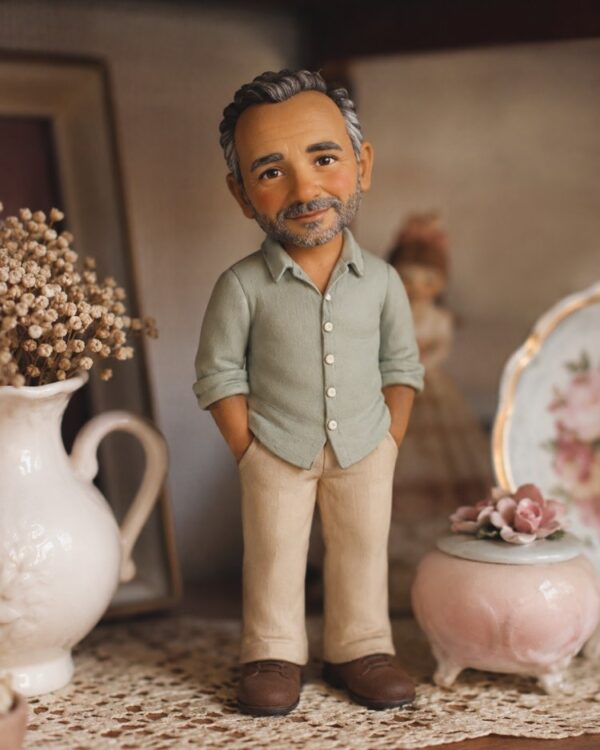
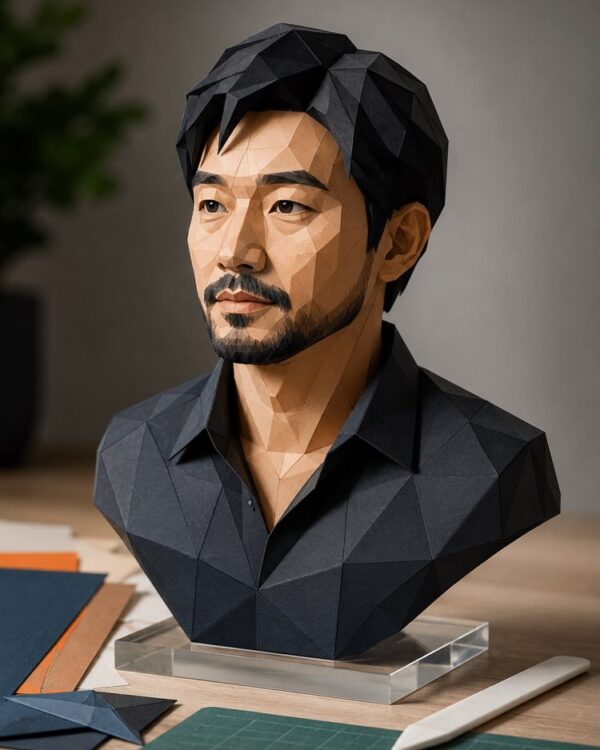
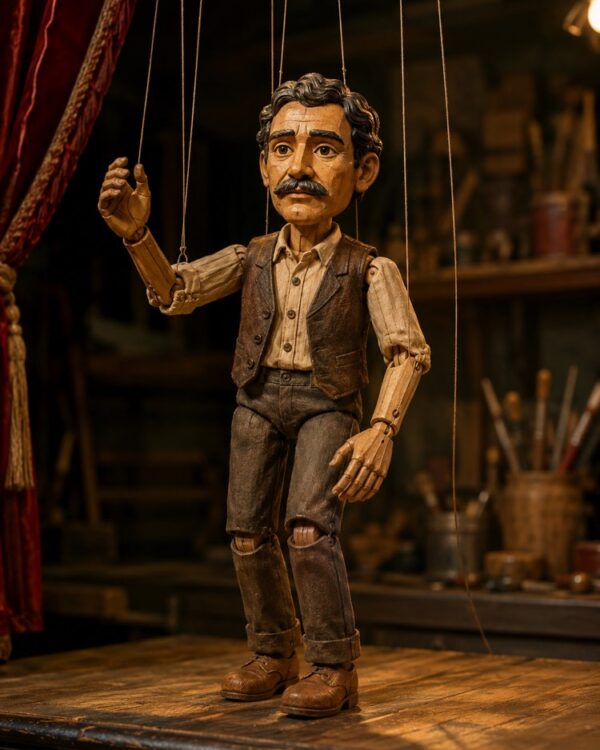
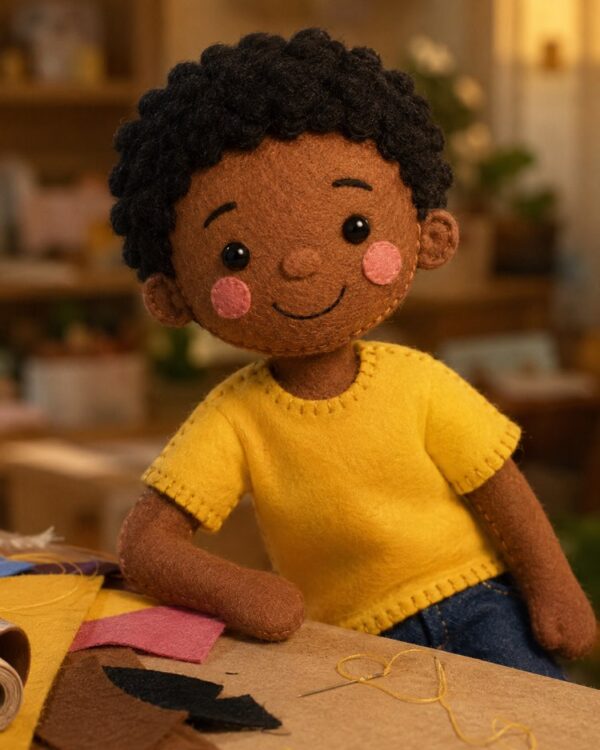
Prompt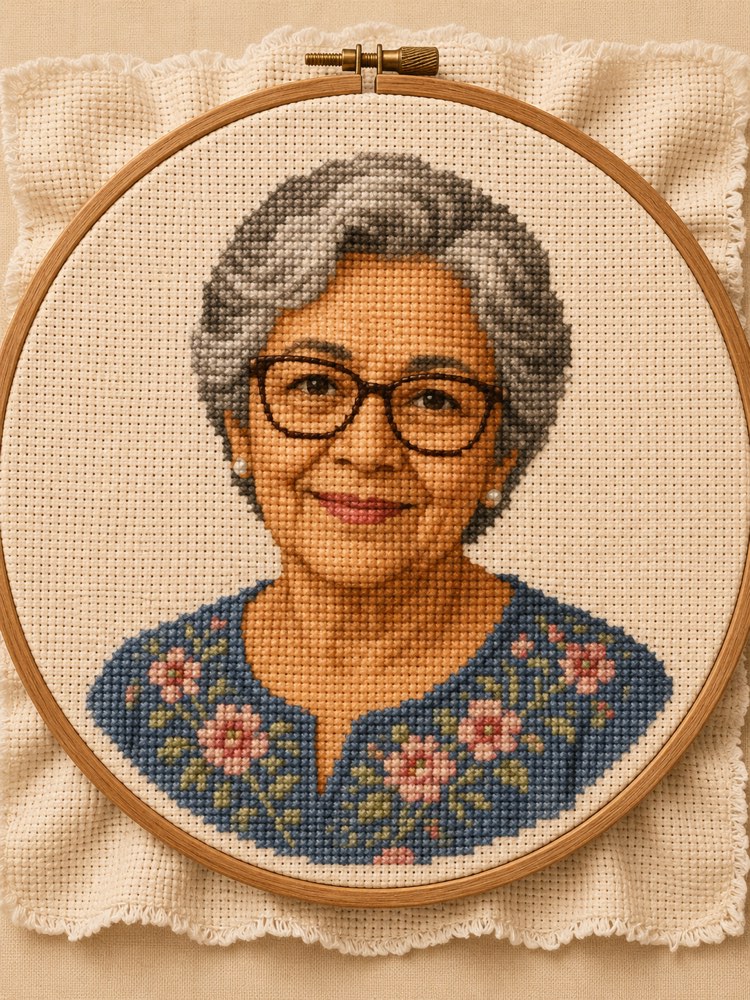
Cross Stitch Embroidery Portrait
Prompt
{
"version": "1.0",
"subject": {
"reference_image": "",
"preserve_identity": true,
"preserve_face": true,
"keep_hair": true,
"keep_skin_tone": true,
"expression": "a gentle, welcoming expression, a slight smile"
},
"style": {
"name": "handmade cross stitch embroidery",
"technique": "an image formed by X-shaped stitches of embroidery thread on gridded aida cloth, every 'pixel' is a distinct cross stitch, visible textile pixelation, the face emerging from the grid of stitches like a low-resolution image sewn by hand",
"palette": "embroidery floss colours in soft, cosy tones, a limited number of colours, transitions in steps of stitches",
"texture": "the clear texture of braided cotton thread, the relief of the stitches, the weave of the aida cloth showing in the unstitched areas",
"frame": "a round wooden hoop holding the fabric taut, the raw edge of the cloth spilling outside the embroidery",
"background": "raw beige aida cloth left unstitched around the portrait, inside the hoop"
},
"composition": "head and shoulders portrait centred inside a round hoop, 3:4 format, the look of a craft piece",
"quality": "high-quality cross stitch embroidery, well-defined stitches, a cute handmade look",
"negative_prompt": "photography, smooth 3D, brushstroke, styles of famous studios and artists, known characters, real franchises, logos, text, watermark, distorted face, deformed hands, extra limbs"
}
How to use
A cross stitch embroidery portrait turns your photo into a craft piece, where every little X of thread builds the image on gridded cloth, all stretched in a wooden hoop. This prompt recreates that charm while preserving your face, and it works in Gemini, NanoBanana and ChatGPT. 1. Choose a sharp photo of yourself, with your face centred and good light. 2. Send the image in the same message where you are going to paste the prompt. 3. Paste the full JSON prompt right below your photo. 4. Ask it to preserve your features completely, applying only the embroidered finish. 5. Generate variations until the face emerges clearly from the grid of stitches. 6. Download it in high resolution to print, or to use as a base for real embroidery. Tip: in the technique field you adjust the resolution of the stitches, making the embroidery coarser or more detailed, and you swap the thread colours.
Works with
ChatGPT
Gemini
NanoBanana
Rate this prompt
📖 From the Prompteiro blog
See all posts →
Job Interview Simulator With AI: How to RehearseText · September 24, 2026

Travel Itineraries With AI: The Guide That WorksText · September 21, 2026

Travel Photo Prompts: You Anywhere in the WorldImages · September 19, 2026

Professional Product Photos With AI: The GuideImages · September 15, 2026

How to Care for Plants With AI: A Black Thumb’s GuideText · September 14, 2026

Decorate Your Home With AI: From Photo to PlanImages · September 11, 2026

Try a Haircut With AI Before You Actually CutImages · September 9, 2026

Colourise Black and White Photos With AI: A GuideImages · September 7, 2026

AI Headshots for LinkedIn: The Complete GuideImages · September 4, 2026