Prompt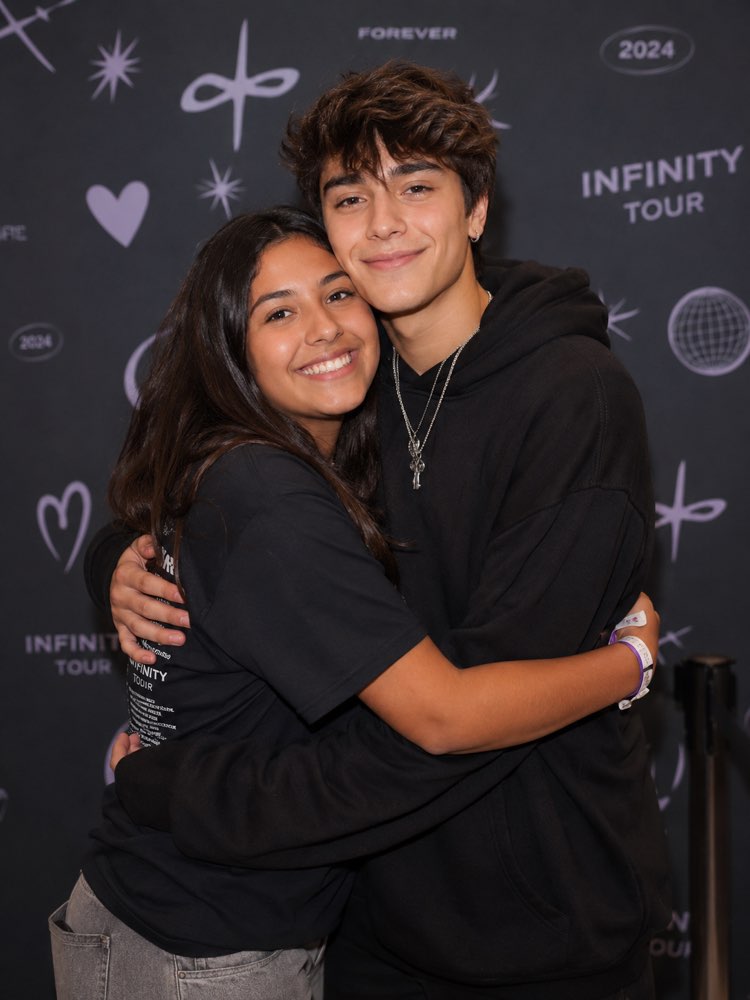
Official Meet & Greet Photo With Your Idol
Prompt
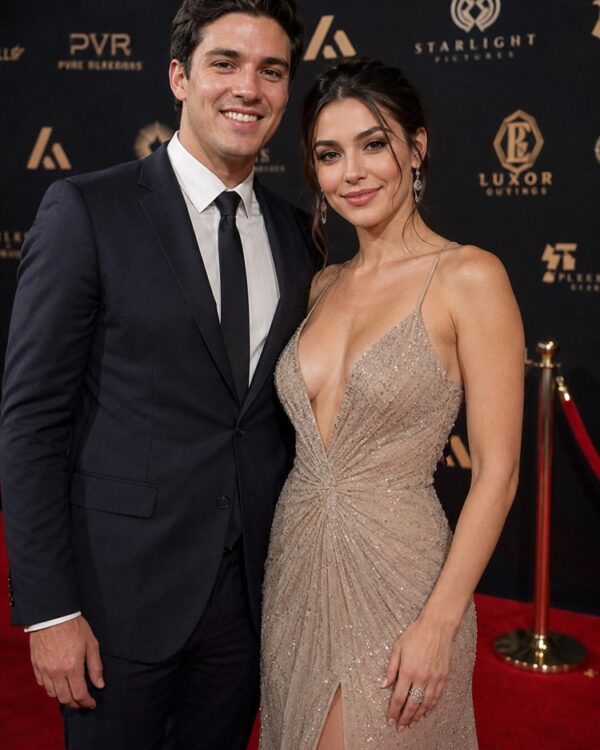
Ultra realistic meet and greet photo of two people, official event photography.
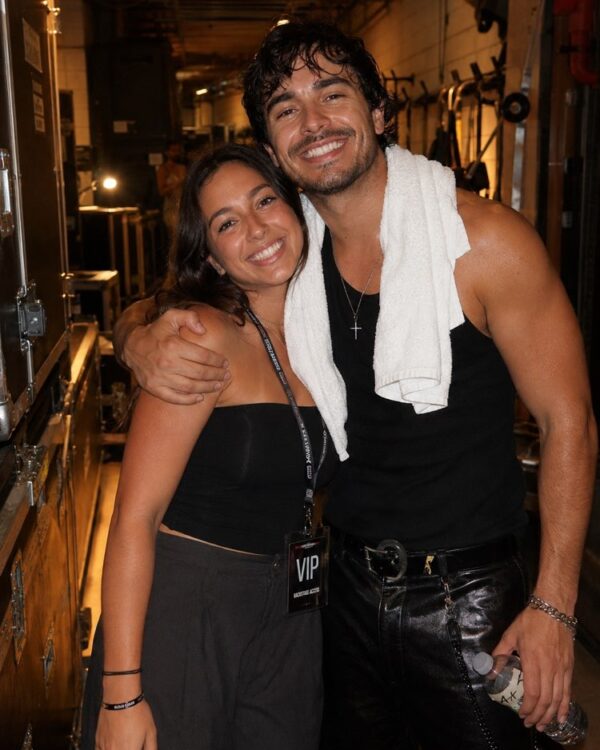
Identity: compose the TWO uploaded photos — preserve BOTH faces and identities exactly (mine and my idol's). Do not alter features, age or skin; only match lighting, color and grain between them.
Scene: me hugging my idol at an official meet & greet — event backdrop with generic abstract shapes behind, professional even lighting, queue rope at the edge of the frame.
Details:
- Light: official photographer setup — soft even flash, identical exposure on both faces
- Mood: genuine warm hug, the classic M&G smile
- Wardrobe: me in tour merch tee (optional), idol in event look
- Realism: authentic skin texture, believable hug contact, backdrop slightly out of focus, consistent grain
Composition: vertical 3:4, half body, centered like the official photos.
How to use
The official meet & greet photo recreates that hug with your idol on the event backdrop, and it works in Gemini (NanoBanana) or in ChatGPT. 1. Send YOUR photo and a photo of your idol in the same message, along with the prompt. 2. Ask it to preserve both faces, adjusting only light, colour and grain between the images. 3. Describe the scene: a warm hug at the meet & greet, with a backdrop of abstract shapes and the queue rope at the edge. 4. Set the soft even flash of an official photographer, with the same exposure on both faces. 5. Customise the merch t-shirt, such as "tour 2026", and the pose, such as a hug or a little heart with the hands. 6. Confirm the centred framing and the vertical 3:4 ratio, then generate the image. Tip: respect image rights and do not sell it as a real meeting; the tool may refuse depending on the person.
Works with
ChatGPT
Gemini
NanoBanana
Rate this prompt
📖 From the Prompteiro blog
See all posts →
ChatGPT or Gemini: Which Is Better for Each TaskCourses · August 5, 2026

Best ChatGPT Prompts in English: 12 to Use TodayText · August 2, 2026

Restore an Old Photo with AI: The Complete Free GuideImages · August 2, 2026

How to Write a Prompt That Works in ChatGPTCourses · August 2, 2026
AI Prompts for Work and Career: 12 That Actually HelpText · August 1, 2026
How to Write an Image Prompt That Works (With Examples)Images · August 1, 2026

What Is Artificial Intelligence: The Beginner’s GuideCourses · August 1, 2026