Prompt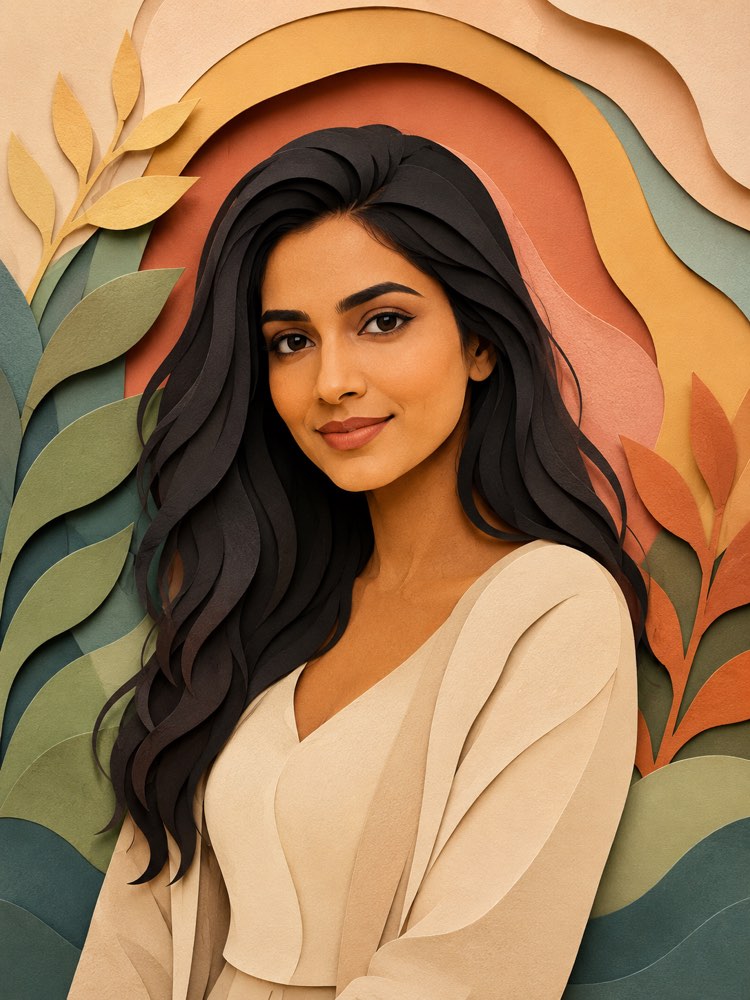
Your Photo as Layered Cut Paper Art
Prompt
{
"version": "1.0",
"subject": {
"reference_image": "",
"preserve_identity": true,
"preserve_face": true,
"keep_hair": true,
"keep_skin_tone": true,
"expression": "a soft, delicate expression, a calm gaze"
},
"style": {
"name": "layered cut paper art (3D paper cut)",
"technique": "an image built from several sheets of coloured paper cut out and stacked in overlapping layers, every element (face, hair, clothes, background) a distinct paper layer with clean cut edges, creating real depth through the shadows between the layers",
"palette": "papers in solid harmonious colours, soft tones grading from layer to layer, pleasing contrasts",
"texture": "the matte texture of card stock, soft shadows cast between the sheets giving volume, crisp edges cut with scissors or a blade",
"depth": "a strong sense of diorama depth, the nearer layers standing out from the farther ones",
"background": "a background of paper layers with overlapping organic shapes (leaves, waves, arches) in complementary colours"
},
"composition": "half-body portrait in a layered paper diorama, 3:4 format, depth at the centre",
"quality": "high-quality cut paper art, well-defined layers, realistic shadows between the papers",
"negative_prompt": "photography, painting, smooth digital 3D, styles of famous studios and artists, known characters, real franchises, logos, text, watermark, distorted face, deformed hands, extra limbs"
}
How to use
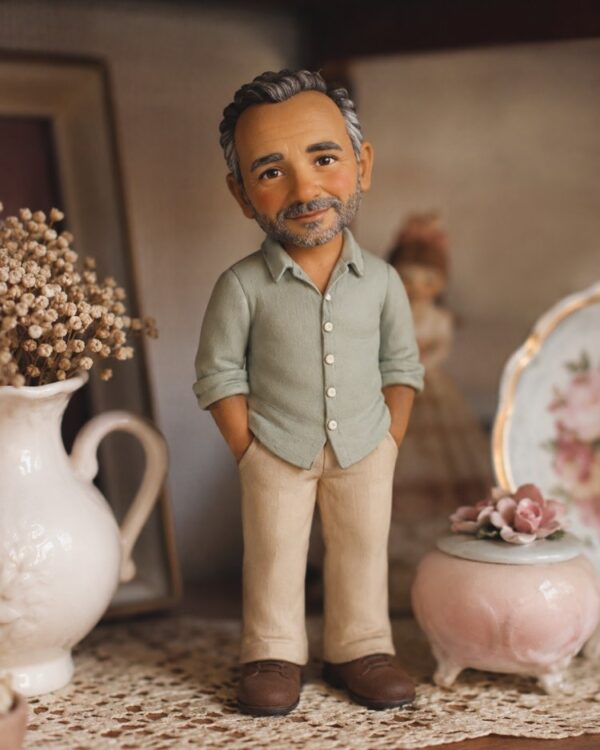
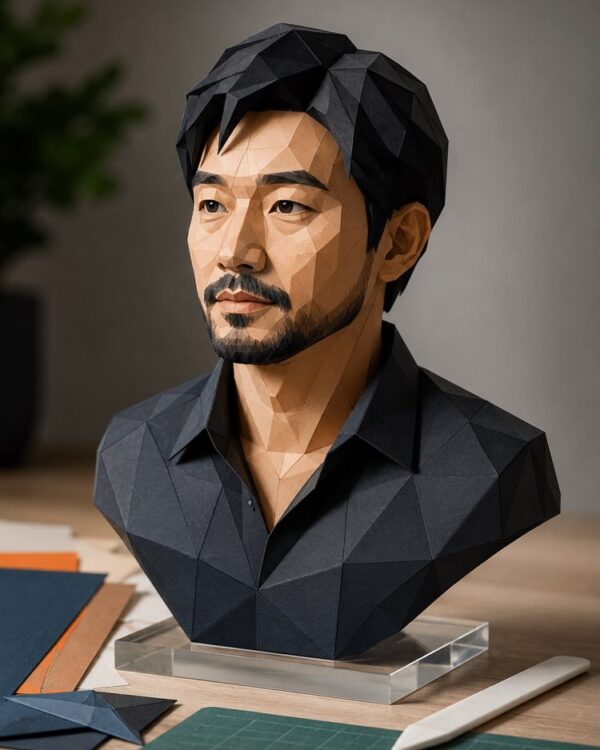
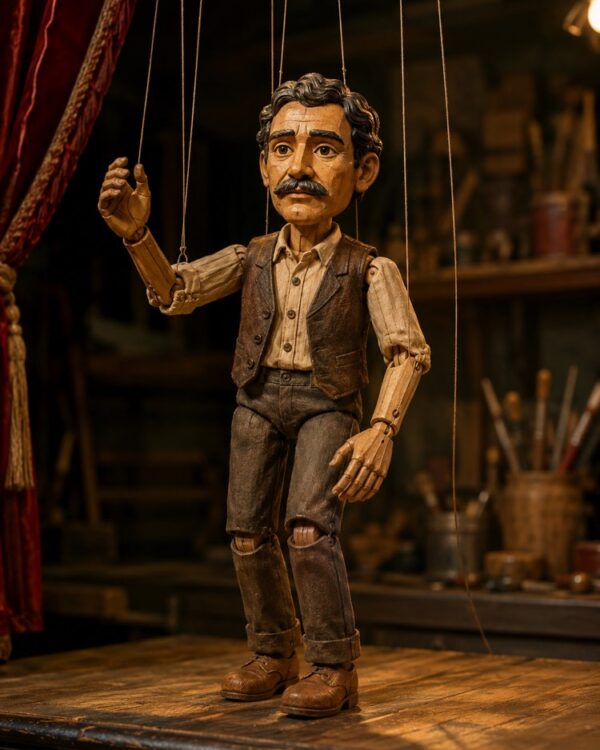
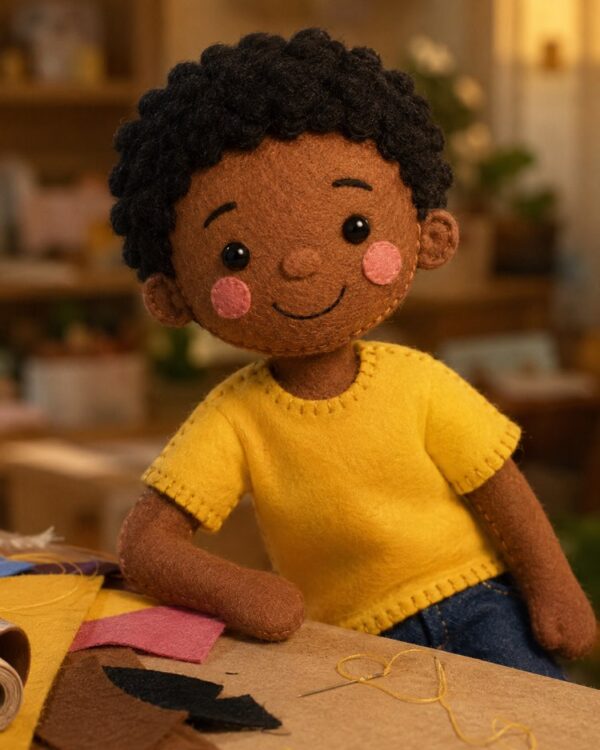
Turning your photo into cut paper art stacks sheets of coloured paper in layers that build the face, the hair and the background, with shadows between them creating a diorama effect in depth. This prompt recreates that style while preserving your face, and it works in Gemini, NanoBanana and ChatGPT. 1. Choose a sharp photo of yourself, front-facing and with good light on your face. 2. Send the image in the same message where you are going to paste the prompt. 3. Paste the whole JSON prompt right below your photo. 4. Ask it to keep your features completely, applying only the paper finish. 5. Generate a few variations until the layers take on a nice depth. 6. Download it in high resolution to print and frame as a relief picture. Tip: in the palette and depth fields you choose the colours of the papers and how much the layers stand out, as well as the organic shapes of the background.
Works with
ChatGPT
Gemini
NanoBanana
Rate this prompt
📖 From the Prompteiro blog
See all posts →
Best ChatGPT Prompts in English: 12 to Use TodayText · August 2, 2026
Restore an Old Photo with AI: The Complete Free GuideImages · August 2, 2026

How to Write a Prompt That Works in ChatGPTCourses · August 2, 2026

AI Prompts for Work and Career: 12 That Actually HelpText · August 1, 2026
How to Write an Image Prompt That Works (With Examples)Images · August 1, 2026

What Is Artificial Intelligence: The Beginner’s GuideCourses · August 1, 2026