 Prompt
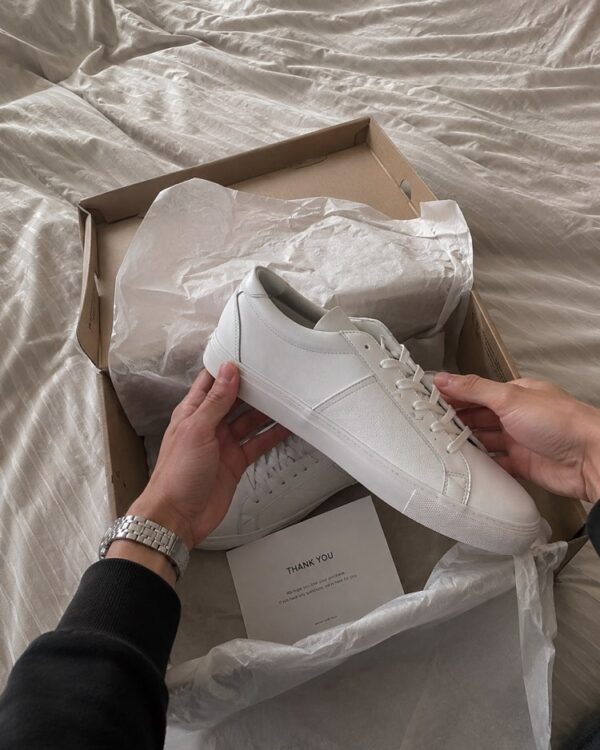
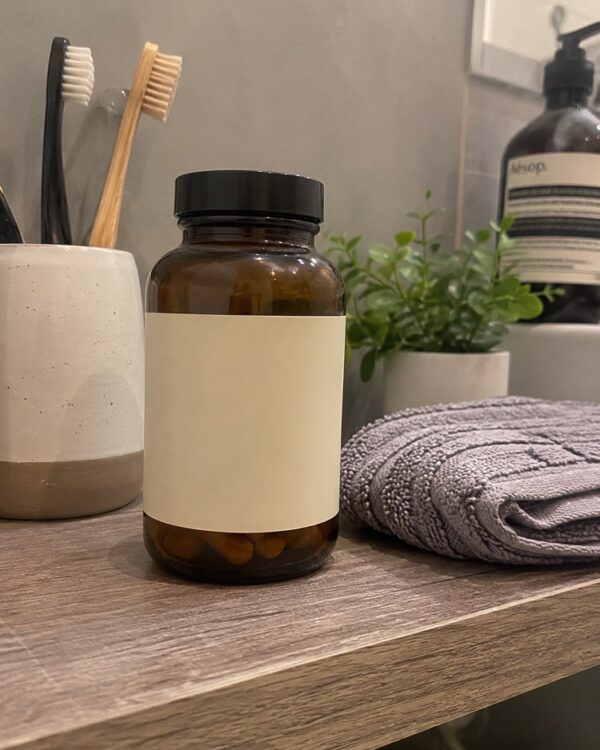
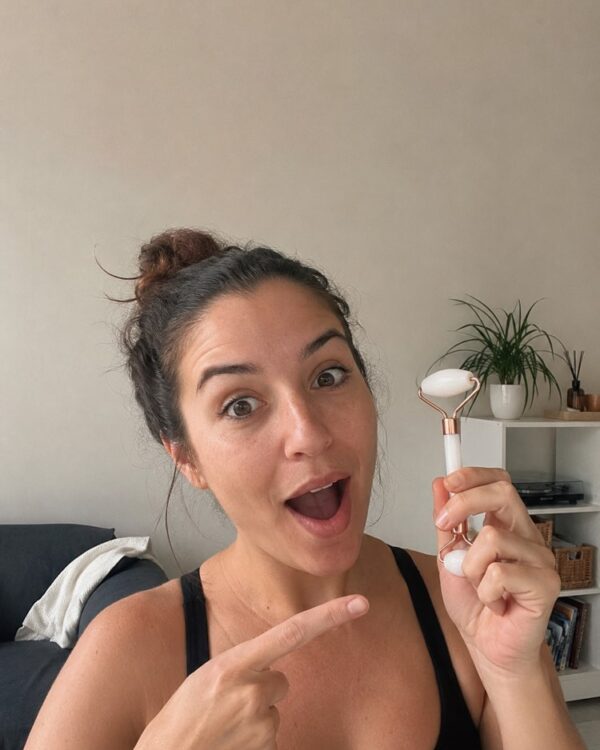
Foto de Produto em Uso em POV de Ação
Prompt
{
"version": "1.0",
"subject": {
"reference_image": "user_product",
"preserve_product": true,
"note": "first-person POV actively using the exact uploaded product (applying / spraying / sipping / holding)"
},
"task": "product-in-use POV action shot (UGC)",
"scene": {
"aspect_ratio": "3:4",
"pov": "first person, own hand using the product",
"background": "real everyday setting, blurred"
},
"camera": {
"style": "phone POV, shallow phone depth"
},
"lighting": {
"style": "natural available light",
"imperfect": true
},
"quality": {
"style": [
"authentic UGC style",
"shot on smartphone front/rear camera",
"natural imperfect lighting",
"candid and relatable",
"realistic skin texture",
"slight sensor grain",
"true-to-life colors",
"believable everyday scene"
]
},
"negative_prompt": [
"AI artifacts",
"low quality",
"blurry",
"oversaturated colors",
"plastic skin",
"warped text",
"gibberish text",
"distorted product label",
"extra fingers",
"deformed hands",
"watermark",
"stock photo look",
"overly polished studio retouching",
"fake glossy advertising look",
"cgi render",
"incorrect anatomy"
]
}
Como usar
O prompt Produto em Uso mostra o item sendo usado em POV, a sua mão aplicando, borrifando ou segurando, o close que prova que o produto funciona no dia a dia. Funciona no NanoBanana, no Gemini e no ChatGPT. 1) Envie a foto do seu produto com o prompt JSON na mesma mensagem. 2) Mantenha "preserve_product" para o item sair idêntico ao da foto. 3) Descreva a ação em "note": aplicar, borrifar, tomar um gole ou segurar o produto. 4) Escolha o cenário em "background", um ambiente real do dia a dia levemente desfocado. 5) Gere e refaça a luz natural em "lighting" até o close ficar convincente. Dica: a pouca profundidade do celular destaca o produto e reforça o clima de foto espontânea.
Avalie este prompt
📖 Do blog do Prompteiro
Ver todos os posts →
Receita com o que tem em casa: o método certoTexto · 24 de outubro de 2026

Prompt para Instagram: o que pedir em cada formatoTexto · 11 de outubro de 2026

Prompt para foto de criança: o guia honestoImagens · 4 de outubro de 2026

Decoração de festa com IA: do tema ao orçamentoImagens · 2 de outubro de 2026

Simulador de entrevista de emprego com IATexto · 24 de setembro de 2026

Roteiro de viagem com IA: o guia que evita o erroTexto · 21 de setembro de 2026

Prompt para foto de viagem: você em qualquer lugarImagens · 19 de setembro de 2026

Foto profissional de produto com IA: o guiaImagens · 15 de setembro de 2026

Como cuidar de plantas com IA: o guia de quem mataTexto · 14 de setembro de 2026