 Prompt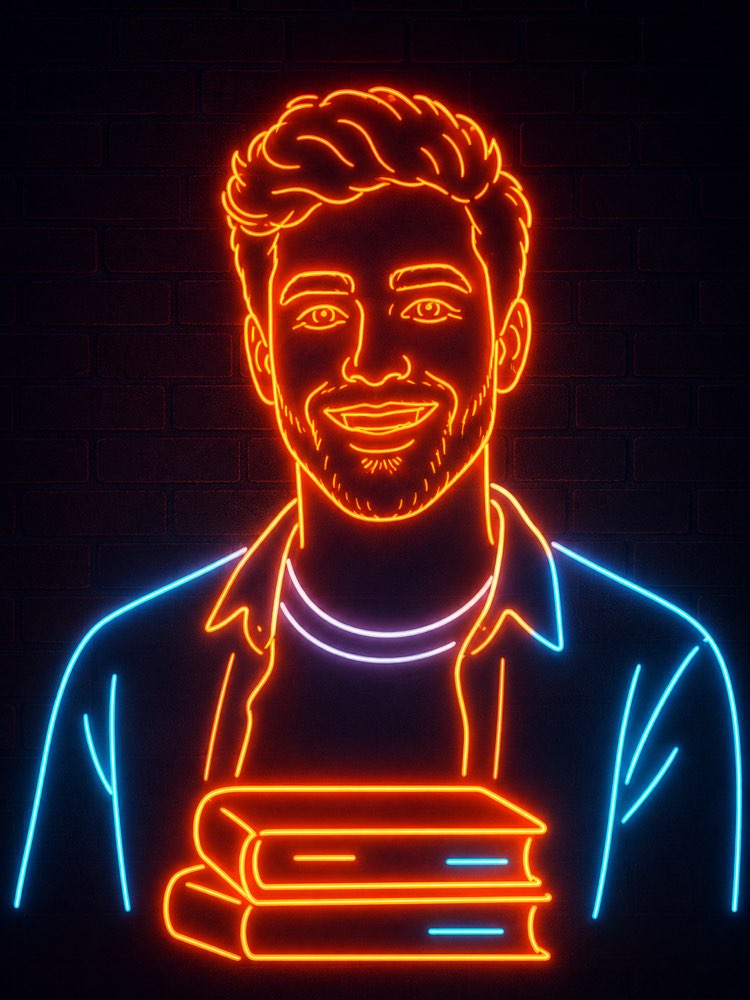
用AI把照片变成霓虹招牌
提示词
{
"task": "照片转霓虹线条人像",
"version": "1.0",
"preserve_identity": {
"enabled": true,
"identity_strength": 1.0,
"preserve_face": true,
"preserve_hairstyle": true,
"preserve_facial_structure": true,
"preserve_expression": true,
"preserve_age": true,
"preserve_gender_presentation": true,
"preserve_distinctive_features": true
},
"transformation": {
"style": "极简霓虹招牌",
"description": "把输入的人像变成一幅干净的霓虹灯管插画,整幅画完全由连续发光的霓虹线条构成,同时保留这个人的身份。成品应当像一块专业制作的霓虹墙面招牌。"
},
"composition": {
"camera_angle": "正面",
"crop": "中景人像",
"framing": "居中",
"orientation": "竖版",
"head_position": "中央",
"shoulders_visible": true,
"upper_torso_visible": true,
"maintain_original_pose": true,
"background": {
"type": "深色砖墙",
"color": "#0d0714",
"texture": "低调的哑光砖",
"depth": "平"
}
},
"subject": {
"outline_method": "连续的单根霓虹灯管",
"line_simplification": "高",
"facial_details": {
"eyes": "极简但认得出",
"eyebrows": "干净的霓虹笔画",
"nose": "简单的轮廓",
"mouth": "一条微笑的轮廓线",
"ears": "极简的轮廓"
},
"hair": {
"convert_to_neon": true,
"preserve_shape": true,
"simplify_strands": true,
"flowing_contours": true
},
"clothing": {
"simplify_to_outline": true,
"preserve_general_garment_shape": true,
"remove_small_details": true
}
},
"foreground_object": {
"enabled": true,
"object": "一摞书",
"position": "居中,在胸前",
"style": "相配的霓虹轮廓",
"perspective": "略偏正面",
"line_weight": "一致",
"book_count": 2
},
"neon_design": {
"tube_style": "圆角的玻璃霓虹灯管",
"continuous_lines": true,
"line_breaks": "尽量少",
"uniform_tube_width": true,
"tube_thickness": "中等",
"corner_style": "圆角",
"manufacturable_layout": true
},
"color_palette": {
"primary": {
"color": "暖橙",
"hex": "#ff7a00",
"usage": [
"脸",
"头发",
"脖子",
"书",
"衣服的外缘"
]
},
"secondary": {
"color": "冷青",
"hex": "#47d9ff",
"usage": [
"挑选出的衣服点缀",
"书的细节"
]
},
"accent": {
"color": "带一点薰衣草味的白",
"hex": "#f4f0ff",
"usage": [
"衬衫领口"
]
}
},
"lighting": {
"style": "写实的霓虹发光",
"scene": "黑暗的环境",
"glow_intensity": "高",
"bloom": "强",
"soft_light_spill": true,
"light_wrap": true,
"subtle_wall_reflection": true,
"ambient_light": "很低",
"contrast": "高"
},
"materials": {
"neon_tubes": "玻璃",
"wall": "刷过漆的砖",
"surface_finish": "哑光"
},
"rendering": {
"style": "照片级写实的霓虹装置",
"not_flat_vector": true,
"depth": "细微",
"realistic_glass": true,
"emissive_effect": true,
"clean_edges": true
},
"quality": {
"resolution": "8K",
"sharpness": "高",
"noise": "无",
"banding": "无",
"compression": "无",
"anti_aliasing": true,
"professional_finish": true
},
"preserve": [
"面部比例",
"头形",
"头发的轮廓",
"表情",
"姿势",
"整体身份"
],
"negative_prompt": [
"多余的人",
"缺失的五官",
"扭曲的脸",
"错认的身份",
"变形的解剖结构",
"交叉的霓虹灯管",
"断掉的霓虹",
"漂浮的元素",
"文字",
"标志",
"水印",
"杂乱的背景",
"照片般的皮肤质感",
"绘画",
"动漫",
"卡通",
"3D角色",
"低分辨率",
"像素化",
"模糊",
"双重轮廓",
"多张脸",
"过于细碎的衣服",
"随意的装饰",
"过饱和的颜色",
"生硬的阴影",
"不均匀的辉光"
]
}
使用方法
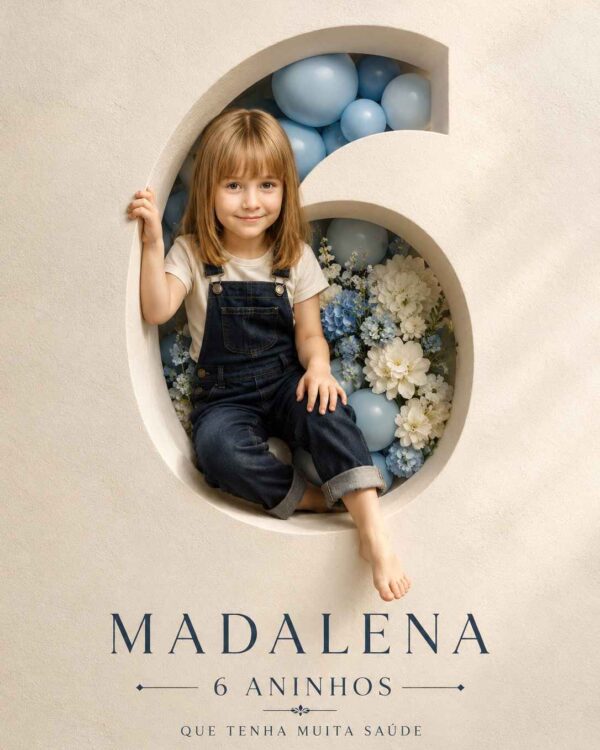
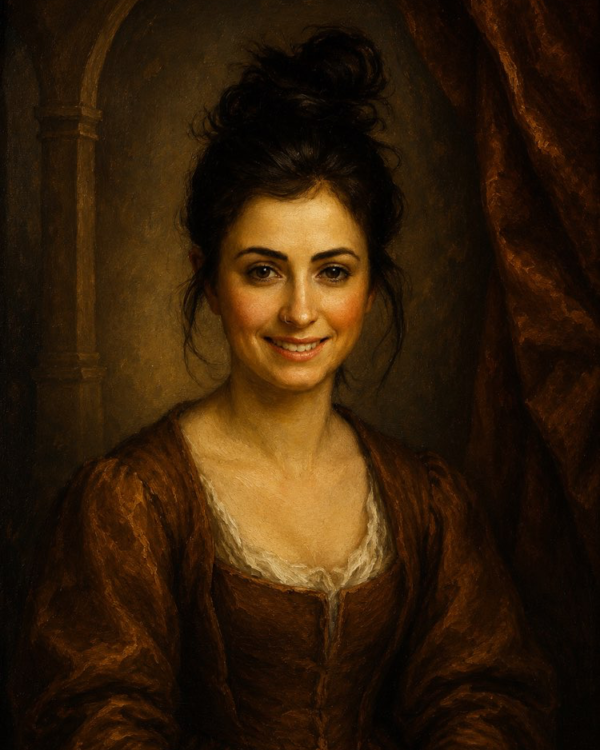
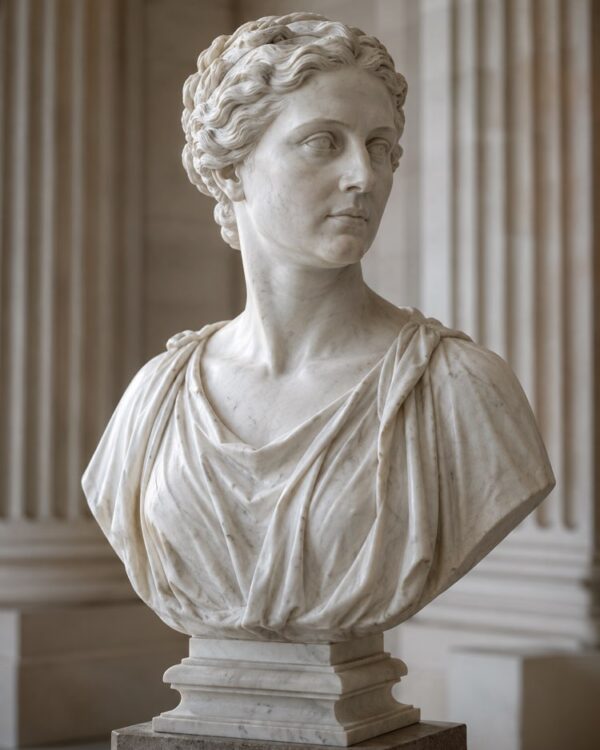
霓虹招牌人像把你的照片变成一幅连续发光灯管的插画,像一块专为砖墙做的招牌。它在 NanoBanana、Gemini 和 ChatGPT 上都能用。 1. 打开图像工具,开一个新的对话。 2. 发送一张正面的头肩照片,脸要清晰。 3. 把完整的 JSON 提示词粘贴在与照片相同的消息里。 4. 把 "color_palette" 里的十六进制颜色换成你想要的两种色。 5. 把 "foreground_object" 里的那摞书,换成更能说明你是谁的东西。 6. 生成招牌,检查有没有交叉的灯管,那是最常见的毛病。 小贴士:提示词特意要求一个可制造的走线,所以结果是一块说得通的招牌,而不是一团发光的涂鸦。
适用工具
ChatGPT
Gemini
NanoBanana